


How are valued the times entered by collaborators?
Times are calculated when created or modified (excluding wording) according to the rules below. If these rules change, the lines are not recalculated automatically, you must use « Tools > Recalculation of times / new rates », paying close attention to the desired recalculation scope.
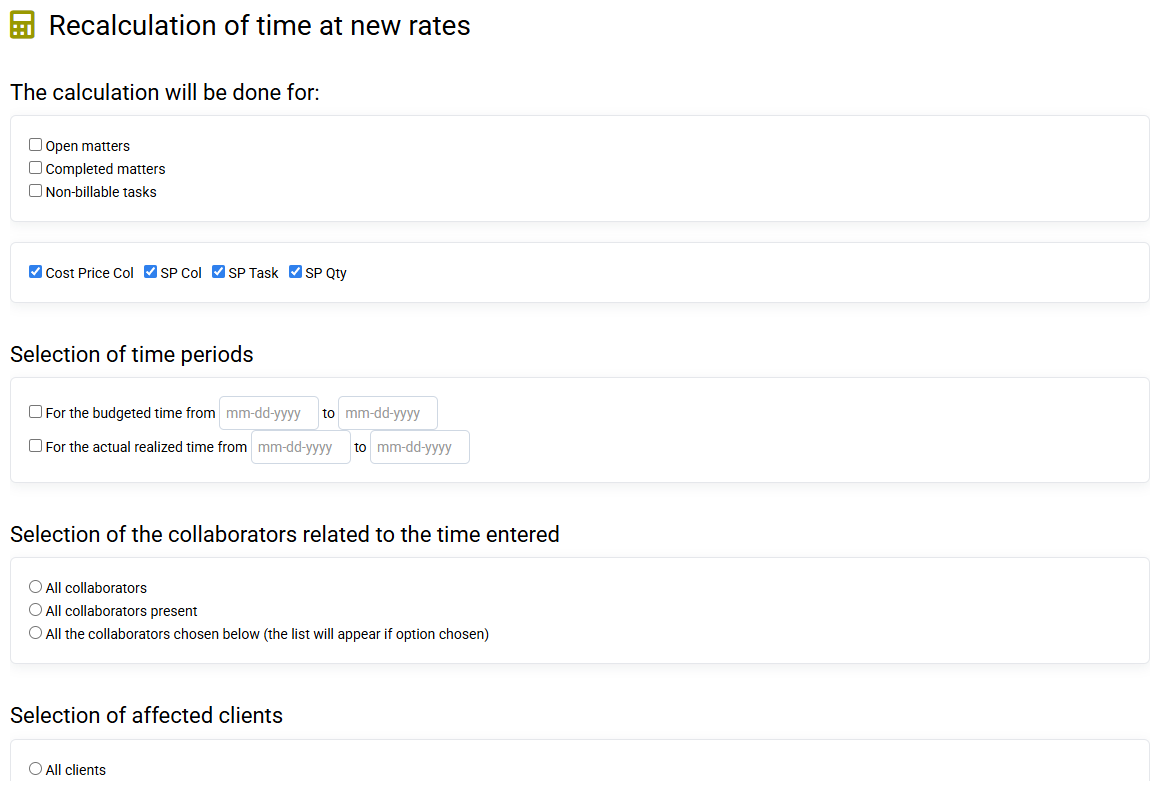
* The cost prices and selling prices of collaborators (PR COL and PV COL) defined for the valuation of time can be used at your convenience:
- either the current rates of the Collaborator file (Remuneration tab: you can manually enter the Collaborator Sale Price and the Collaborator Cost Price or enter the information for "Remuneration" and "Time" then tick "Automatic calculation of the PR Col" to calculate the cost price automatically);
- either the historical rates, kept or entered in advance. When modifying the file of a collaborator, you can put an effective date, in order to feed this history. And you can also manually modify this history.
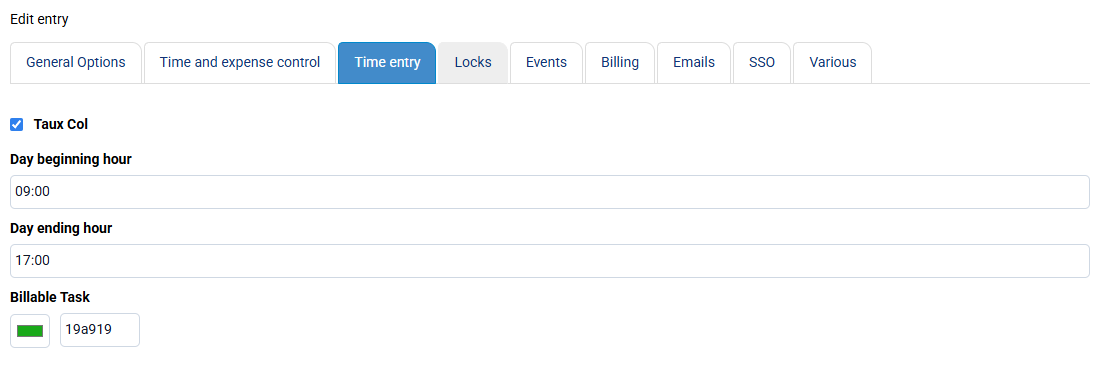
This time valuation mode (which refers to the collaborator file or to the history) is managed on the « Configuration > General options » page, "Time entry" tab.
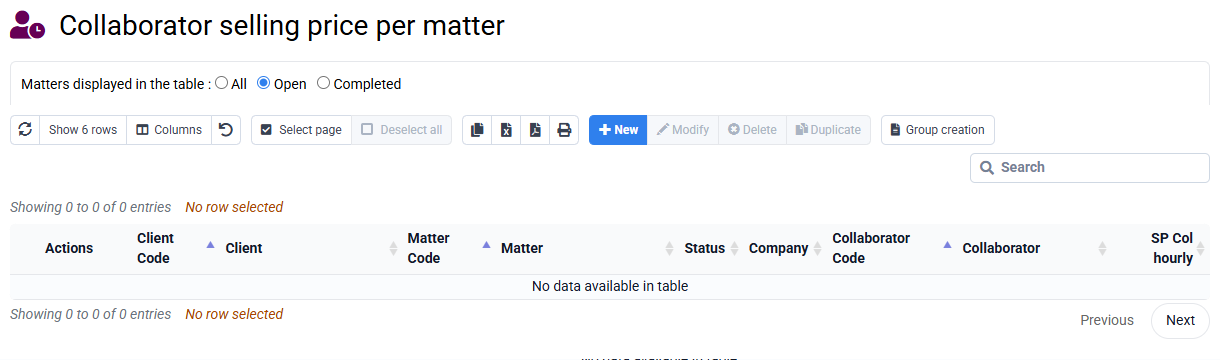
If necessary, specific collaborator selling prices (PV COL) per matter can be entered on the « Collaborators > Collaborator selling price per matter » page. When a specific rate per matter has been entered, it is retained in priority over the standard rate (current or historical COL PV) for the valuation of budgeted or spent time for this collaborator and this matter.
Consequently, if the sale price of a timeline is not what you want:
- Check if there is a sale price specific to the timeline deal,
- Failing this: check in « Configuration > General options » that the use of rate history is activated or not,
- Failing this: recalculate the valuation of this line with « Tools > Recalculation of times / new rates ».
* Billable tasks valued by quantity have a value defined according to the "PV Quantity" multiplied by the quantity entered in a time line.
If needed, specific quantity selling prices (PVQ) per job can be entered on the « Configuration > Task selling prices per job » page.