How to manage the entry of mileage expenses?
To manage your mileage expense entries, you can make several settings:
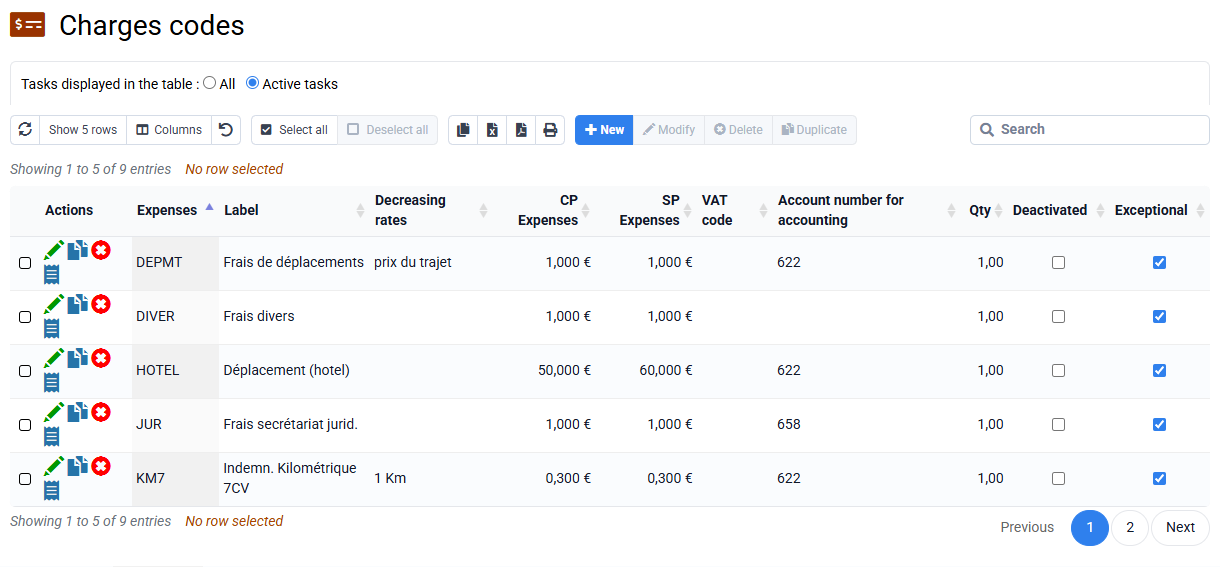
- Configure the expense codes that will be used in the “Configuration > Expense codes” menu. For a thermal vehicle with a fiscal power of 5HP, you can choose IK5 or KM5 as the expense code, and IKE5 or KME5 for an electric vehicle. You can pre-fill the unit PR and the unit PV. It is in fact possible to re-invoice the customer for a PV value different from the employee's reimbursement PR value.
- You can optionally configure the distance in km for a return trip to a customer, in the « Clients / Matters > Clients » menu by editing a customer file in the “Configurable characteristics” tab. This will automatically pre-populate the quantity when entering mileage charges on a customer, and this pre-populated amount can be changed if necessary.
- Other optional setting: in « Employees > Employees » by editing a collaborator file in the “Configurable characteristics” tab, you can fill in the “Kilom Indem. Code” field. which will allow the correct code to be preselected when entering the expenses of the employee concerned and thus avoid any entry errors.
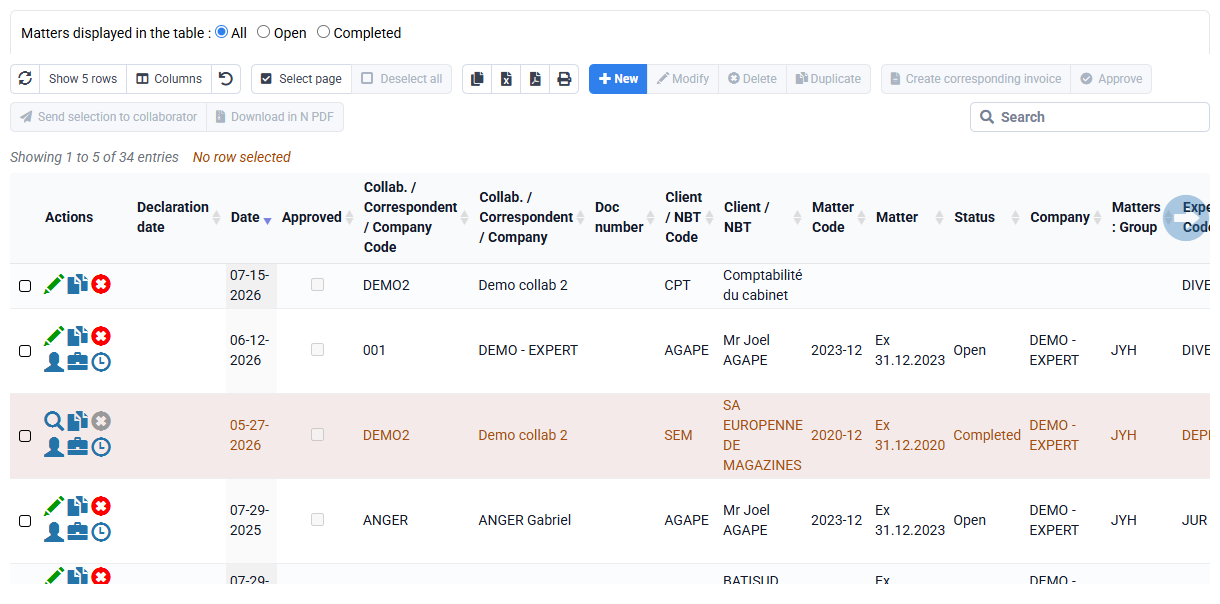
Once the settings have been made, you can enter mileage expenses in the « Time / Expenses > Details of expenses incurred » menu with the New button. The mileage must be entered in the “Quantity” box.