How to end or reopen a Matter?
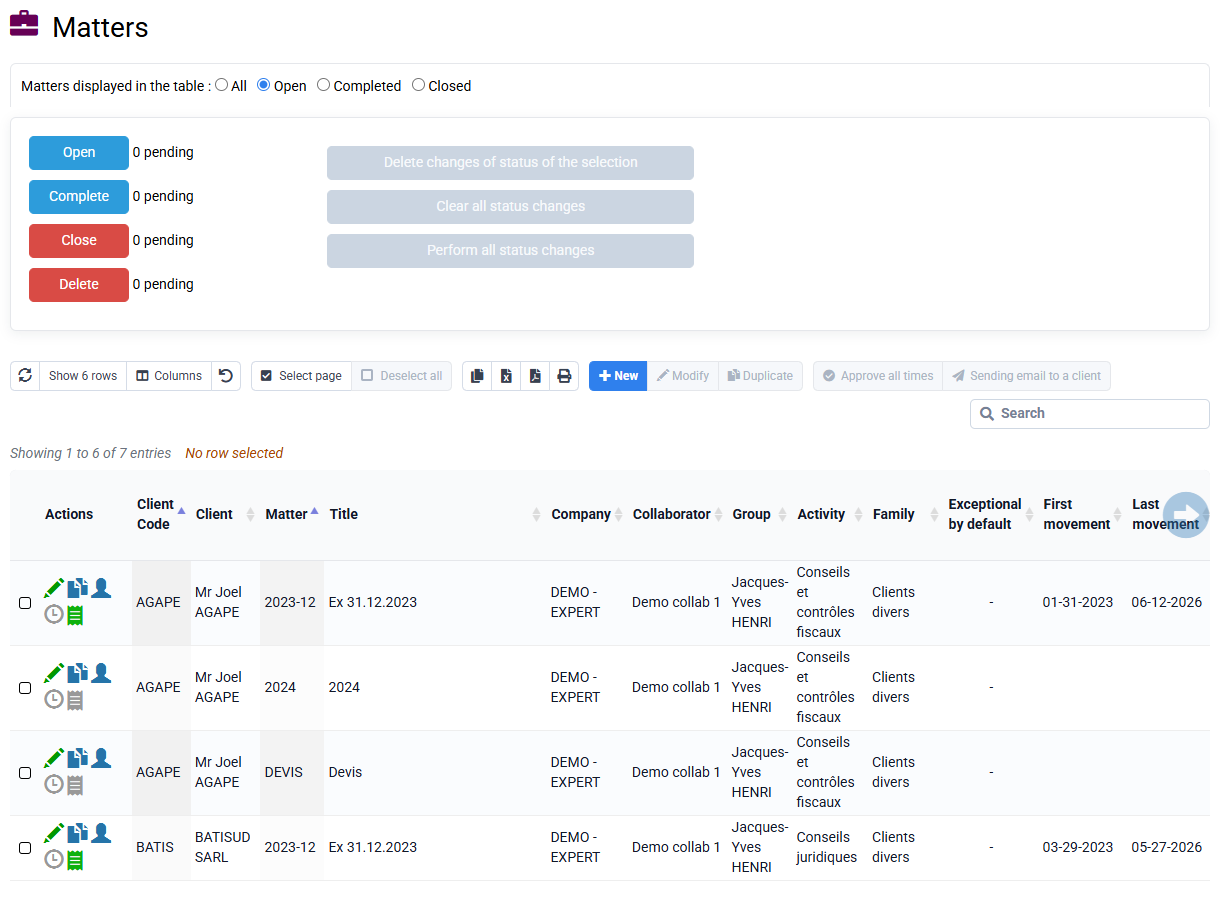
- In the menu « Clients / Matters > Matters »
- Select the case to finish / reopen with the box on the far left
- Click at the bottom of the table on "Finish" or "Open"
- Once all the desired operations have been prepared, click on the blue button at the bottom: "Execute all state changes".