How can I create matters with the same code for several clients?
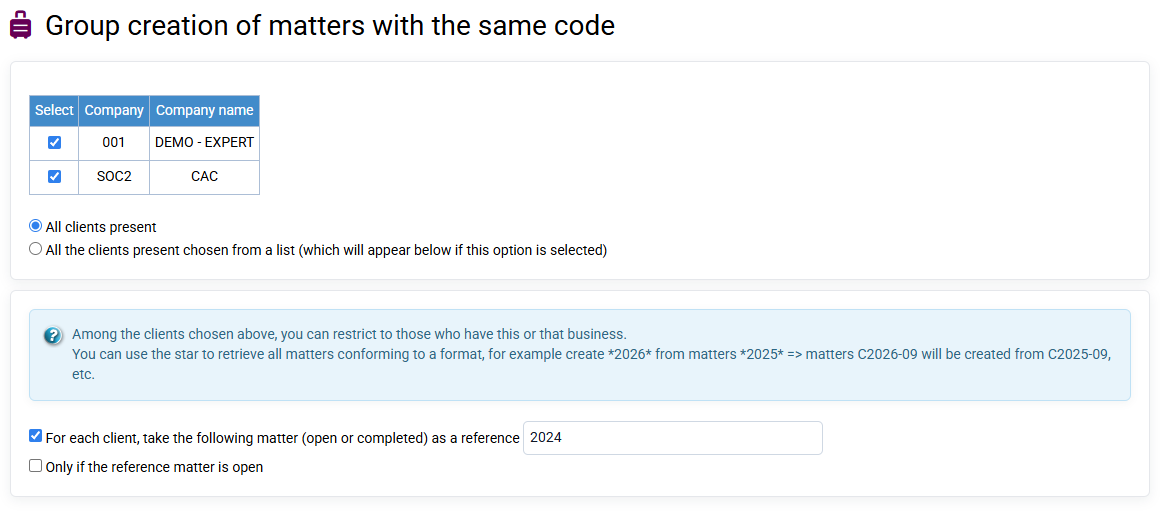
- In the menu « Clients / Matters > Matters grouped creation »
- Designate for which clients the cases will be created.
- In "creation options", add the code of your new matter then a title.
- You can then decide to keep the sales codes used in previous cases for automatic re-invoicing, or to choose others (in this case, uncheck "identical"). Same remark for the time billing unit -> "create matter".