Can I associate several supporting documents with a single entry of expenses incurred?
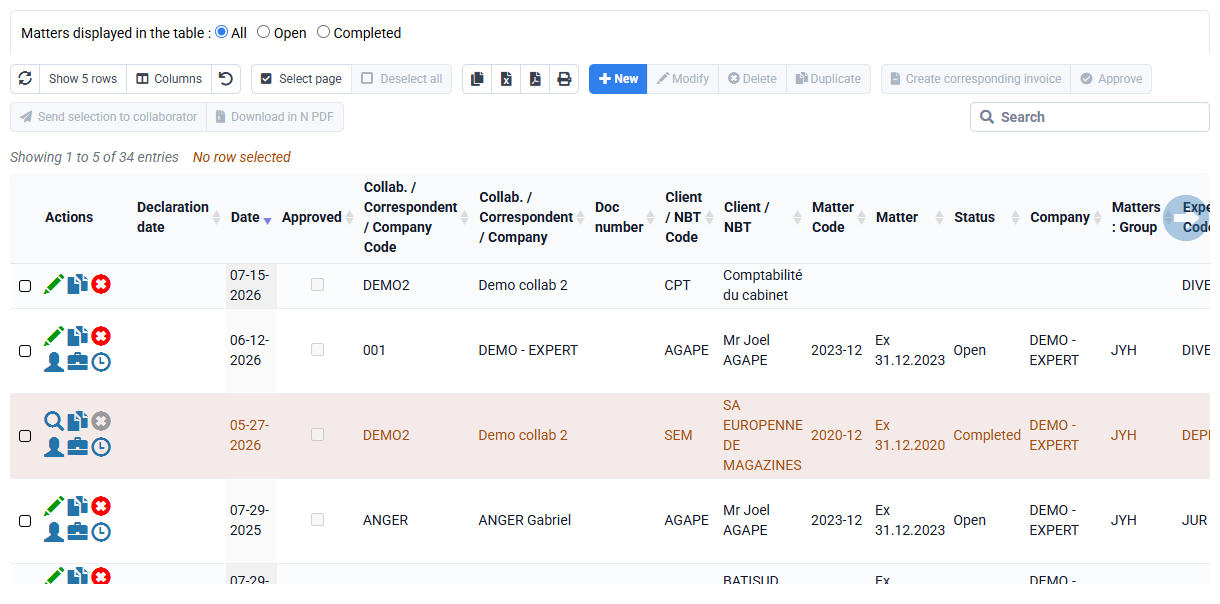
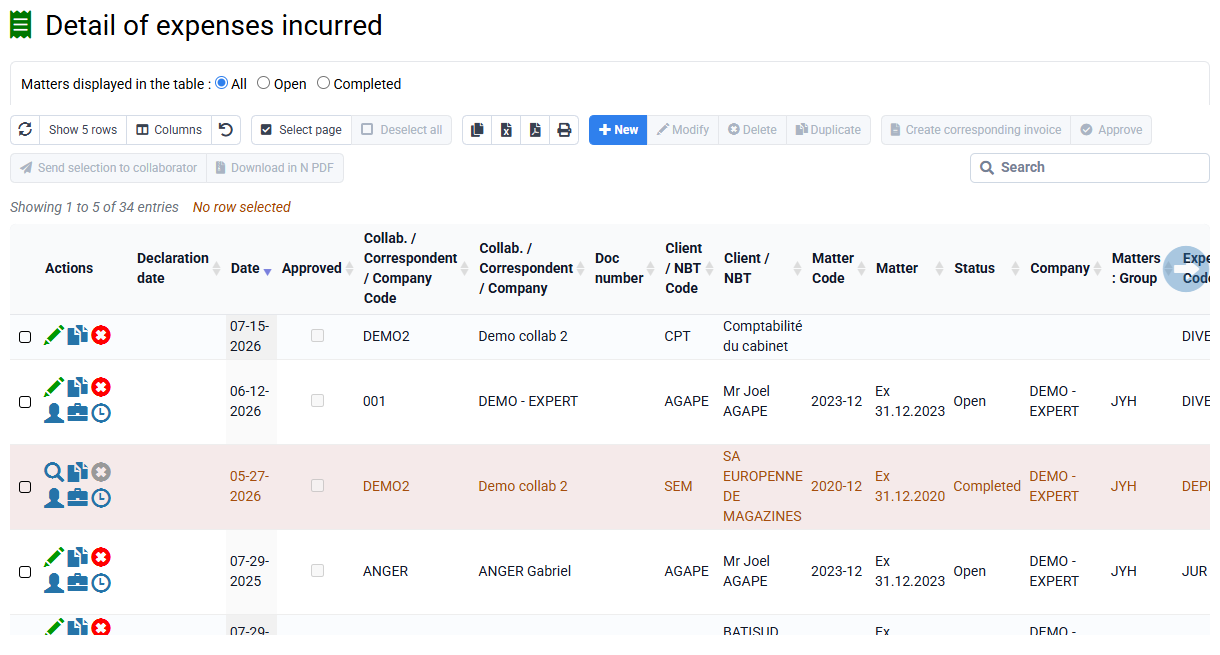
There is only one supporting document that can be attached for an expense line entry.
If each supporting document is a separate expense, you should normally create a line per separate expense, so one per supporting document.
It is also possible to:
- scan several documents together in a single PDF and attach it,
- or take a single photo of several documents placed next to each other (but in this case and the previous one, the OCR can only recognize one of the supporting documents transmitted).
- make a zip file of your multiple supporting documents and attach the zip file (which prevents the OCR from working: the content of this zip file will not be subject to automatic text detection)