How do quantity times work for re-invoicing produced quantities?
Quantity-based time allows you to measure the amount of work produced on a task. The employee can enter how many production units were completed during this time (e.g., 12 pay slips, 3 tax returns, 1 DSN, etc.). This allows you to bill for quantities produced rather than time.
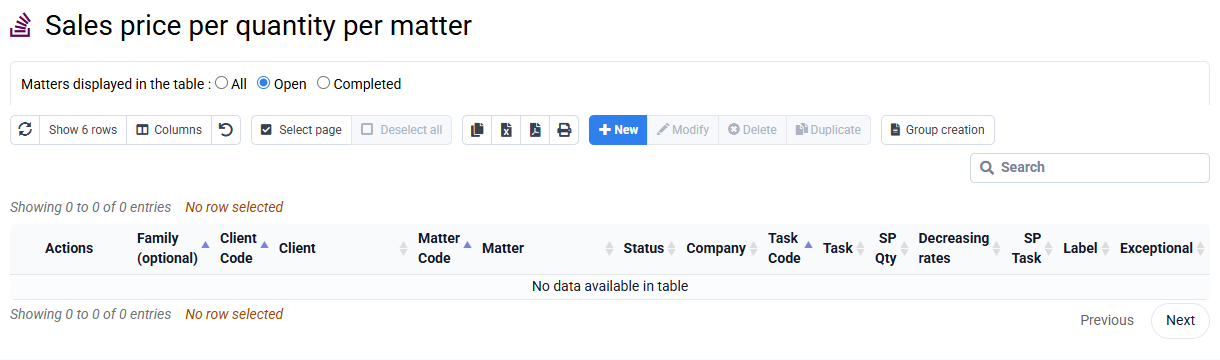
To configure a task as billable by quantity, go to the « Configuration > Billable Task Codes » page and check "Billable by Quantity." You can specify a "Quantity PV" used by default to calculate the value of the production entered; You can also go to the « Configuration > Sales Prices per Job » page, which allows you to enter sales prices based on quantities specific to each job.
The "Quantity" column is only displayed if access rights allow it on the "Collaborators > Login and Collaborator Rights" page.
Quantities can be entered at the same time as a time entry, or in a separate entry, and can also be imported from a CSV file. You can also automatically retrieve production from the Silae payroll software API.