How can I efficiently correct or reclassify time entries in bulk?
Tempolia provides a powerful feature for managing time entries on the « Time / Expenses > Detailed time spent » page: bulk modification of multiple rows. This feature lets you act on hundreds of rows at once, saving significant time and greatly improving usability. You can correct assignments, for example if many rows were wrongly assigned to a matter, standardize labels, or reclassify time after entry errors.
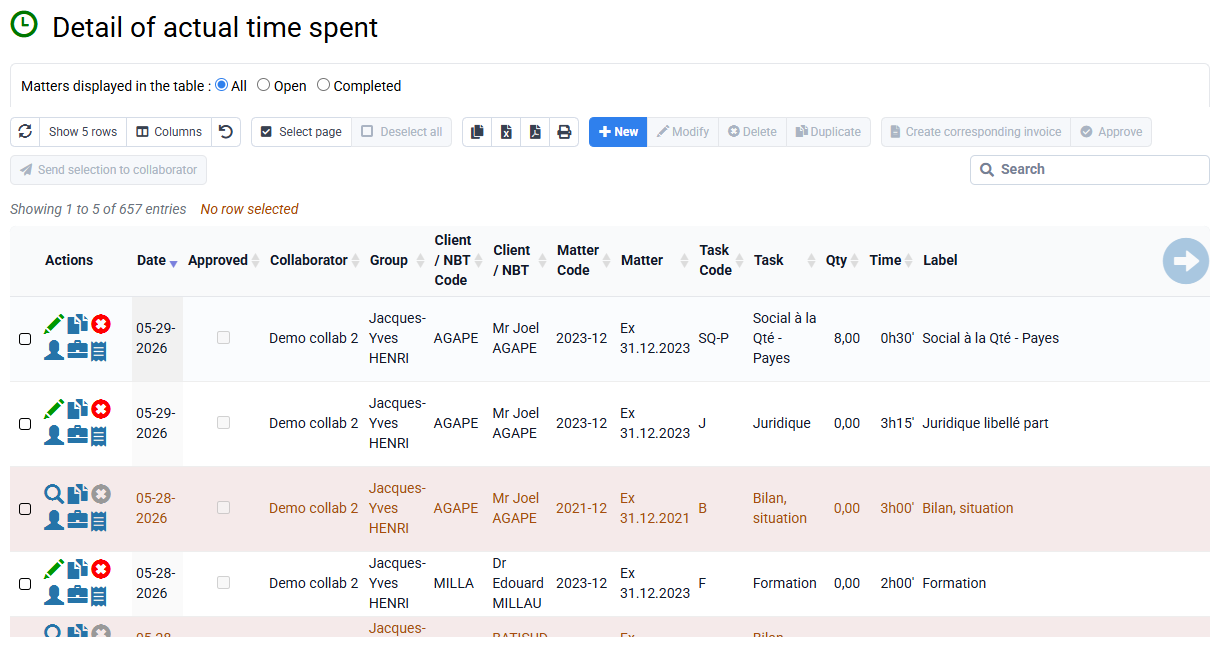
This capability is generalized across the software interface and is designed to be very fast, running in a fraction of a second even for more than 1,000 rows. The ability to select several time entries and edit or delete them in bulk is a key usability improvement. This flexibility ensures that time and profitability analyses remain accurate, even after major corrections.