How do I complete the history of cost prices and sales prices applicable to employees?
The « Employees > Rate and remuneration history » page contains lines that were created either:
- manually directly through this page,
- or when, on the "Employees" page, in an employee record under the "Remuneration" tab, an effective date is entered. The employee’s cost price and sales price are then historized on that effective date. See the message at the bottom of this tab: "NB: enter an effective date to historize a CP / SP change". The effective date is not stored in the employee record; it is only used to insert this information into the history on a one-off basis.
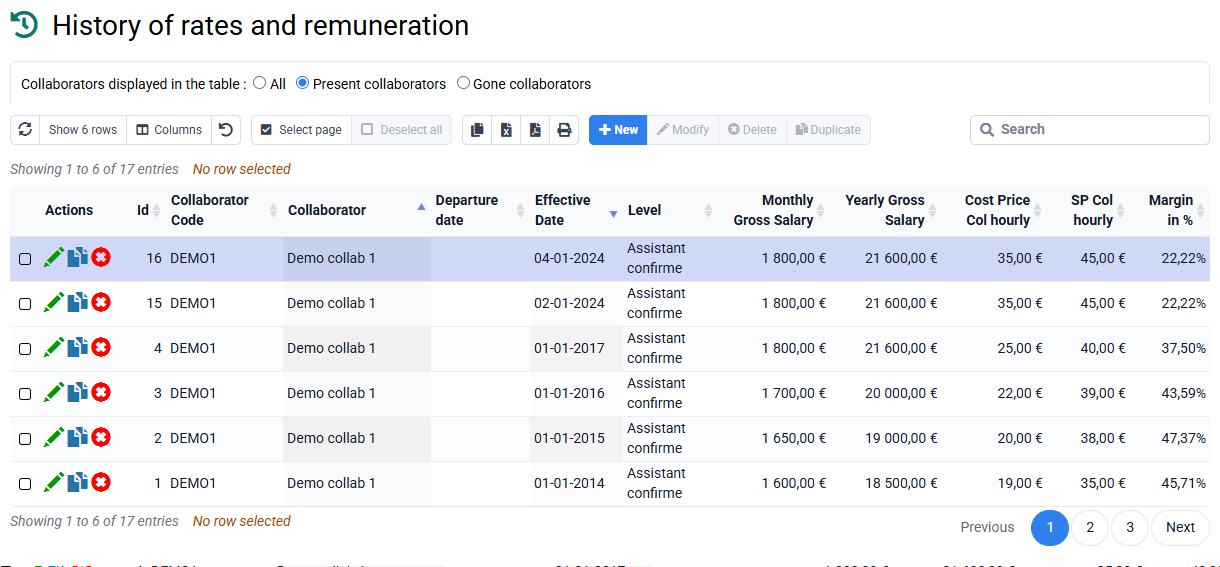
If an employee has no history, the best approach is to use this second process by entering an effective date.
For old periods whose past rate evolution you want to complete, you can complete the history by clicking New on the « Employees > Rate and remuneration history » page.