


Bill subscriptions and renew a billing schedule
Objective. Turn a recurring engagement into a reliable billing schedule, prepare each expected invoice and renew the plan without creating duplicate budget lines or invoices.
Your data before starting
Choose a client, an open matter and a year that does not yet contain the subscription schedule you will work on. Write down their actual codes and keep them in view throughout the exercise. Check the sales code, one-character VAT code, invoice template and payment terms. If the year used in the example is already occupied, choose the next free year and shift every date consistently.
What you will learn
- Create monthly, quarterly, annual or custom billing schedules.
- Understand the transition from a billing budget to a draft and then an issued invoice.
- Renew recurring budgets while controlling dates, amounts and duplicates.
Recommended workflow
- Confirm the client, matter, issuing company, contract period, total amount and billing frequency.
- Create the schedule with stable sales codes, descriptions, dates, amounts and VAT treatment.
- Review the number of instalments, first and last dates and total value before invoice preparation.
- After an authorised issue, confirm that billed instalments are no longer proposed and note how the next period will be renewed.
Before continuing
- The number of instalments multiplied by the instalment amount matches the contractual total.
- Renewal does not overlap an existing schedule or an already issued invoice.
- Payment terms and customer billing conditions are checked before the first invoice.
Prerequisites and the three objects to reconcile
The paper exercise needs no prepared data. In Tempolia, use either an administrator-prepared training matter or an existing schedule in read-only mode. Record its client, matter, period, amount, frequency, sales code, one-character VAT code and payment terms. Never replace a live contract’s terms with the worked-example values.
Keep three objects distinct: the billing budget forecasts a month and amount; the draft proposes what to invoice on a precise date; the sales journal contains the issued document. The workshop stops at the unissued draft.
Four instalments without duplicates
Start on paper with a fictional €1,200 net annual contract split into four quarterly instalments of €300. Tempolia stores the budget month on its first day; the exact invoice date is chosen during preparation.
The example uses January, April, July and October 2027 and a first draft dated 15 January. Enter these values only in a dedicated training matter. On an existing schedule, keep its actual amount, frequency and contractual dates.
- 10 min: review the contract, matter and reference data.
- 20 min: build four instalments and reconcile the total.
- 15 min: test renewal and duplicate controls.
- 20 min: prepare the first due instalment and review the draft.
- 10 min: reconcile schedule, draft and annual monitoring.
Four months spaced three months apart total €1,200. At the first preparation date, only one €300 instalment is due; renewal carries the four months forward once.
1Translate the contract into controlled instalments
Path: Clients / Matters > Matters, then Budgets > Budget by matter and Billing budgets.
Open the selected matter and verify client, issuing company, contract period and annual total. Separate services when wording or VAT treatment differs.
On paper, write four €300 lines in January, April, July and October, totalling €1,200. In Tempolia, compare that logic with the training matter or the existing schedule without changing live data.
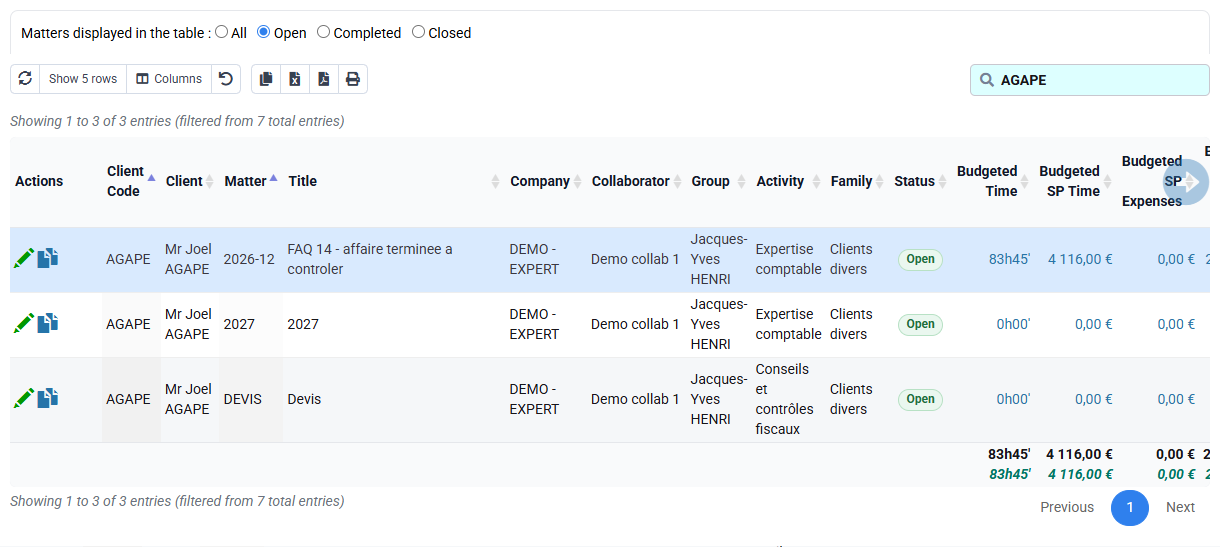
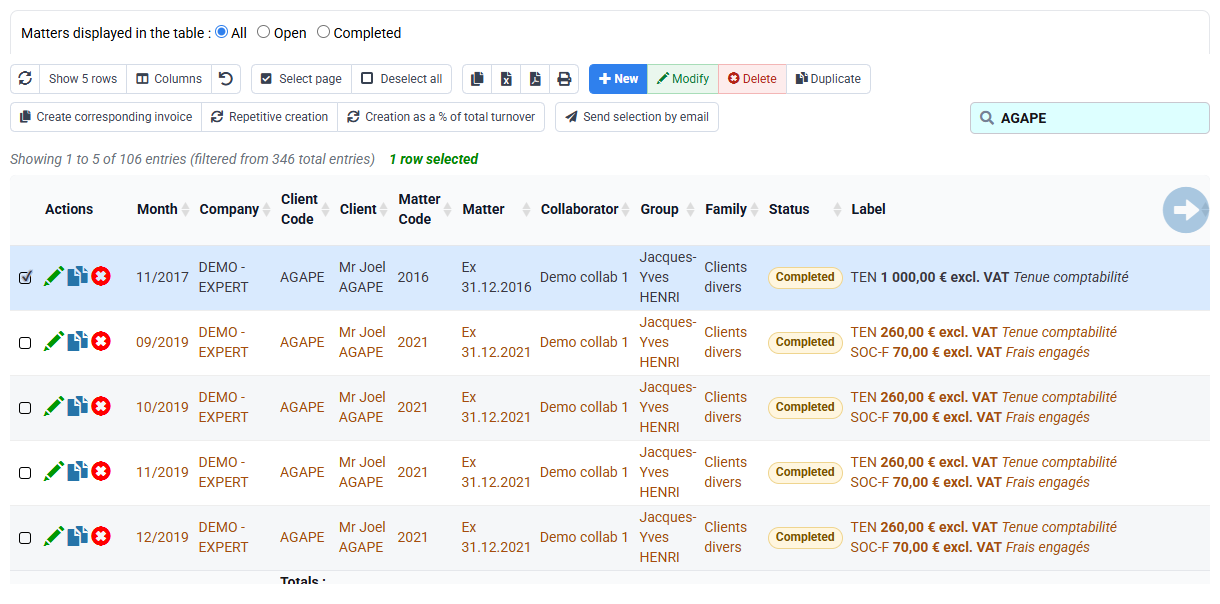
The matter, contract and calculation table identify the same four instalments and annual total.
2Use repetition and renewal without duplicates
Path: Budgets > Billing budgets and Budget renewal.
In a dedicated training matter, repetitive creation may use €300, a first month, a three-month interval and four occurrences. Otherwise open the form without submitting, identify those fields and review the existing schedule with its own values. Always inspect the target period before renewal.
For renewal, use the created year as source and the following year as target. Read existing target rows before choosing Add or Replace. Resolve a duplicate explicitly.
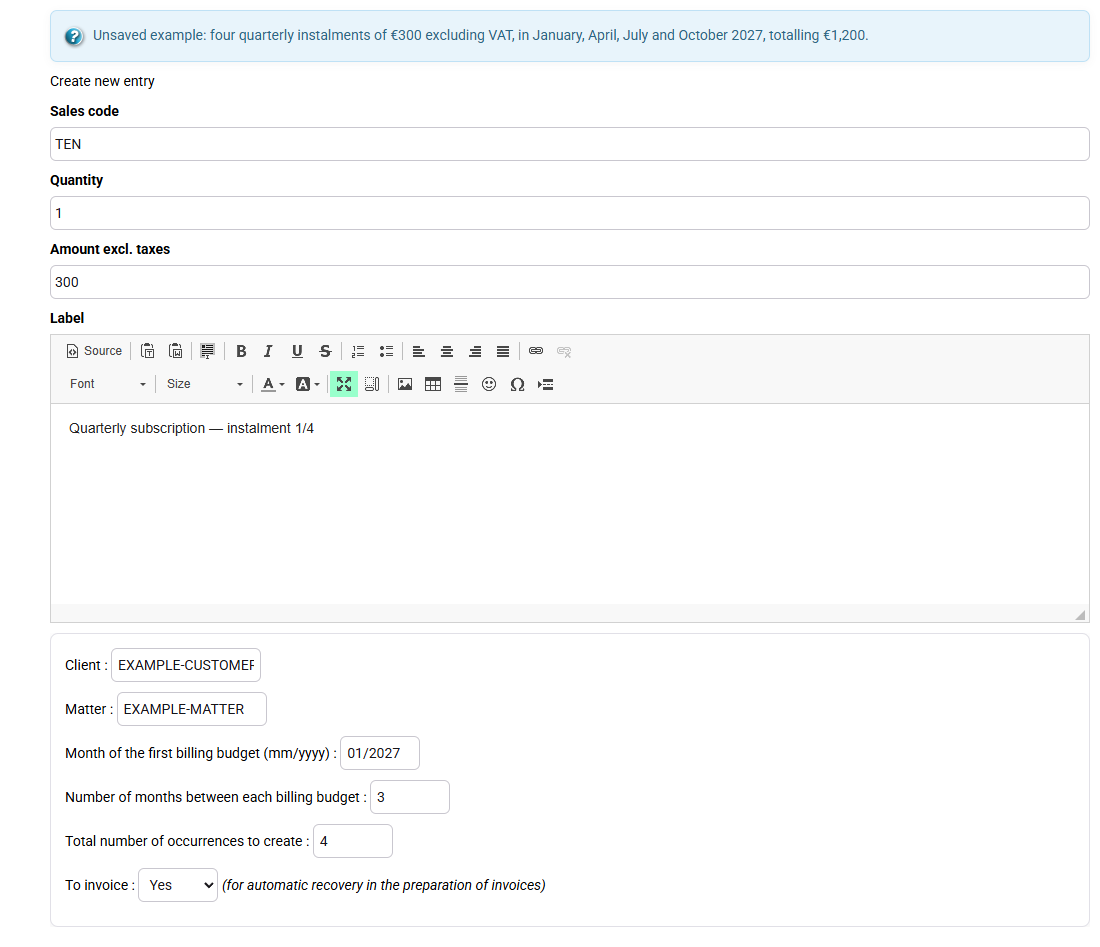
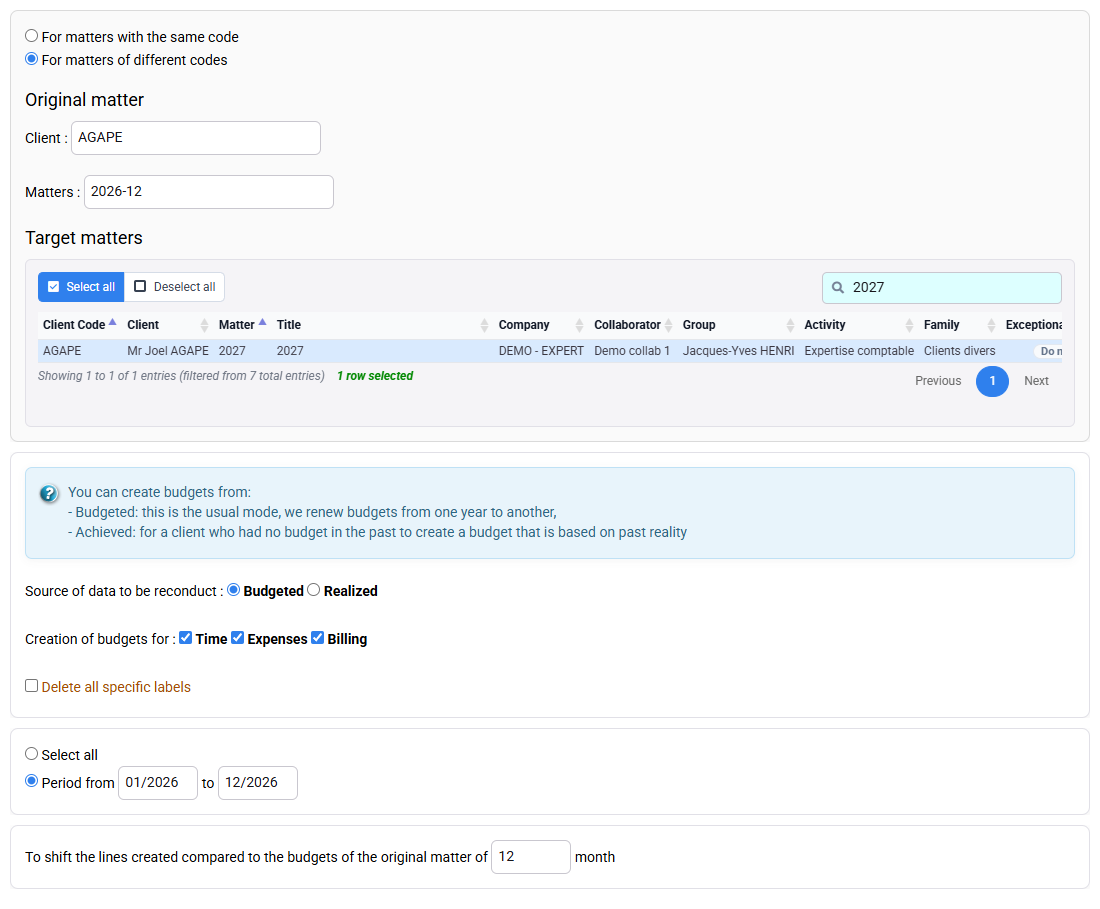
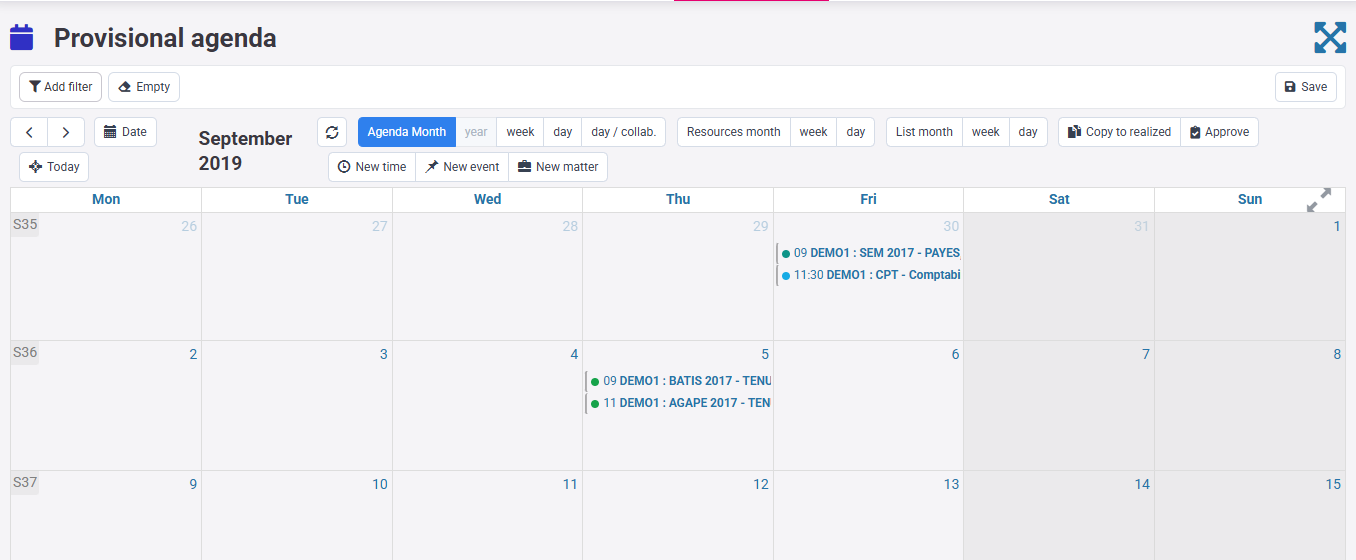
The source has four rows and renewal proposes four months shifted by one year without duplicating an existing month.
3Prepare only the instalment due on 15 January
Path: Billing > Invoice preparation, then Billing > Invoices awaiting validation.
Select company, matter and a date in the first instalment month. In the worked example, the January budget is stored on 1 January and the draft is prepared on 15 January; April, July and October remain future.
On the training matter, the first draft contains €300 net. On an existing schedule, review the amount actually due. In both cases check client, matter, wording, VAT, gross amount, due date and source budget without issuing.
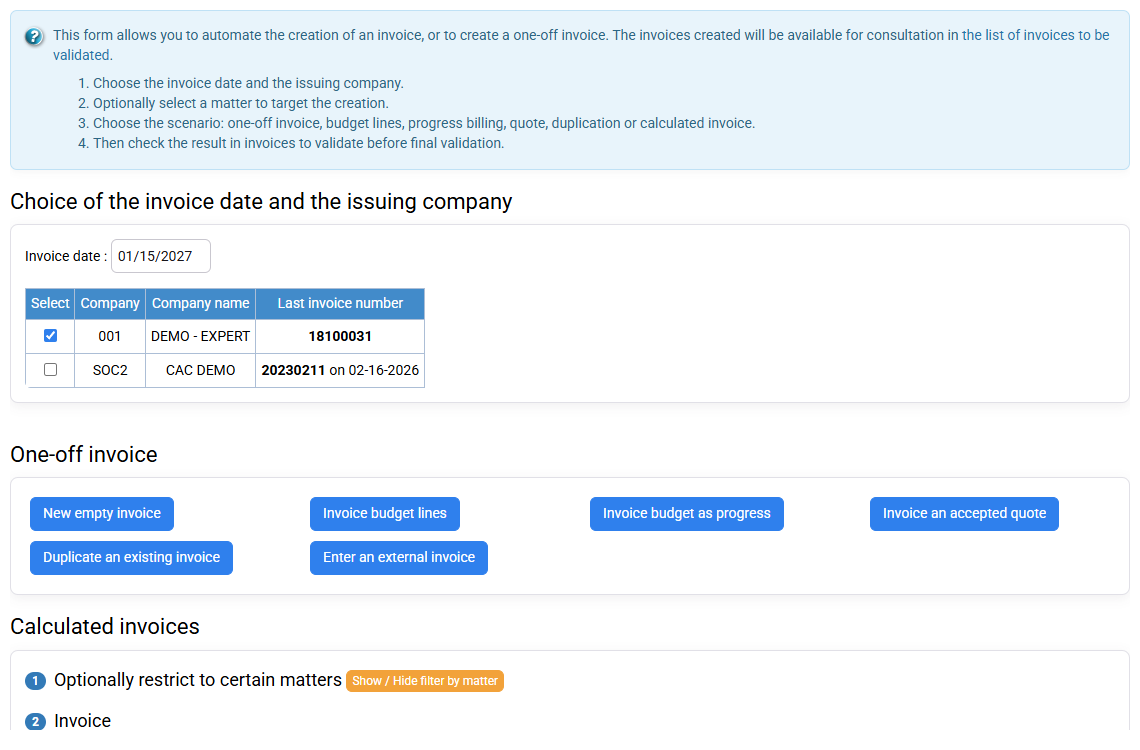
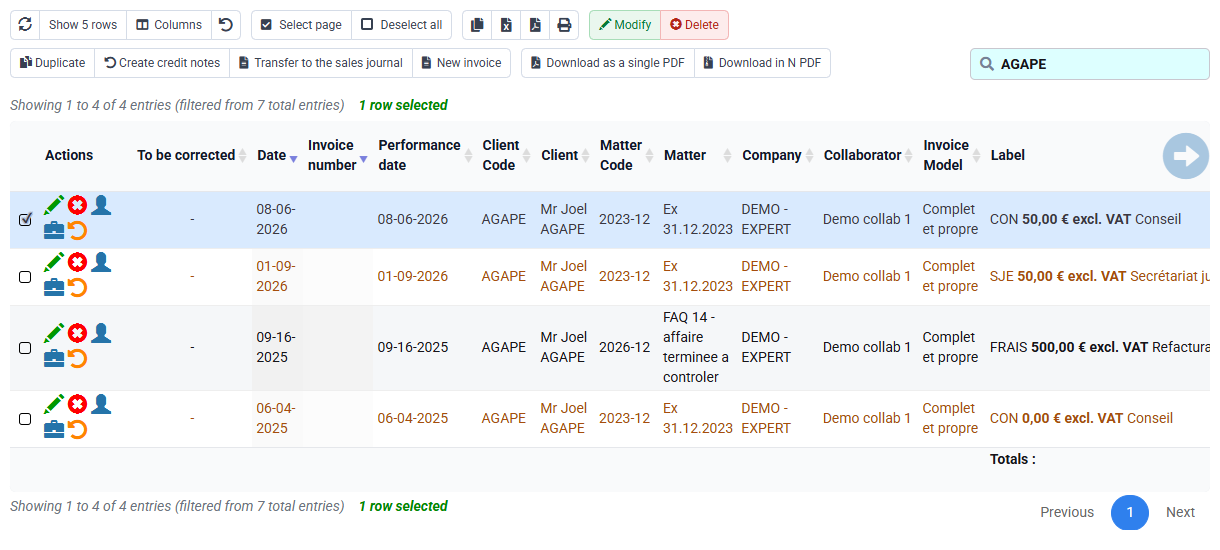
Only the first due instalment feeds the draft; later instalments remain available for their months.
4Review presentation, customer terms and downstream controls
Path: Billing > Invoice templates, Clients > Clients, then issued invoice journal and accounting export.
The template controls recurring presentation; the client record supplies tax identity, billing address and payment terms. Correct a recurring source issue there rather than on every draft.
After an authorised issue, find the document in the sales journal and confirm that its budget is no longer proposed. Accounting export is a later step and never corrects the schedule.
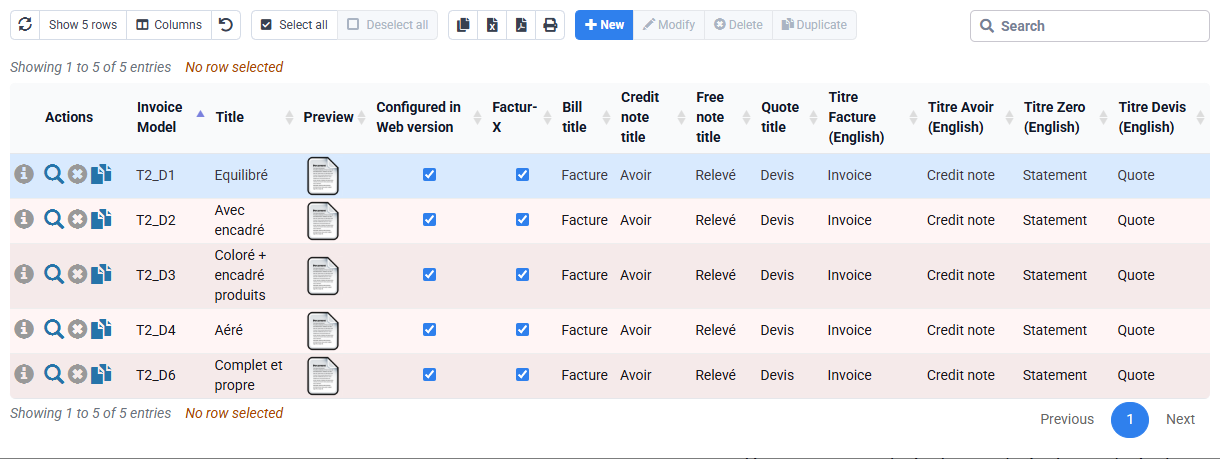
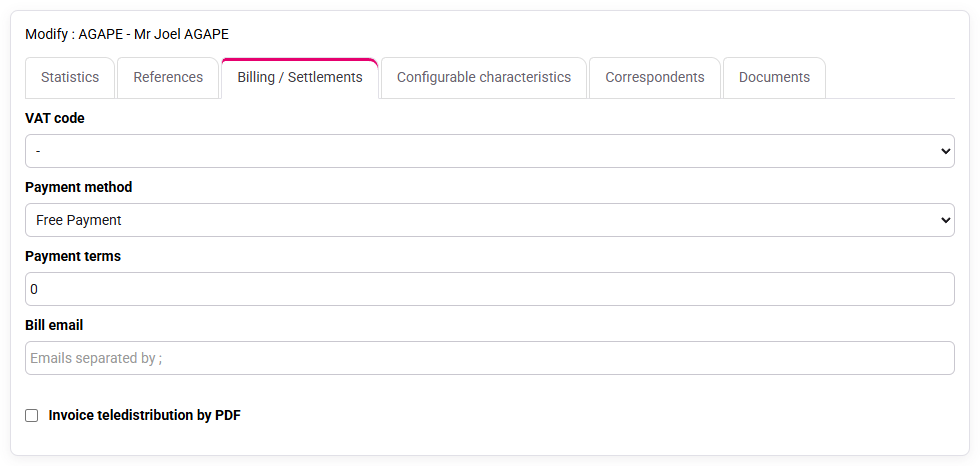
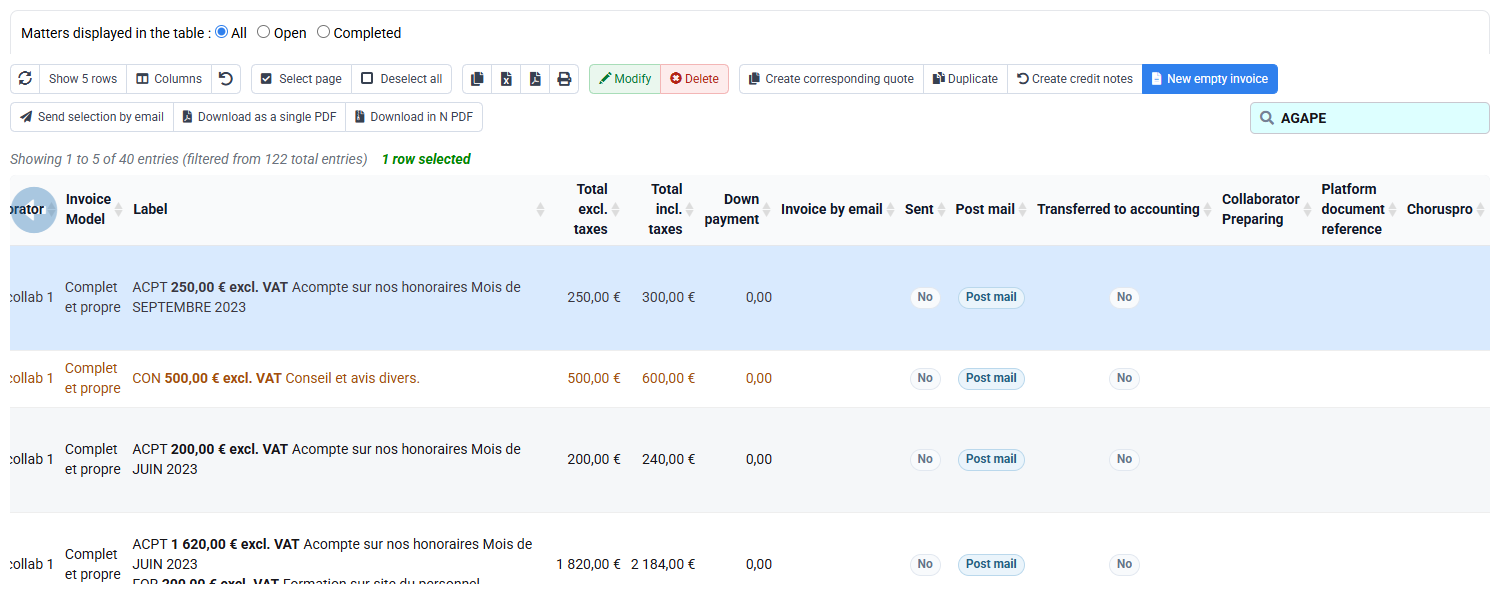
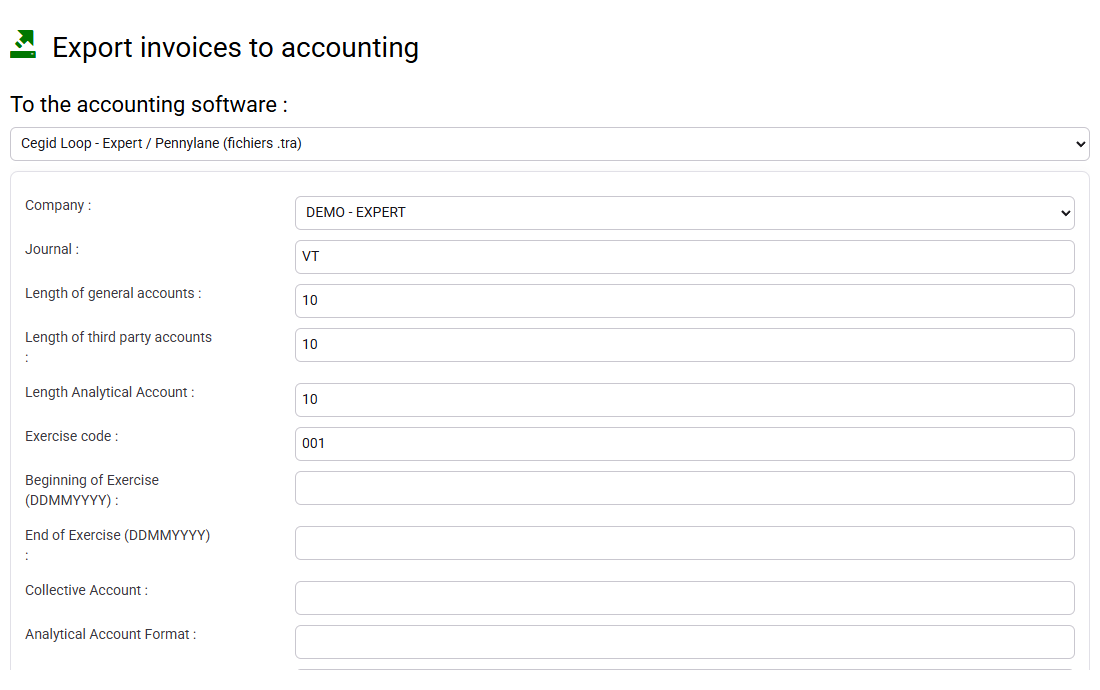
You can identify which information belongs to the template, client record, draft, issued journal and accounting export.
Check a complete instalment cycle
First calculate 4 × €300 = €1,200 on paper. In Tempolia, continue on a dedicated training matter or review an existing schedule with its own amounts and dates.
- 1. Record contract total, instalment count, frequency and planned months.
- 2. Check client, matter, company, sales code, one-character VAT code and retrieval flag.
- 3. Open renewal and inspect rows already present in the target period; leave without submitting in read-only mode.
- 4. Prepare only the due instalment on the training matter, or trace an existing draft back to its source budget.
The schedule total matches the contract, the draft uses the amount actually due and future instalments remain separate.
Errors to avoid
- Entering the annual amount as the amount of every occurrence.
- Reading the normalised budget date as the contractual invoice day.
- Renewing without checking existing target lines and issued documents.
- Preparing every future instalment because the filter or retrieval option is too broad.
- Correcting recurring VAT or payment-term errors only in each draft.
- Calling a budget or draft an issued invoice.
Before leaving the page, reconcile the contract amount, instalment count, frequency and drafts already prepared. Correct any difference in the schedule before issue.
Step back
A subscription is not a copied invoice. It is a contractual commitment translated into dated forecast instalments and then used during invoice preparation. The chain contract → billing budget → draft → issued document must remain reconcilable in both directions.
Before renewing, reread the contract, amounts and rows already present in the new period. This avoids carrying an old error forward or creating a duplicate.
- Monitor annual total, occurrence count, drafts awaiting validation and issued invoices together.
- Keep month-level forecast storage and exact document dating conceptually separate.
- Treat duplicate detection as a business control, not a technical inconvenience.
- Stop before issue when customer data, tax treatment, amount or source reconciliation is uncertain.
You can explain every amount from contract to draft, detect a missing or duplicated instalment before issue, and distinguish a legitimate first-of-month budget date from the exact fifteenth-day invoice date.