


Bill a project by percentage of completion
Objective. Invoice each project phase from its cumulative percentage of completion, deduct amounts already invoiced and preserve a clear reconciliation between the contract budget, progress and issued invoices.
Your data before starting
Choose a client and matter from your subscription with an identifiable progress-billing phase. Note the contractual amount, sales code, one-character VAT code, template, prior progress invoices and dated approval of completion. If no phase exists, complete the worked calculation on paper and ask your administrator to prepare this prerequisite before continuing in Tempolia.
What you will learn
- Structure the billing budget into stable, identifiable project phases.
- Calculate the current invoice from cumulative completion rather than the period-only percentage.
- Understand how previous invoices and a decrease in progress affect the amount to bill.
Recommended workflow
- Create the phase budget with consistent sales codes, descriptions, amounts and VAT rules.
- Open the dedicated progress-billing workflow for the correct client and matter.
- Enter documented cumulative completion for each phase and review the previously invoiced amount.
- Verify the difference to invoice, the draft and its appendix, then reconcile the new cumulative total after issue.
Before continuing
- The sum of phase budgets matches the contractual billing basis.
- Each completion percentage is supported by an approved business source.
- A negative difference is reviewed as a potential credit note and is never validated automatically.
Prerequisites and cumulative equation
Choose a phase with a known contractual amount, sales code, one-character VAT code, prior progress invoices and dated approval of completion. If it does not yet exist in Tempolia, stay with the paper calculation until the administrator has added it.
Always calculate phase budget × cumulative completion − prior billed amount. The percentage is completion to date, not the current month’s increment.
Calculate and track cumulative progress
For the worked example, use a €10,000 phase. At 20% the completed value is €2,000. At 35% it is €3,500, so after €2,000 prior billing the current difference is €1,500. A correction to 30% gives €3,000 − €3,500 = −€500.
Work through all three calculations on paper. Enter 20%, 35% and 30% only in an unsaved example or an administrator-prepared training matter. On a live phase, use only its actually approved cumulative percentage, budget and prior billed amount.
- 10 min: establish the equation and find the source of completion.
- 15 min: create or review the phase budget.
- 25 min: simulate 20%, 35% and 30%.
- 20 min: review draft and appendix without issue.
- 10 min: decide how to handle a decrease or budget change.
Each Tempolia result agrees with the prior calculation; a decrease produces a negative difference to review, never a silent zero.
1Create a real phase budget
Path: Budgets > Budget by matter and Billing budgets.
Create or identify one stable sales-code line per phase. Phase totals must match the contractual progress-billing basis. Time and expense budgets support workload management but do not replace the billing phase.
If the phase table does not appear, check rights and budget configuration. Do not bypass it with a manual invoice.
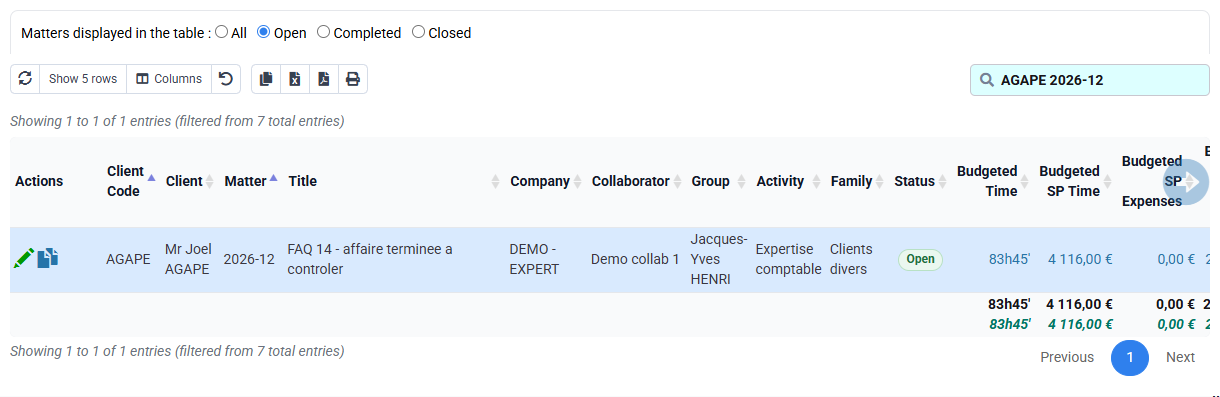
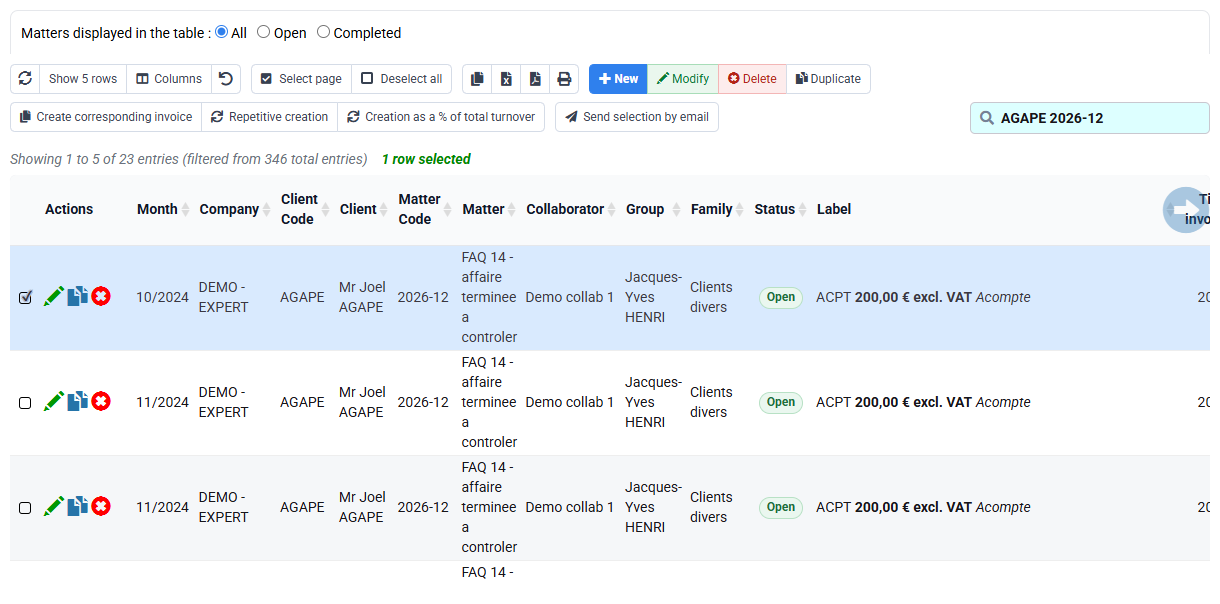
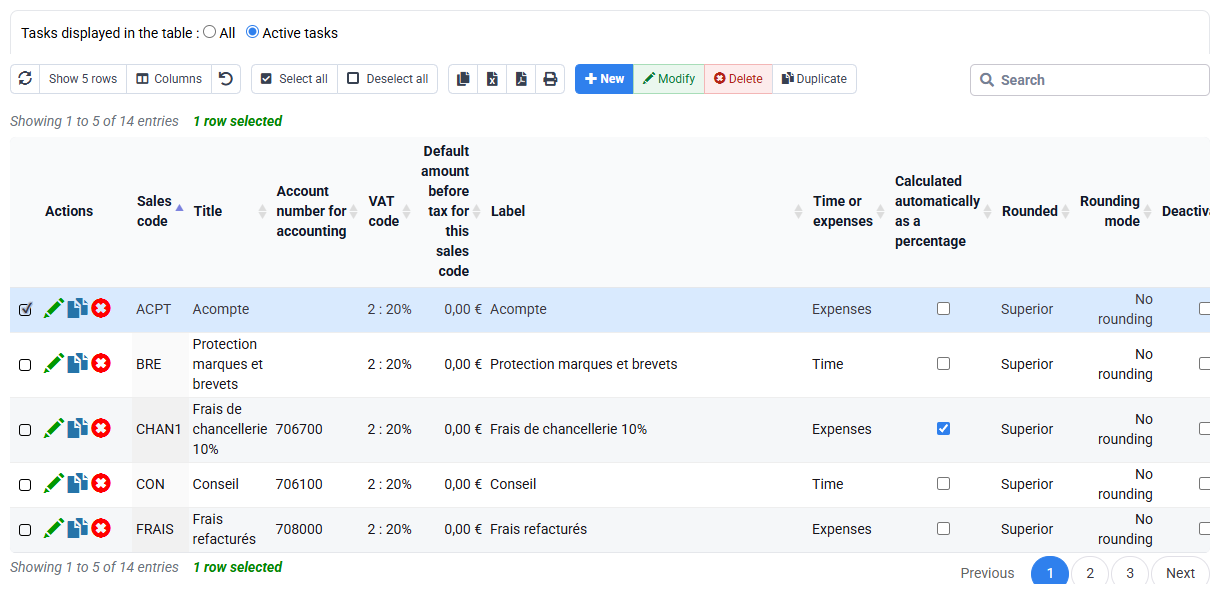
The selected phase is visible with contractual budget, sales code and VAT treatment.
2Simulate the three cumulative situations
Path: Billing > Invoice preparation, Progress billing.
Select the client and matter and read phase budget, prior billed amount, completed value and current difference together. For the first worked situation enter 20%: €10,000 × 20% − €0 = €2,000.
Continue with 35%, then 30%, using the prior cumulative billing in each equation. Do not add percentages as monthly increments.


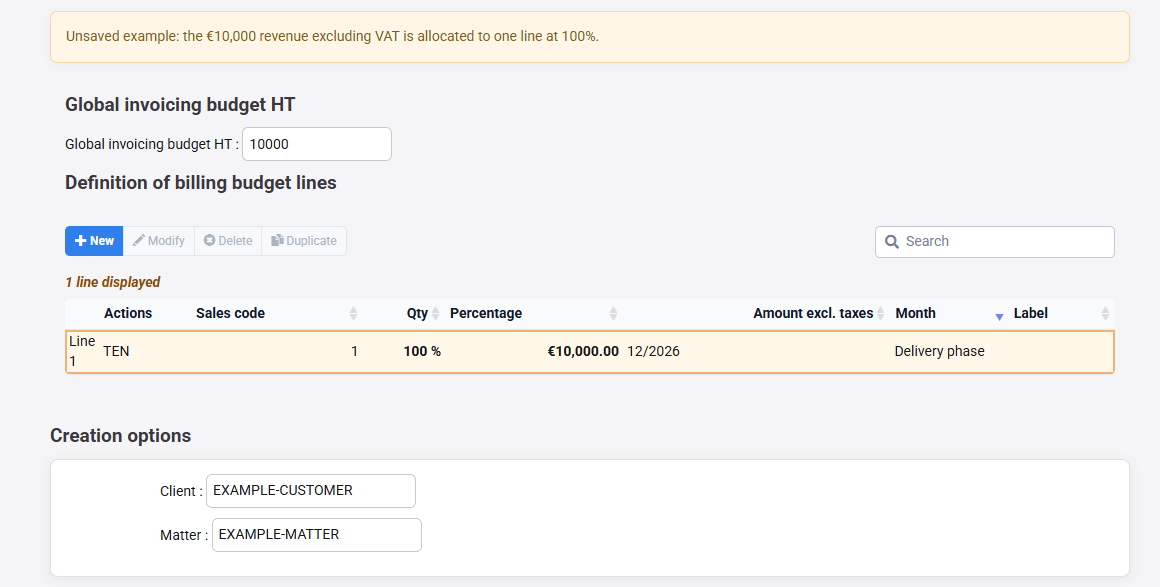
The three expected differences are €2,000, €1,500 and −€500 in the worked example.
3Review the draft, appendix and project
Path: Invoices awaiting validation, invoice templates, reports and the contractual document.
For each positive situation, open the unissued draft and reconcile phase, budget, cumulative percentage, completed amount, prior billing, current difference, VAT and total. The appendix must make the cumulative position understandable.
Use time budgets, forecast agenda and quotations as supporting context, never as substitutes for the contractual phase.
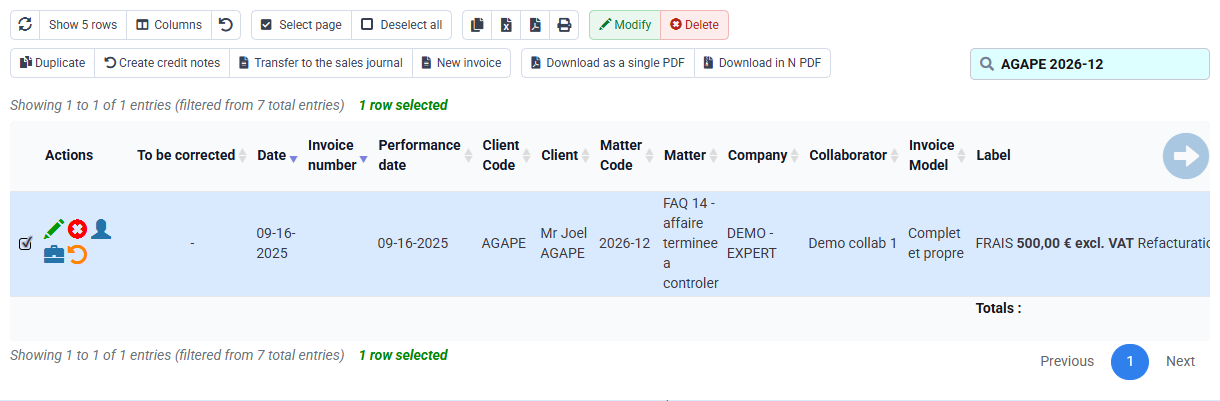
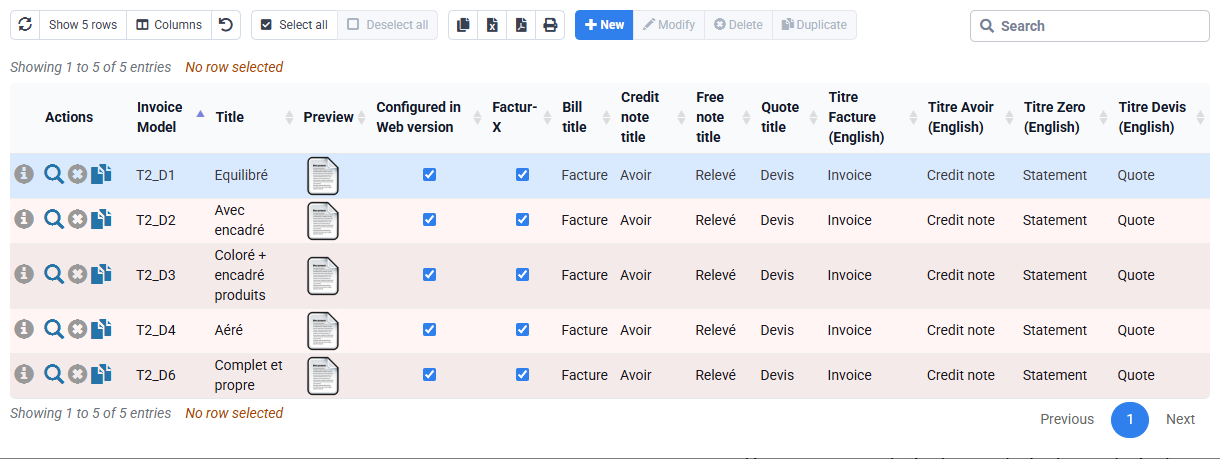
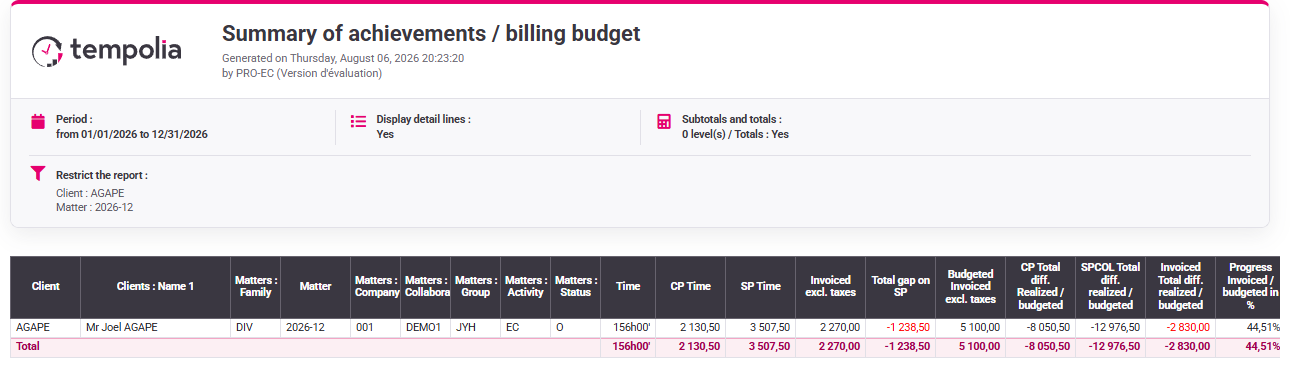
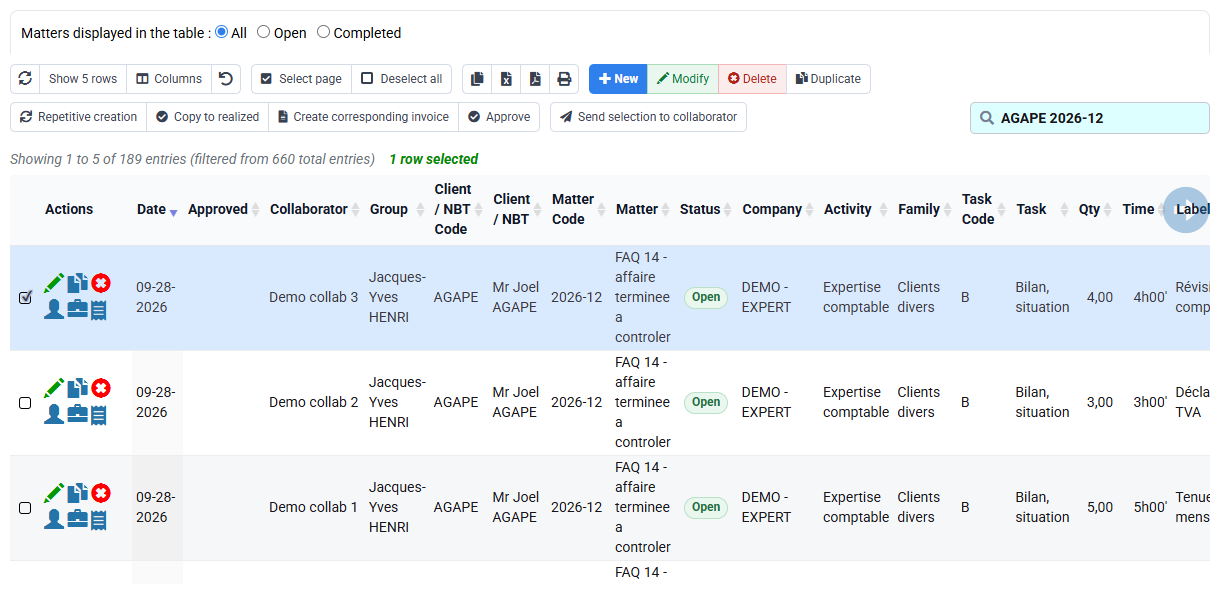
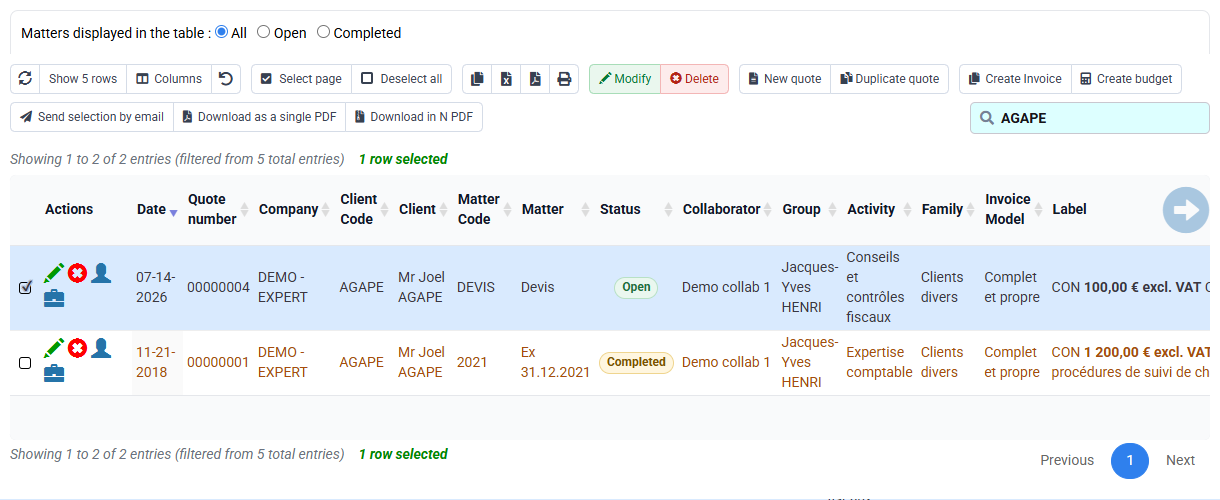
Draft, appendix and calculation table show the same cumulative amount.
4Handle decreases and complete the final control
A lower cumulative percentage may reflect corrected estimation, rejected work or changed scope. Record the reason, dated approval and contractual impact. A negative difference may require an authorised credit-note flow; it is not issued automatically.
If a result differs, check selected phase, budget, percentage interpretation and prior invoices before changing any amount.
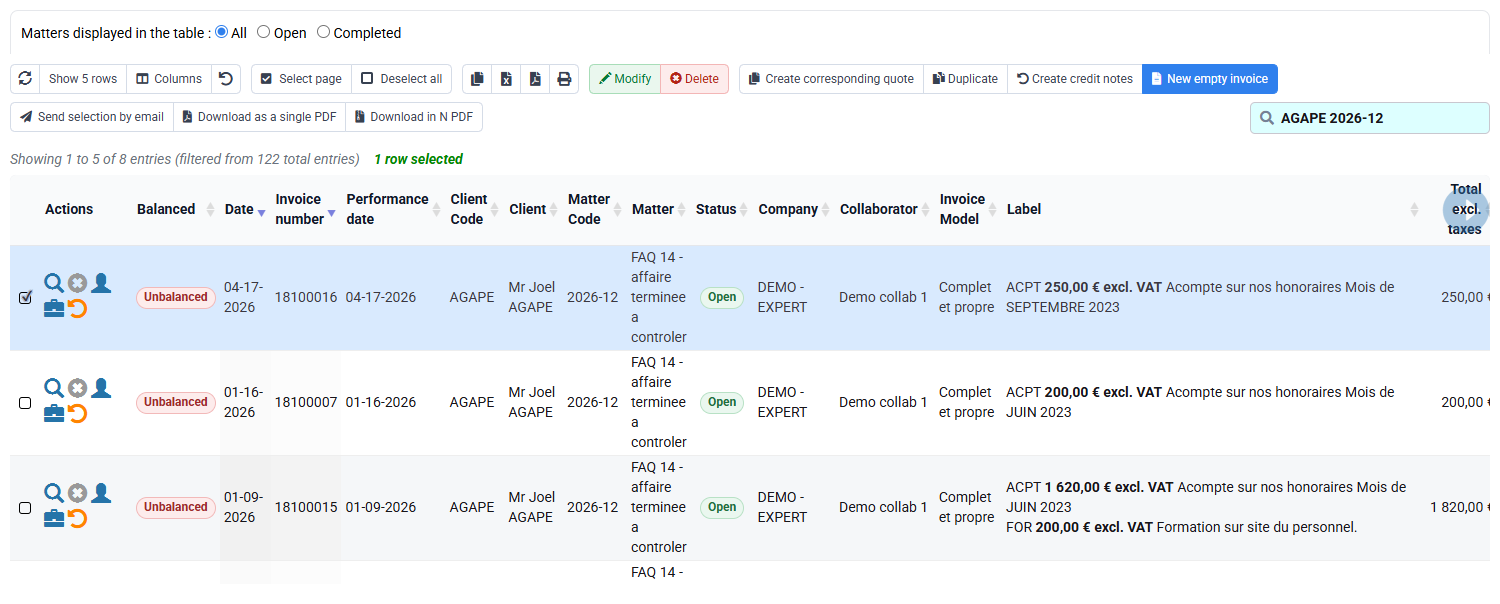
The negative case remains on hold while the appropriate treatment is decided; no document is issued.
Understand the running total
Calculate the three €10,000 situations on paper. In Tempolia use an unsaved example or a dedicated training matter. On a live phase, read only its approved percentage and prior invoices.
- 1. At 20%, calculate €10,000 × 20% − €0 = €2,000.
- 2. At 35%, replace 20 with 35: €3,500 − €2,000 = €1,500.
- 3. At 30%, calculate €3,000 − €3,500 = −€500 and stop before validation.
- 4. For your live phase, repeat the equation with the displayed budget, approved cumulative percentage and prior billed amount; never replace its percentage with the example values.
The current amount is always the difference. If it is negative, leave it on hold until the treatment is decided.
Before you finish
- The phase exists in the budget and matches the contract.
- The sales code, one-character VAT code and prior situations belong to the same client and matter.
- Each percentage is cumulative, dated and approved.
- The three calculations are made before entry and compared with the Tempolia columns.
- The negative difference stays on hold for a decision; no document is issued during the exercise.
Before leaving the form, recalculate each situation from the phase budget, approved completion and prior billing.
Errors to avoid
- Starting without a phase table and accepting a generic empty form.
- Entering period increments instead of cumulative percentages.
- Using time consumed as automatic contractual completion.
- Changing the phase budget to force a desired invoice.
- Ignoring prior invoices or treating drafts as prior issued amounts.
- Clamping a negative difference to zero or validating it automatically.
Before leaving the form, repeat the calculation with the phase budget, the actually approved cumulative percentage and the amount already billed. Leave a negative difference on hold.
Step back
Progress billing works with a running total. The current amount depends on three values: the contractual phase budget, the cumulative percentage approved to date and the amount already invoiced for that phase.
In the example, a move from 35% to 30% produces a negative difference. On a live phase, investigate any decrease using the actual approved percentage and contractual context. It may reflect a revised estimate, rejected work or a scope change. Keep the negative difference visible while the business decides whether a credit note or a contract update is needed.
- Use a stable phase before calculating.
- Enter only a cumulative percentage that has been dated and approved.
- Keep drafts separate from issued prior invoices.
- Stop when the phase, prior amount or treatment of a decrease is unclear.
You can calculate €2,000, €1,500 and −€500 in the worked example, then apply the same equation to your own phase.
If the phase does not yet exist
If the phase does not yet exist, send the administrator the matter, contractual amount, wording, sales code, one-character VAT code, effective date and approver. Resume in Tempolia only after the phase appears in the dedicated table; until then, continue with the paper calculation.
Read the five values together
Before each entry, read the phase, cumulative percentage, completed amount, prior billed amount and expected difference together. If one value does not agree with your calculation, stop and correct the source or selection before continuing.