


How do I add / modify my logo on my invoice template?
To add / modify your logo on your billing model:
- In the « Tools > Managing Server Files » you can upload your logo. The filename is automatically appended with a suffix to make the filename absolutely unique on the server.
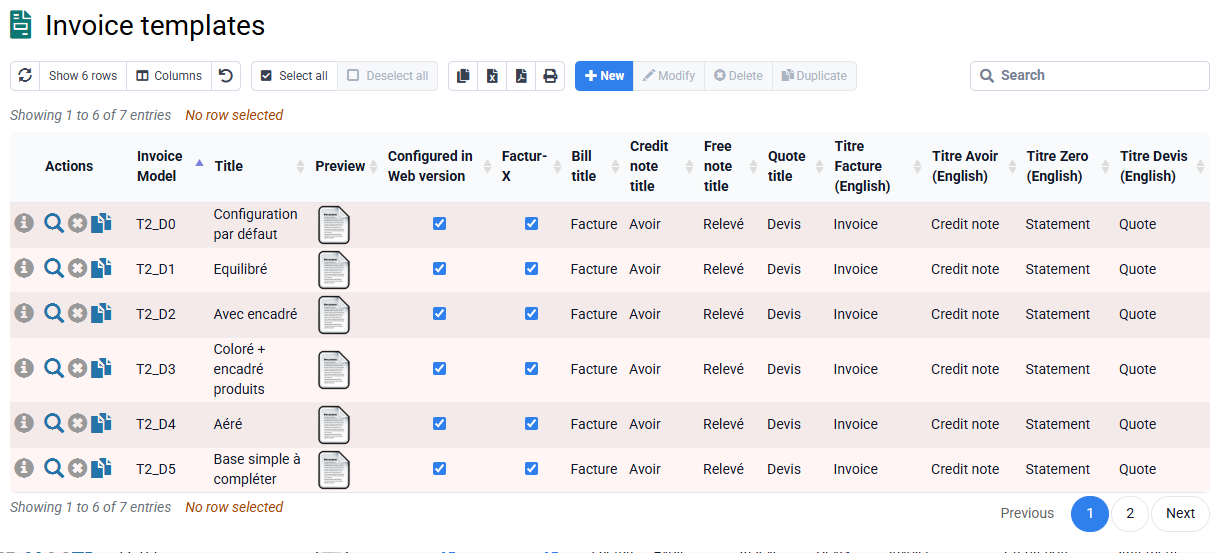
- Go to « Setup > Billing Model », and click on the blue gear icon in the « action » for the model line you are interested in.
- In the « back to top » then “ Header », in “Header or Logo Image File” you can select your file name from the images you uploaded to the server.
You can then adjust the position of your logo at any time. the horizontal (X) and/or at the vertical (Y) but also in width and height. Finally, click on « Send » to save your changes.