


What are the main settings to be made?
The "Configuration" menu allows you to define the settings adapted to your activity:
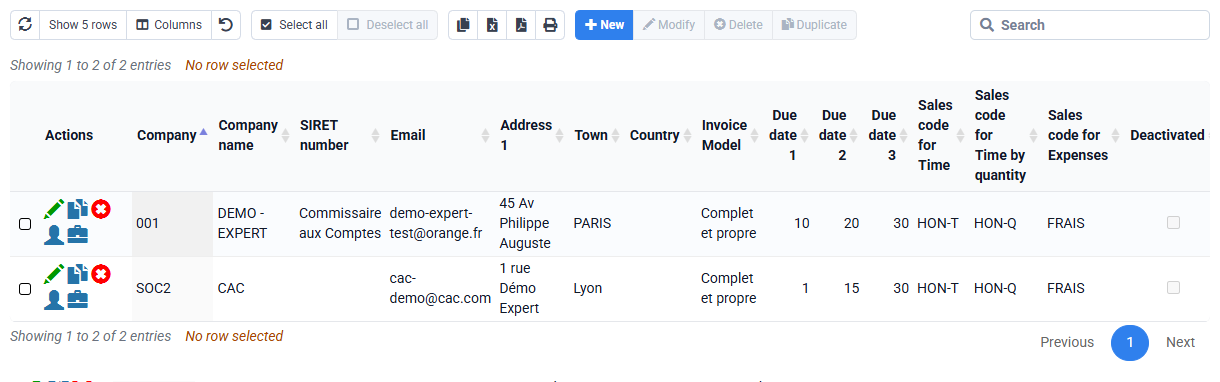
- the references of your (or your) company (ies): identification, bank details. Tempolia can simultaneously manage several companies. Each case will be associated with one of your companies, which will impact the invoicing mechanism.
- the activities that define the nature of your business. The attachment of clients and matters to an activity allows sorting and profitability analyzes on this criterion.
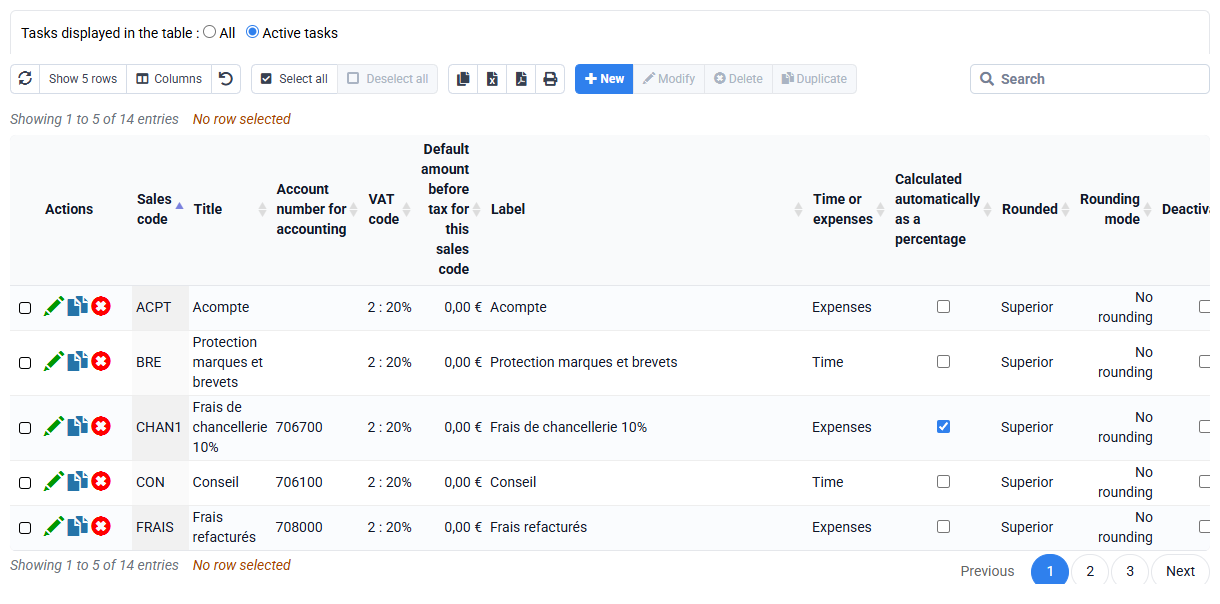
- the sales codes which determine the posting in the accounts of the invoiced amounts excluding tax. Each line of an invoice is associated with a sales code. Each sales code can be associated with a default price, a standard label or a calculation formula for invoicing.
- the task codes or nature of the work carried out by employees. Task codes are used for entering time spent or budgeted. Some tasks with a price per quantity allow invoicing on the basis of quantities. A billable task can be associated with an hourly selling price per task (Task PV), which allows an alternative valuation of times to that based on the hourly rates of employees (Collaborator PV).
- the "Quantity selling price per case" page allows entry of quantity selling prices specific to each case.
- non-billable tasks allow you to track time not allocated to client matters (internal activities, absences, recovery time, etc.)
- Expense codes will allow you to enter expenses, such as restaurant bills, or car kilometers. Each cost code can be associated with unit cost and sales prices which allow their automatic re-invoicing.
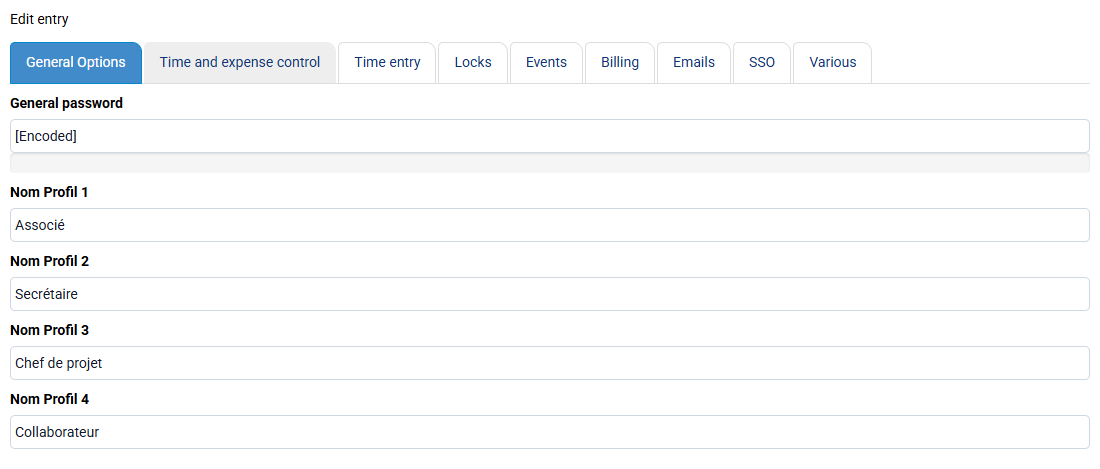
The « Configuration > General options » page allows you to :
- define the controls associated with the input: for example, warn or block beyond a certain threshold of hours,
- lock previous periods,
- decide whether the time spent should be valued at current or historical rates.