


If I delete an event related to a permanent deadline, why does it automatically recreate itself?
Events can actually be generated automatically from permanent deadlines if they are missing according to the automatic generation criteria (see « Configuration > General options »).
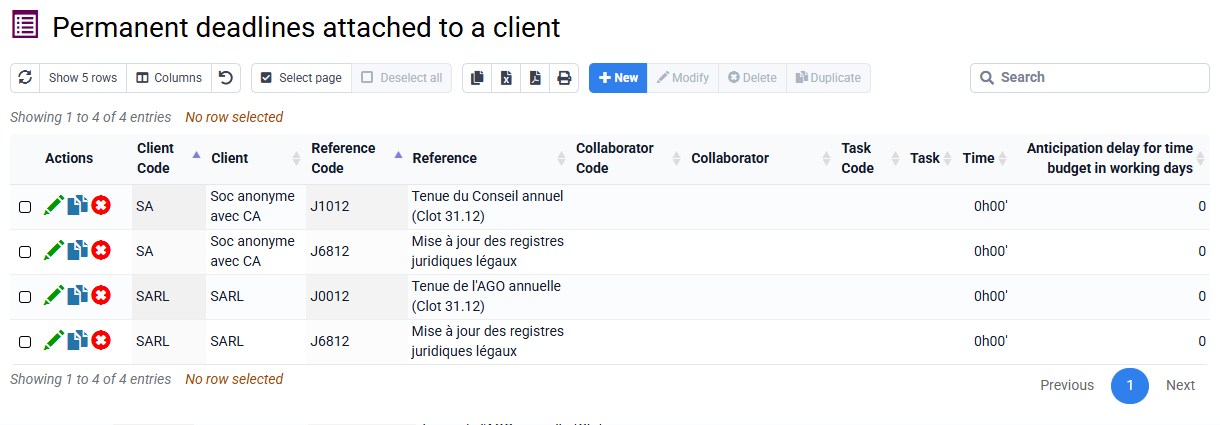
Permanent deadlines are obligations that you have with your customers, which must be managed: for this purpose, events are created and must be managed by a particular employee for a particular date.
If an event is completed, you must use the functionality that allows you to change it to completed, which sets a completion date and a collaborator who completed it.
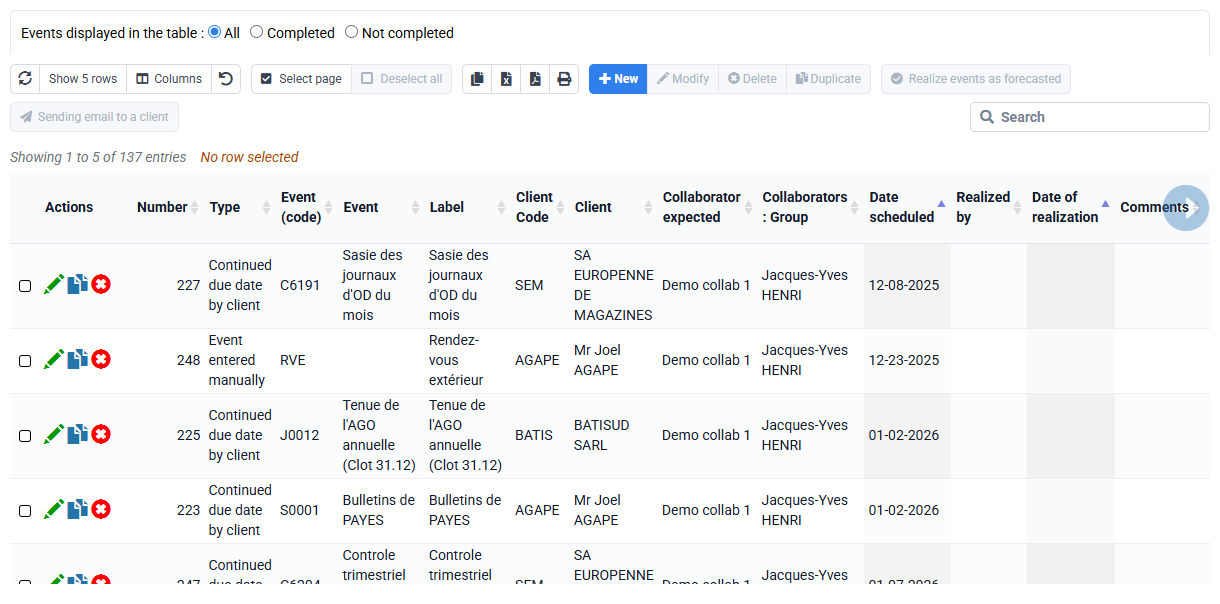
If you delete it, the system will detect an inconsistency with the deadlines, and recreate it within the date range set in the general options, which indicate a number of previous months and a number of subsequent months.
To delete commitments that you have with your customers, you must delete the associations between your customers and your deadlines, and then you can delete possible events that had been planned.