How does Tempolia manage electronic invoicing?
Regarding electronic invoicing and compliance with the legislation planned for September 2026, Tempolia offers several solutions. Invoices generated by Tempolia are in Factur-X format, a hybrid format including a readable PDF and an embedded structured XML file. This format allows any PA, Approved Platform, formerly PDP, to decode and process the tax information.
Three methods are available for transmitting electronic invoices:
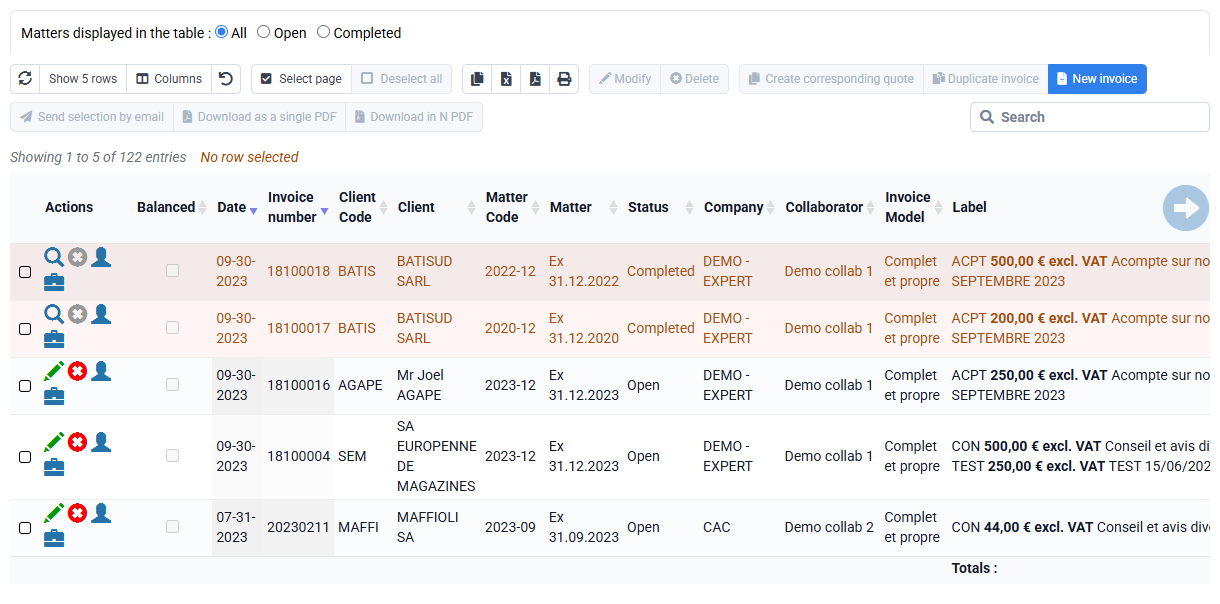
- You can download a ZIP file containing the invoices in Factur-X format from Tempolia and manually deposit it on the PA of your choice: go to the « Billing > Invoices » page, select your invoices and click "Download N PDFs"
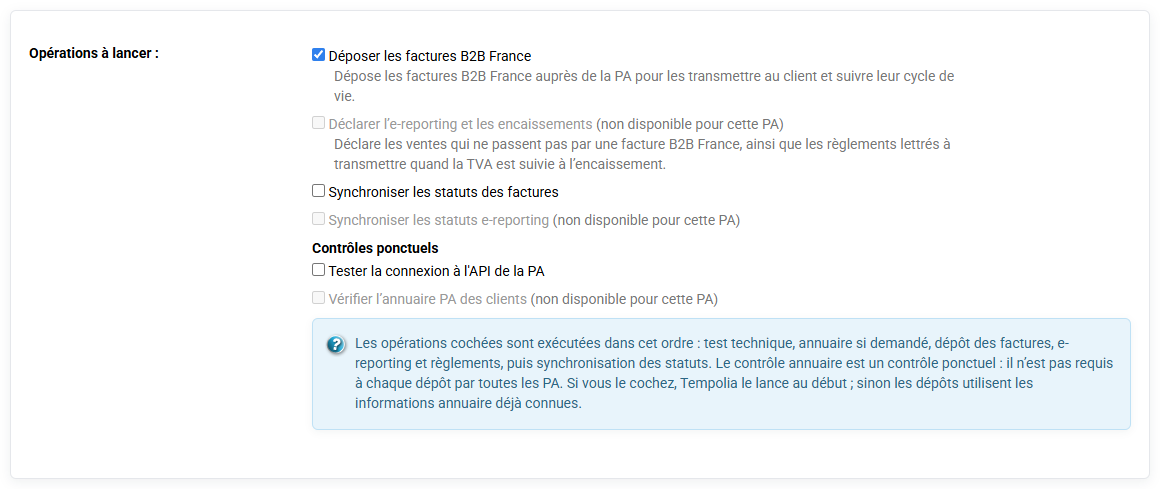
- You can send invoices directly to an approved platform: Tempolia can interconnect with any approved platform (PA), provided that its technical documentation is available and compatible. To send the invoices, go to « Tools > Send to PA / eReporting ».
- You can transfer invoices to your accounting software and then use the PA associated with that software. This flexibility is intended to adapt as well as possible to each user’s accounting ecosystem: go to « Tools > Export invoices to accounting ».
PS: remember to validate your invoice first if this has not already been done, by clicking "Validate / Transfer to the sales journal" on the "Billing > Invoices to validate" page.