How do I enter time spent and analyze my activities?
Tempolia offers several time-entry modes to adapt to each employee’s working habits:
- "Actual agenda": the graphical agenda provides a visual interface for recording hours; this is the most widely used mode, about 55% of entries.
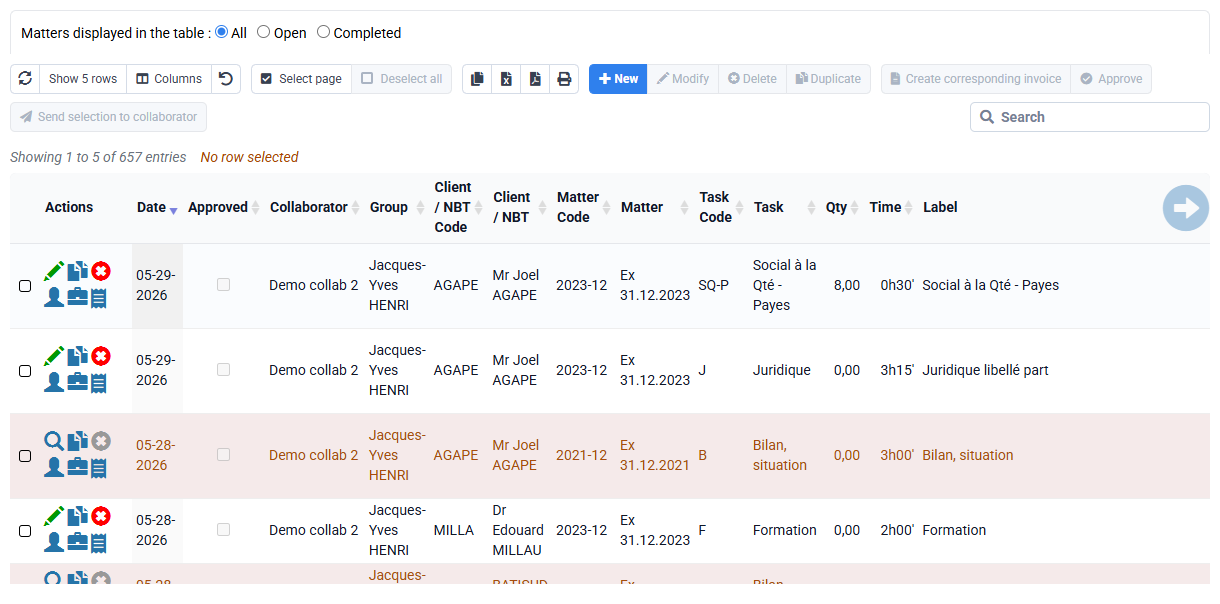
- "Detailed time spent" allows line-by-line entry, with grouped modifications and duplications, representing about 40% of entries.
- "Monthly time entry" lets you enter time in cells of a large table with one column per day. Each row represents a client, a matter and a task, and you can also choose whether a label is present on each row.
- Timers, either general at the very top of the screen or by matter on the "actual work by matter" page, are available to record time in real time.
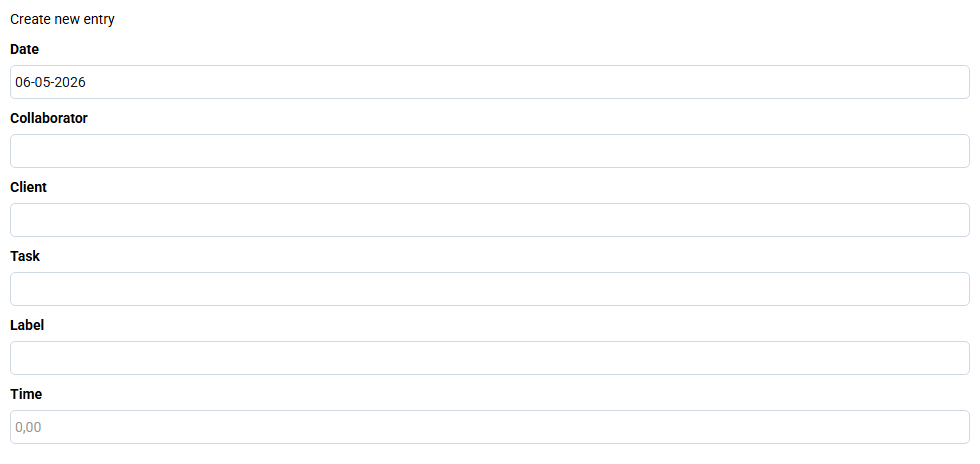
Time can be entered in various formats: hours / minutes, decimal format, or consecutive working days. Tasks are fully configurable, and details or comments can be added for each entry.
Time valuation is a core feature for profitability analysis. Tempolia calculates the cost price to determine actual margin compared with the amount invoiced, and a theoretical sales price to assess bonus / loss. The theoretical sales price can be adjusted specifically for each client, allowing tailored pricing.
The collected data are centralized in client and matter records, where statistics tabs show key indicators such as bonus / loss and margin, and provide an overview with distribution charts.
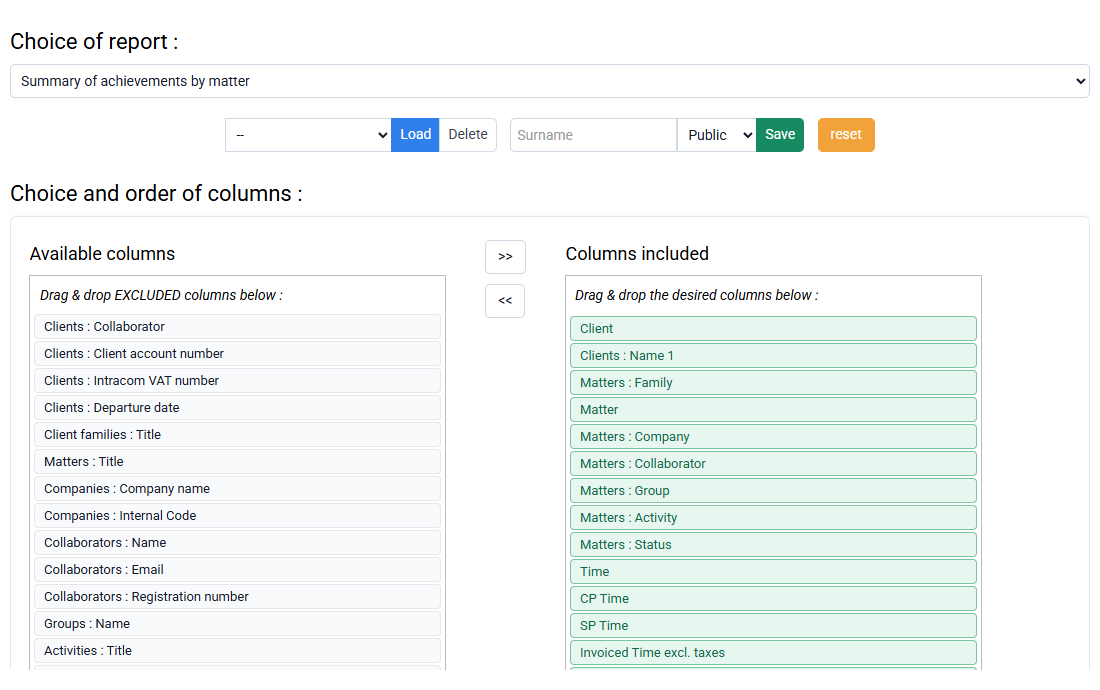
For deeper analysis, Tempolia provides many reports and printouts exportable in HTML format, for PDF printing, or CSV format, for Excel processing. These reports include activity controls by employee, annually, monthly or weekly, details of actual work, and an aged balance for collections monitoring.