


How can Tempolia be used for project management?
Tempolia includes several features that make project management possible. A matter can typically be created for a given project. A project is organized around several elements.
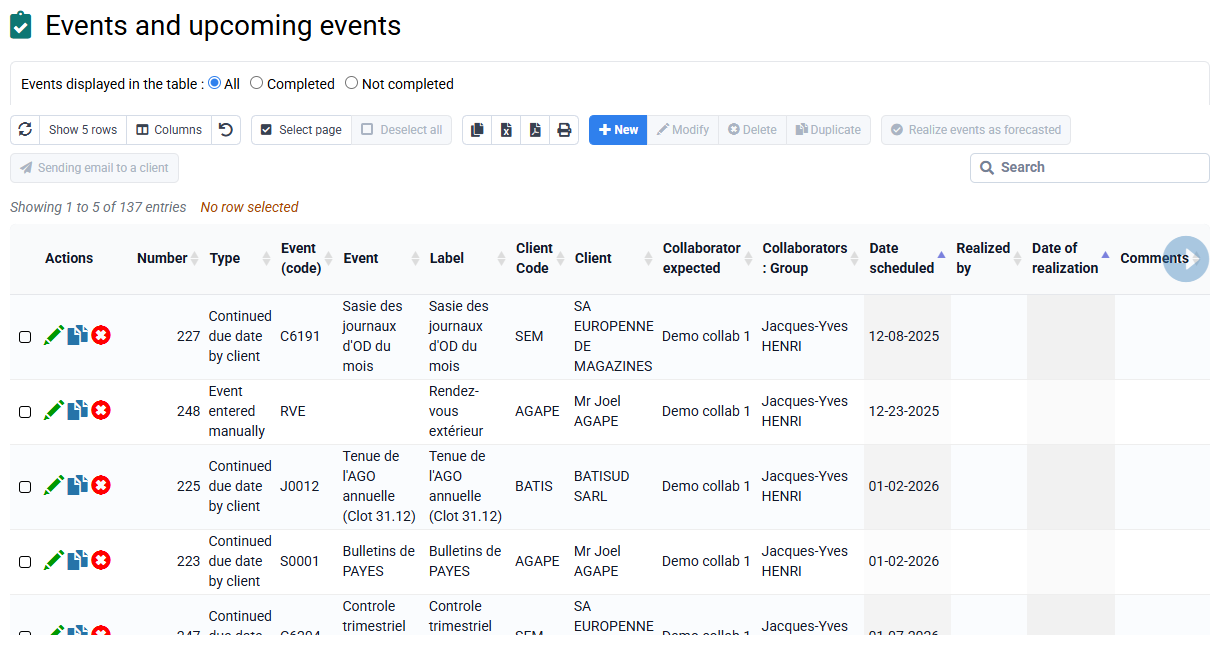
Milestones / deliverables: the "events" menu lets you create and manage tasks to be delivered to clients by a given date, which we call "events". These events may be one-off or recurring, for example VAT returns, and serve as automated reminders. A bell at the top of the screen shows the number of events to manage, based on a delay before the due date and the assignment to the logged-in employee. Tempolia offers visual Kanban boards for intuitive monitoring of actions to be completed, allowing items to be moved between "to do" and "done" statuses.
Forecast time / workload plan: this corresponds to budgeted time in Tempolia and is used as a reference to analyze actual time compared with forecasts.
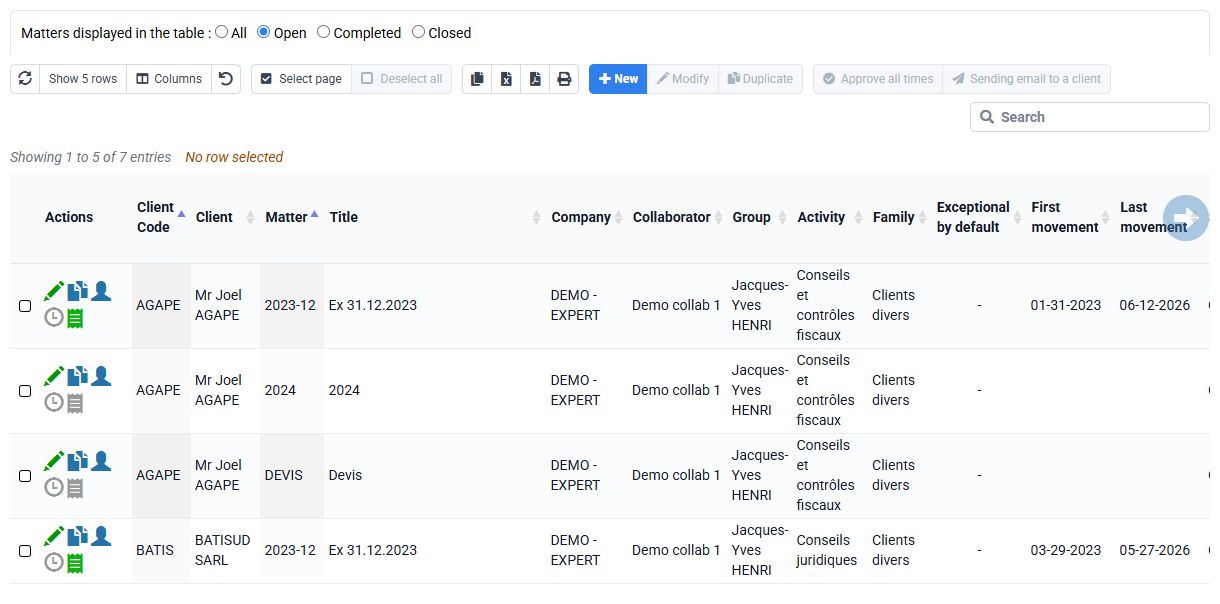
Billing budget, quote or purchase order: these can be associated with a project through the matter concept, so that the project can be billed correctly and monitored. It is possible to invoice the project based on progress by entering completion percentages for phases.
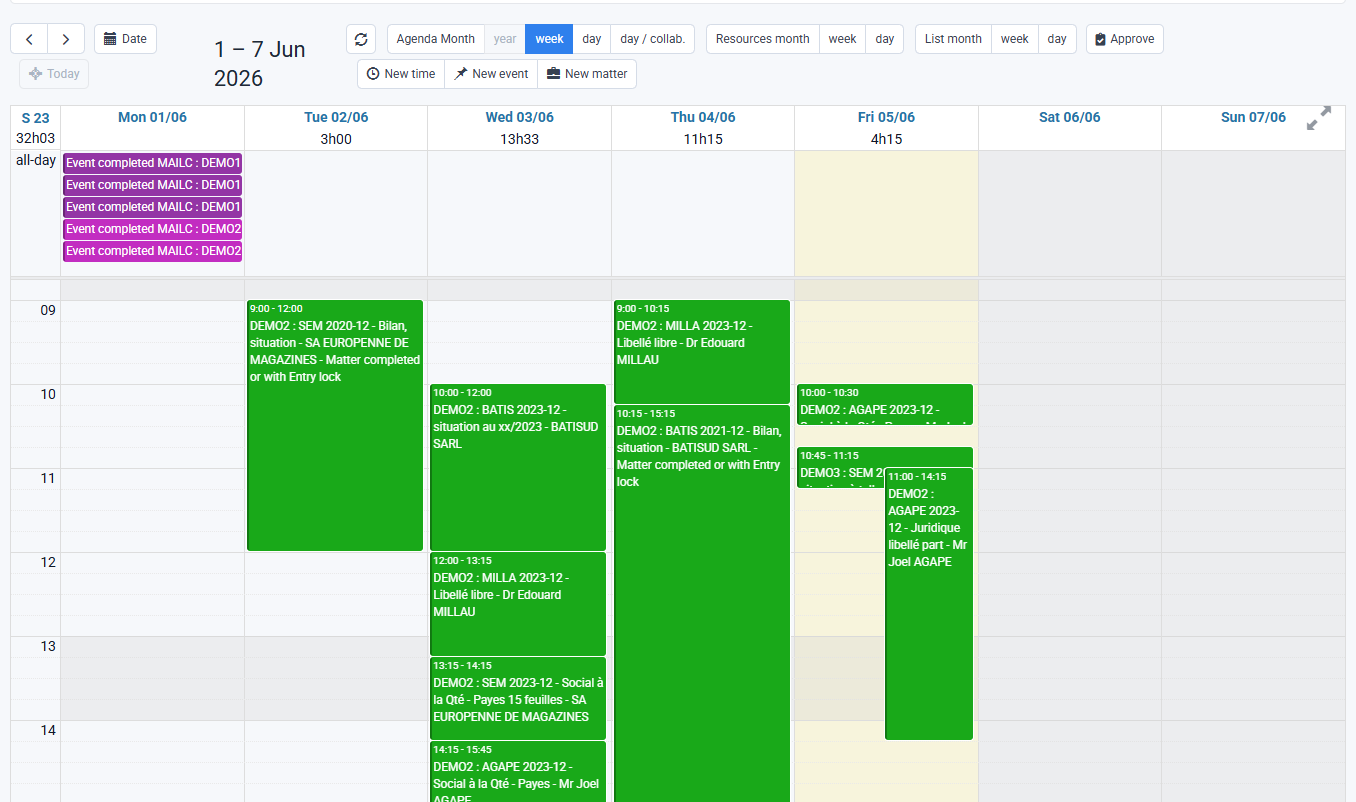
Actions to be completed appear at the top of the graphical agenda, in addition to the time spent by employees. These two concepts are entirely separate. An event cannot be converted into time spent, and time spent does not imply that an event has been completed.
Tempolia makes it possible to analyze project profitability by comparing budgeted time and expenses with actual data. Reports and dynamic tables provide detailed performance analyses, including bonus/loss and margin monitoring by project. This integrated approach makes Tempolia a practical solution for project and internal task monitoring.
Customizable fields called "customizable characteristics" in client and matter records also provide flexible storage of project-specific data, for example tax regime or managers, making it easier to organize and filter information.