


Bill actual time and expenses
Objective. Invoice approved time and expenses accurately using the appropriate rates, billable rules and level of detail while ensuring that every source entry is billed once only.
Your data before starting
Choose a customer, matter and period from your subscription that you are authorised to use. Identify two billable time entries, one rechargeable expense, one non-rechargeable expense and one internal activity, or prepare those five rows in an authorised test set. Before calculating, record tasks, sales codes, rates, the one-character VAT code and billing states.
What you will learn
- Configure hourly selling rates, expense resale rules and matter-specific exceptions.
- Select the correct billable time and expenses for a defined period.
- Present detailed or grouped supporting information without altering the source data.
Recommended workflow
- Check task and expense codes, employee rates, matter-specific prices and the client’s billing settings.
- Approve the source entries and verify dates, descriptions, quantities, receipts and billable status.
- Prepare the invoice for the selected client, matter and period and review the included entries.
- Validate the draft, check the detail or appendix and confirm that only the selected entries are marked as invoiced.
Before continuing
- Cost, reimbursement amount and selling price are not confused.
- Non-billable, already invoiced or out-of-period entries are excluded.
- Grouped invoice lines remain reconcilable with the underlying time and expense entries.
Prerequisites and billing vocabulary
Choose one client, matter and period containing two billable time entries, one rechargeable expense and two items that should remain outside the draft. Record task, sales code, rate source, one-character VAT code and billing state. If your values differ from the worked example, calculate and use your own expected totals.
Keep four notions separate: an actual entry records work or cost; an eligible entry meets billing rules; a selected entry is included in the current calculation; a presented line is what the client sees. The workshop stops at an unissued recalculated draft.
From completed work to the invoice draft
For the worked example, use 2 hours at €110 = €220, 1.5 hours at €130 = €195, a €96 rebillable travel expense, a €42 non-rechargeable taxi and 45 minutes of non-billable internal work. The first draft is €511 net; after removing travel, it is €415.
Apply the same method to the entries selected in your subscription. The correct result is the total calculated from your data, not necessarily €511.
- 10 min: review valuation rules.
- 20 min: inspect the five entries and eligibility.
- 20 min: prepare and explain the first total.
- 20 min: remove one expense, recalculate and reconcile sources.
- 10 min: distinguish actual, eligible, selected and presented data.
You can predict the first total, explain both exclusions and obtain the second total without deleting the removed expense.
1Check sales codes, tasks and rate sources
Path: Configuration > Sales codes, Billable tasks and Sales prices by employee and matter.
The sales code carries wording, account and VAT. The task describes the work and its billing rule. The rate may come from employee, matter, task or history. Record the precise source and effective date for every selected time entry.
Calculate duration × rate before preparation. An empty exception table means only that no exception exists there; continue to the general or historical source.
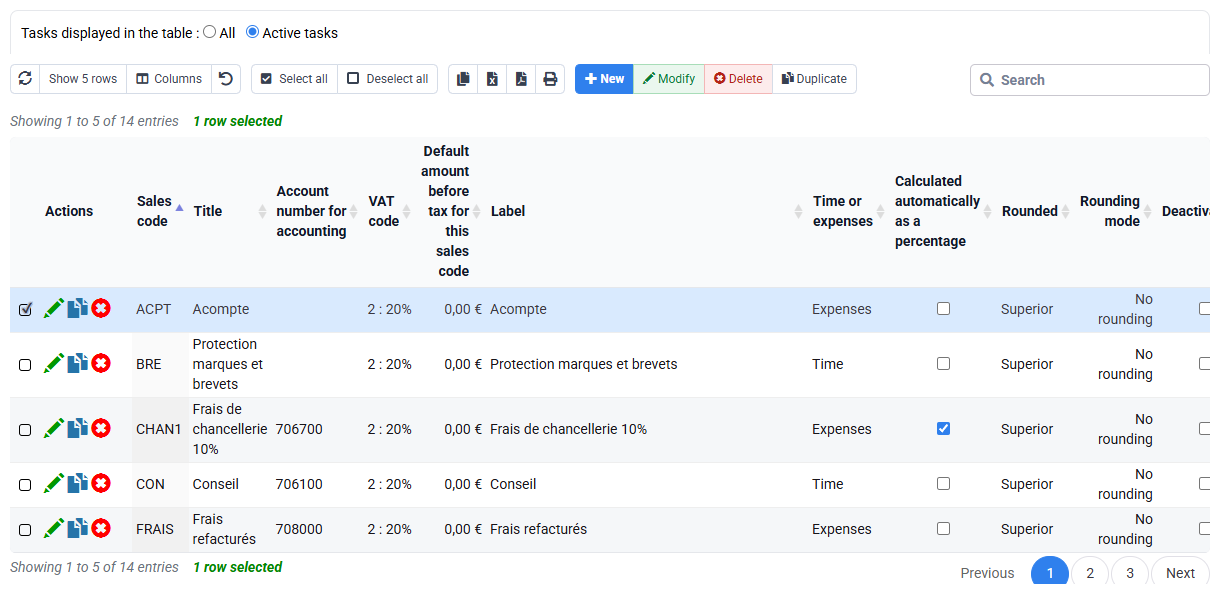
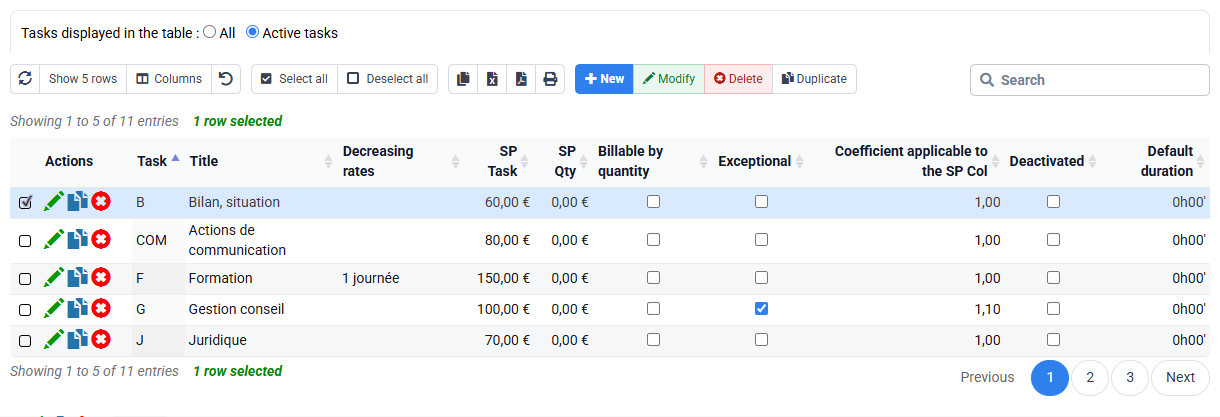
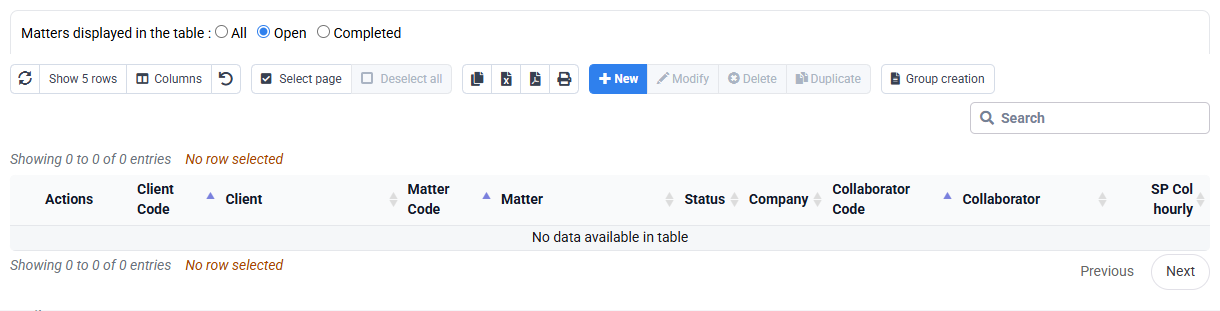
Each time amount has a duration and an identified rate source.
2Control the five actual entries at source
Path: Time > Time detail and Expenses > Expense detail.
Filter the exact client, matter and period. For time, record employee, task, date, duration, wording, approval and billing state. For expenses, record type, amount, receipt, VAT and recharge rule.
Classify every entry as selected, excluded because it is not billable, or already treated. Do not make internal work billable merely to reach a target and do not delete an expense the client will not pay.
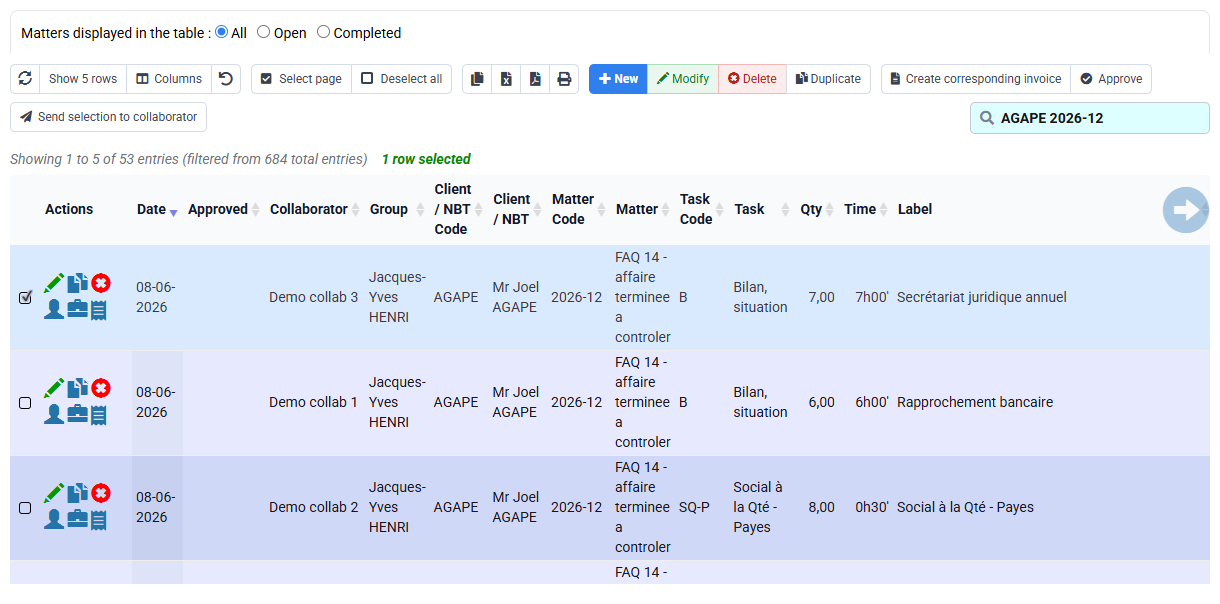
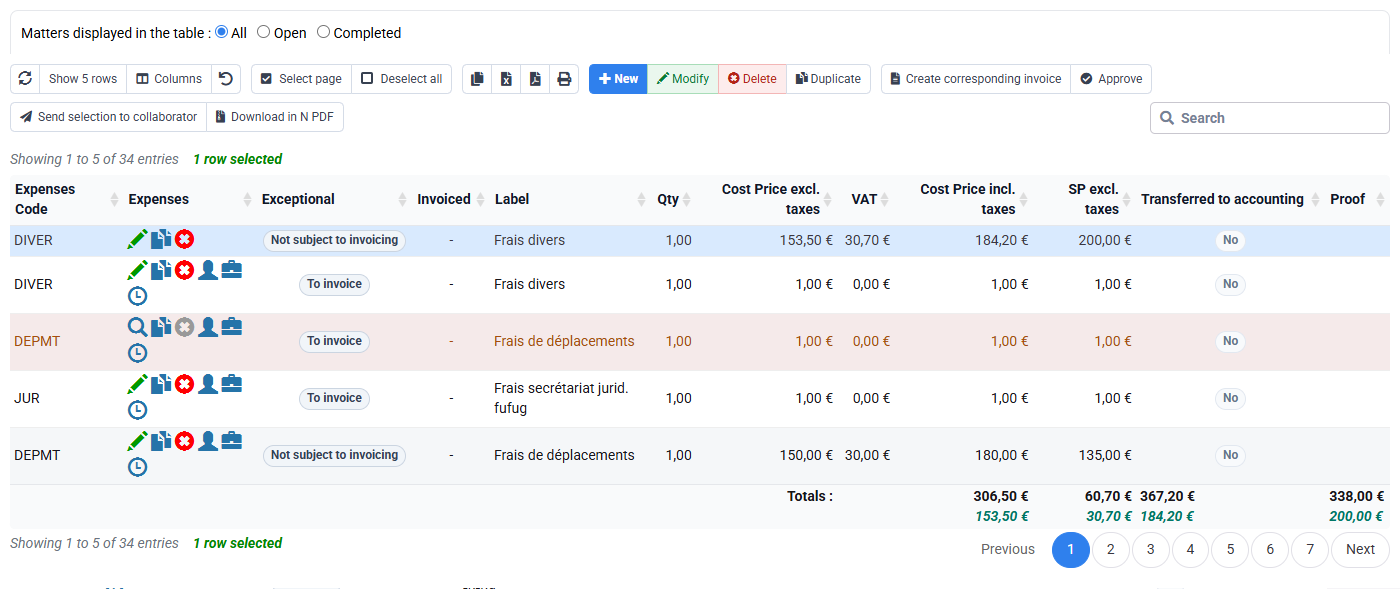
All five actual entries remain visible and only eligible rows are expected in the draft.
3Prepare, explain and recalculate the draft
Path: Billing > Invoice preparation, then Invoices awaiting validation.
Limit preparation to the same scope and compare the proposed amount with your calculation table. Link every draft line or appendix detail to its sources.
Remove only the selected rechargeable expense, record the commercial reason and recalculate. The new total must equal the first total minus that expense.
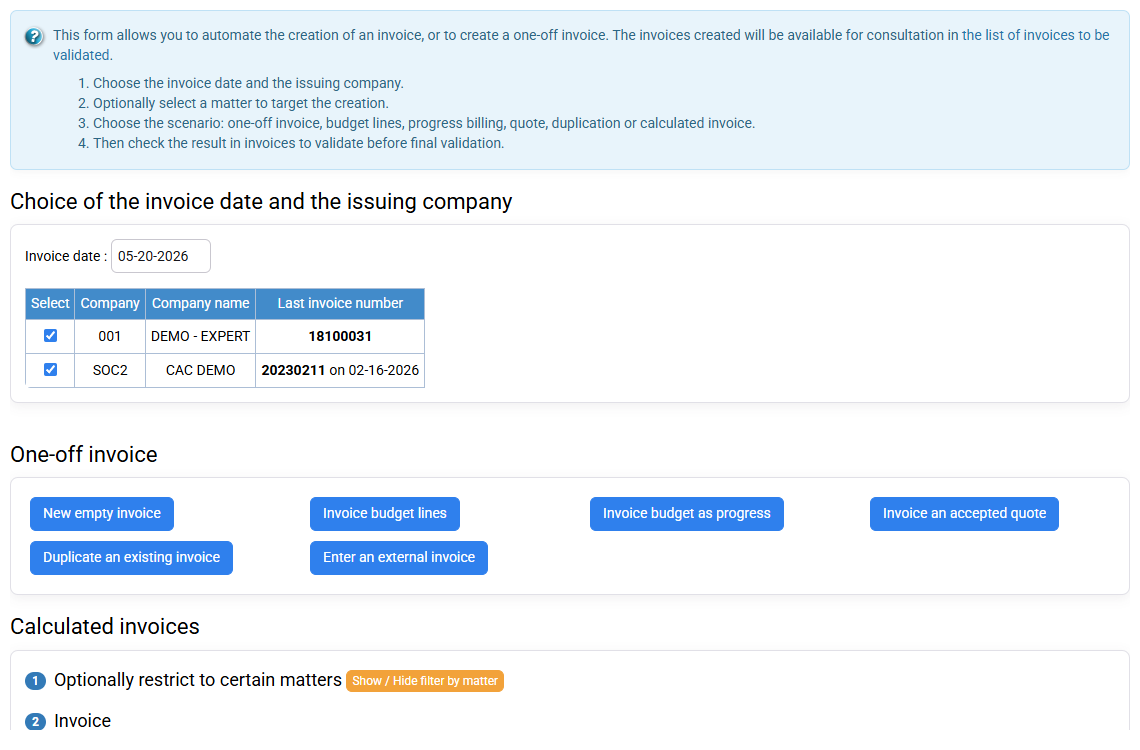
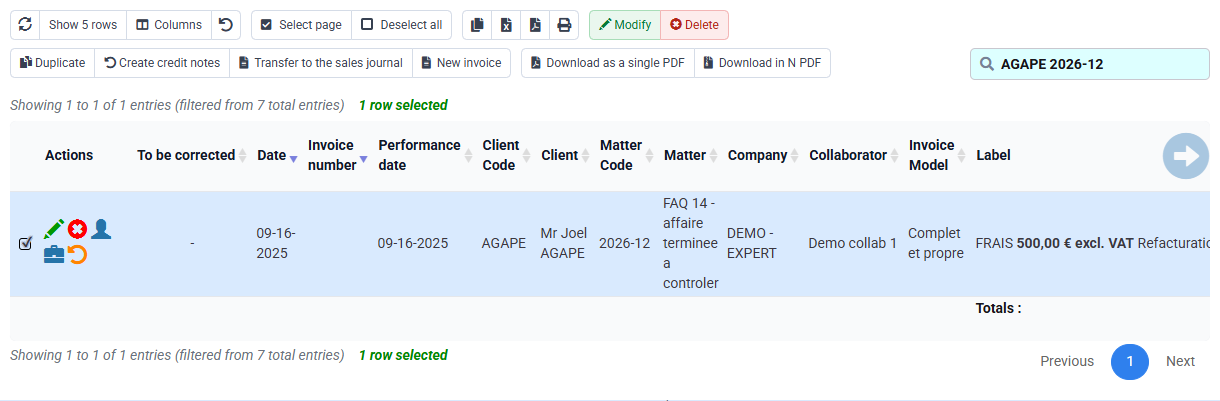
In the worked example €511 becomes €415; with your data the same subtraction rule applies.
4Control presentation and traceability
Path: Billing > Invoice templates, issued invoices and Tools > Reports / Editions.
The template can group detail by task, employee or period. Keep the client-facing result readable while preserving a path back to source entries. Correct duration or task at source; correct grouping or wording in the draft or template.
After an authorised issue, the journal and reports confirm the document and billing state. The workshop itself issues nothing.
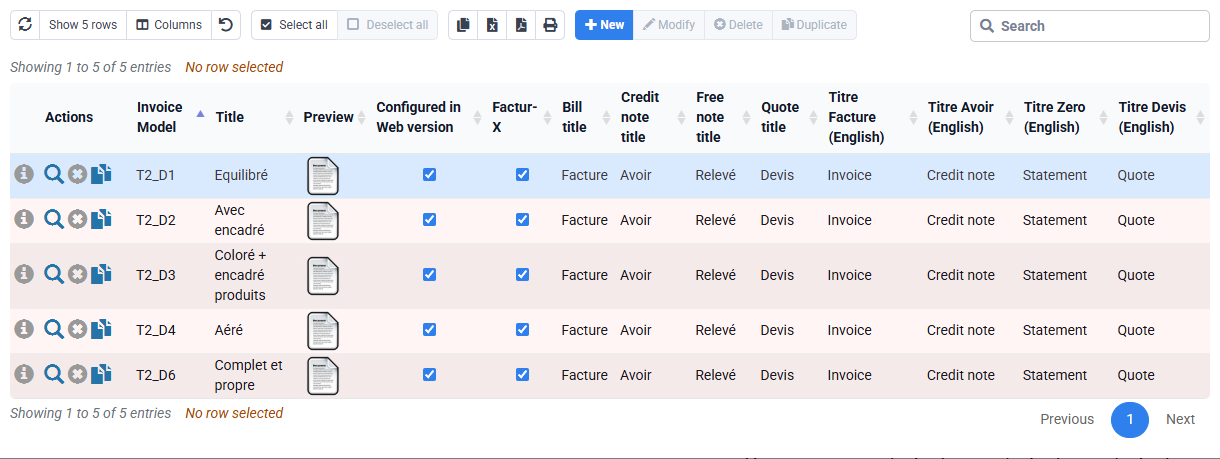
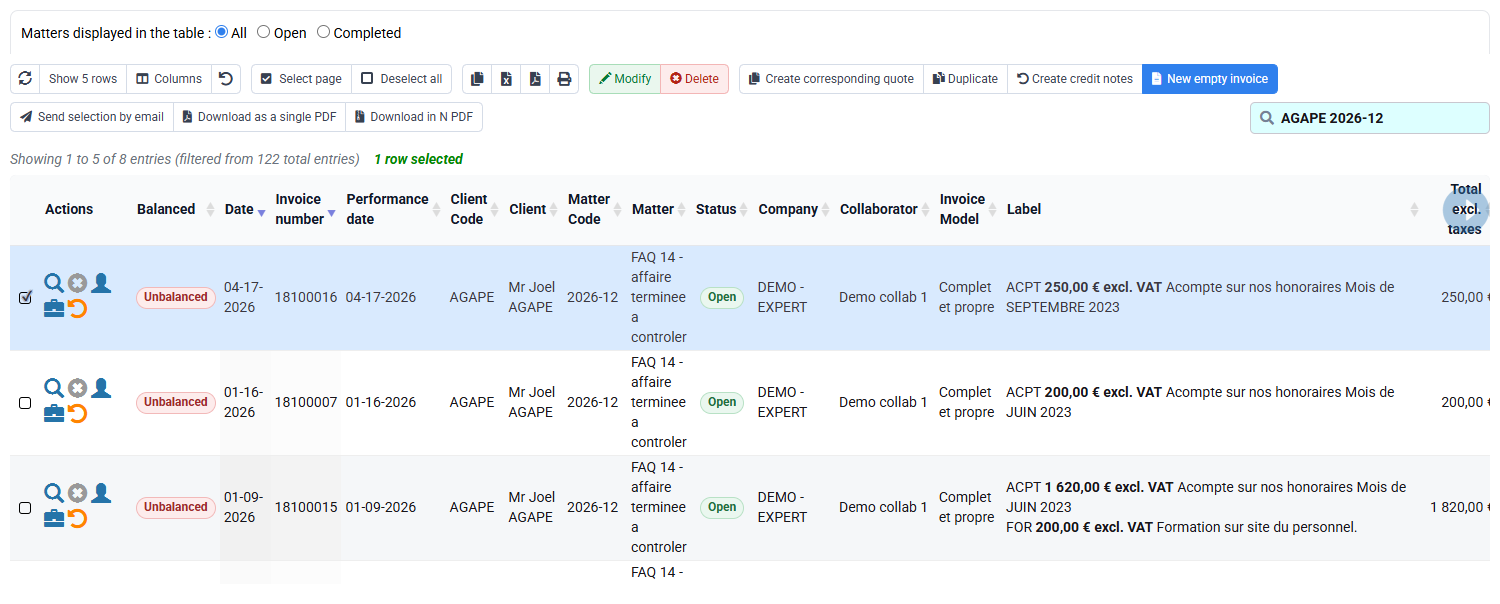
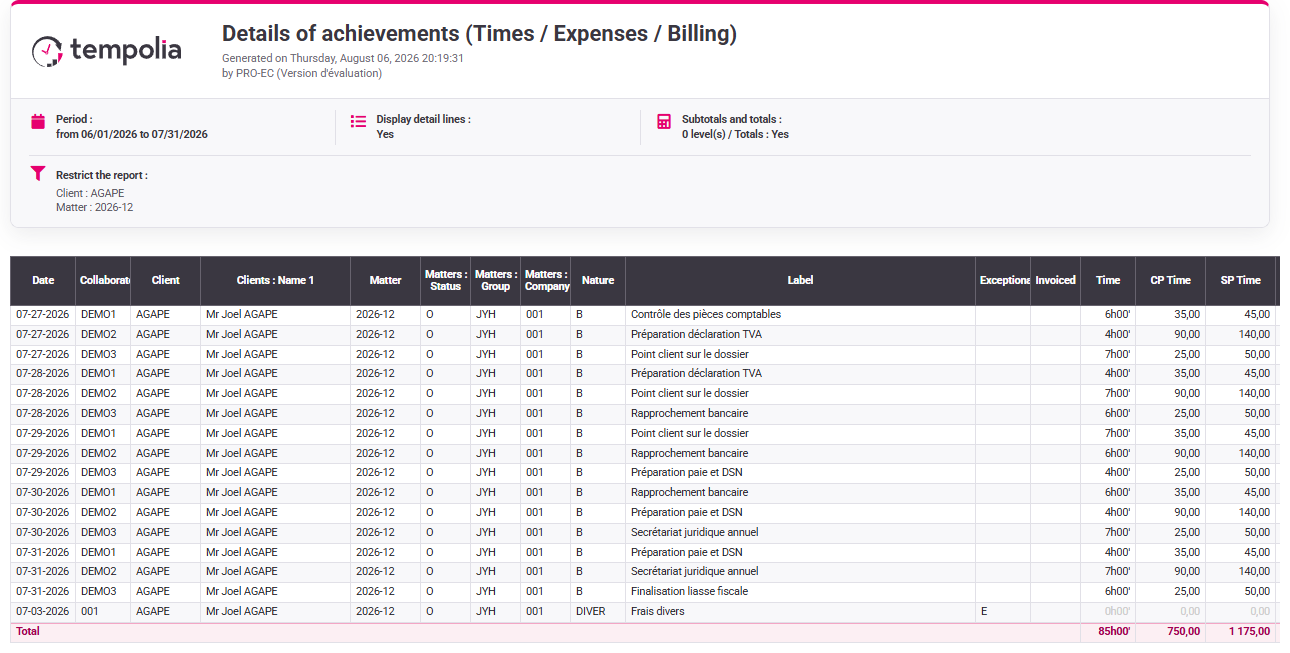
The presentation is readable and every amount remains traceable to actual work or expense.
Hands-on reconciliation
Use the five entries selected from your own matter. The €511 → €415 case is the calculation model; your values may differ.
- Classify the sources. Record date, duration or amount, rate, state and recharge rule.
Every item is selected, excluded or already treated for a clear business reason.
- Calculate before Tempolia. Multiply durations by rates and add selected expenses.
You have an expected total and breakdown before preparation.
- Review the draft. Reconcile each commercial line with its sources.
The draft matches the predicted total and remains understandable.
- Remove and recalculate. Exclude one rechargeable expense and run the calculation again.
The total drops by exactly that amount while the expense remains visible and unbilled.
Before you finish
- The five entries belong to the selected client, matter and period.
- You have found the rate source and one-character VAT code before preparation.
- The first total includes only selected rows; the second equals the first minus the removed expense.
- Excluded rows remain visible in actuals and no invoice is issued during the exercise.
Before leaving the draft, add the rows again: both totals must match the amounts displayed without a manual override.
Errors to avoid
- Changing a rate in the draft to reach an agreed total.
- Making internal work billable only to balance the invoice.
- Deleting an expense because the customer will not be charged.
- Rebilling a line linked to an issued document.
- Confusing presentation grouping with a change to actual data.
- Issuing before you can reproduce the two totals from the worked example or from your own data.
Step back
Time-and-expense billing transforms recorded work and costs into a commercial document. Follow this sequence: actual entry → eligibility → rate → selection → presentation → issued document. Each link answers a different question.
Removing an expense from the draft does not remove it from actual costs. Keep it visible in the matter so that margin analysis still reflects the work and expenses incurred.
- Correct duration, task, receipt or rate at its legitimate source.
- Use draft selection for commercial scope without rewriting history.
- Use reporting to reconcile operational and billed values.
- Stop before issue when a line, rate, VAT treatment or prior-billing state is unexplained.
You can predict and explain €511, intentionally obtain €415 and check that every unbilled item remains visible with the correct state.
When the draft amount is not the one expected
Before preparing the draft, identify the rate source that applies to each time entry: default task price, employee price, matter-specific price or historical rate. An empty exception table means only that no override is stored there; it does not supply the rate. Note the source and effective period used by Tempolia.
Keep a simple calculation table for the five entries: date, task or expense type, quantity or duration, applicable rate, billing rule, prior-billing state and inclusion in the draft. If the proposed total differs from your calculation, this table tells you which row to reopen instead of changing the draft amount.
If you reproduce the worked values, €415 on the first calculation means the €96 expense was already excluded; €511 after removing it means the calculation was not refreshed; €457 suggests that the €42 taxi was included; and €553 suggests that both expenses were selected. With your own values, isolate the difference in the same way, find the corresponding source or rule and recalculate.