


How to create a billing plan?
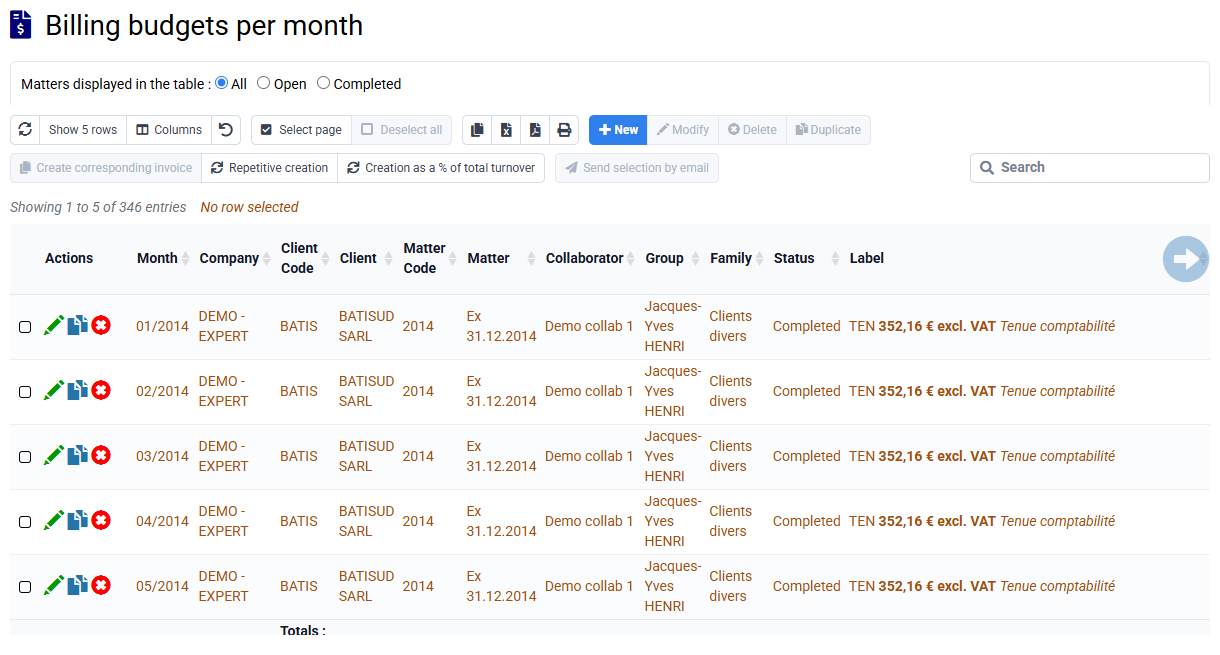
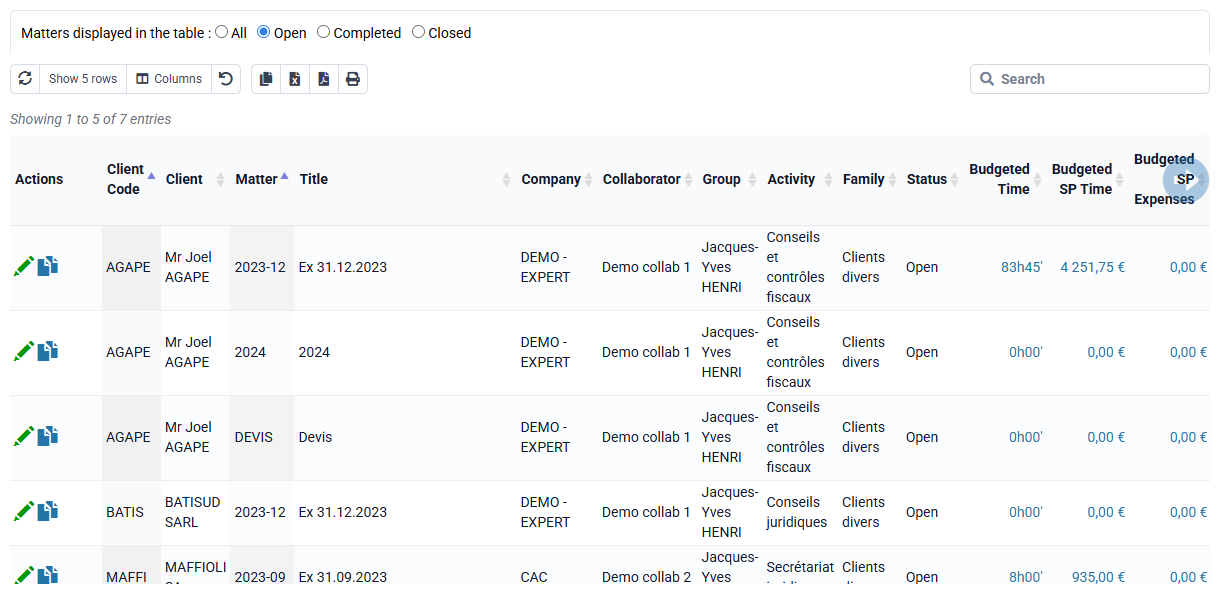
You can create your billing plan by going through « Clients / Matters > Budgets by matter and by client » or « Billing > Invoicing budgets per month ».
In "Budgets by matter and by client", you can search line corresponding to the right matter, and then click in the column "Billing Budget" and on the button "Repetitive creation".
This button allows you to add: your sales codes (which will be your invoice lines) with the bouton "new", client, matter, month of the first invoicing budget, number of months between each budget and the number of budget to create.
You can then choose "yes" to set up the automatic recovery of budgets in the preparation of invoices.
On the "Billing budgets per month" page, the "Repetitive creation" button is directly offered.