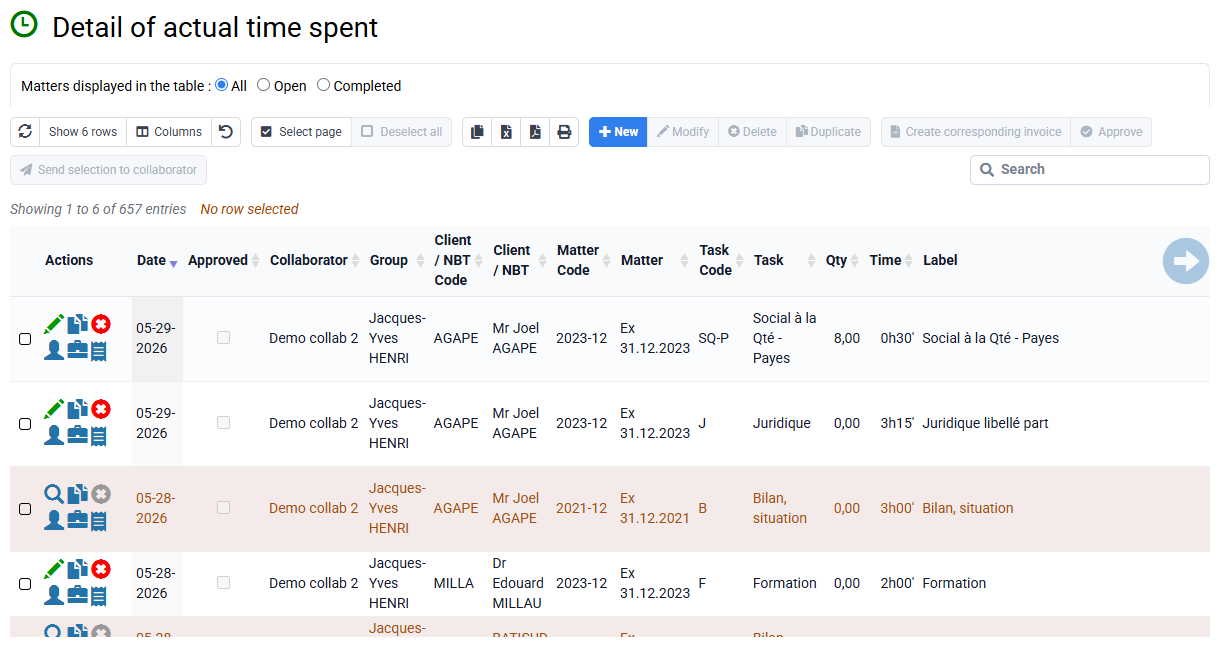
Why do some times go up in my invoices and not others?
On the "Billing > Preparation of invoices", you can re-invoice the costs incurred and time spent labeled "Exceptional" not indicated as already "Invoiced ".
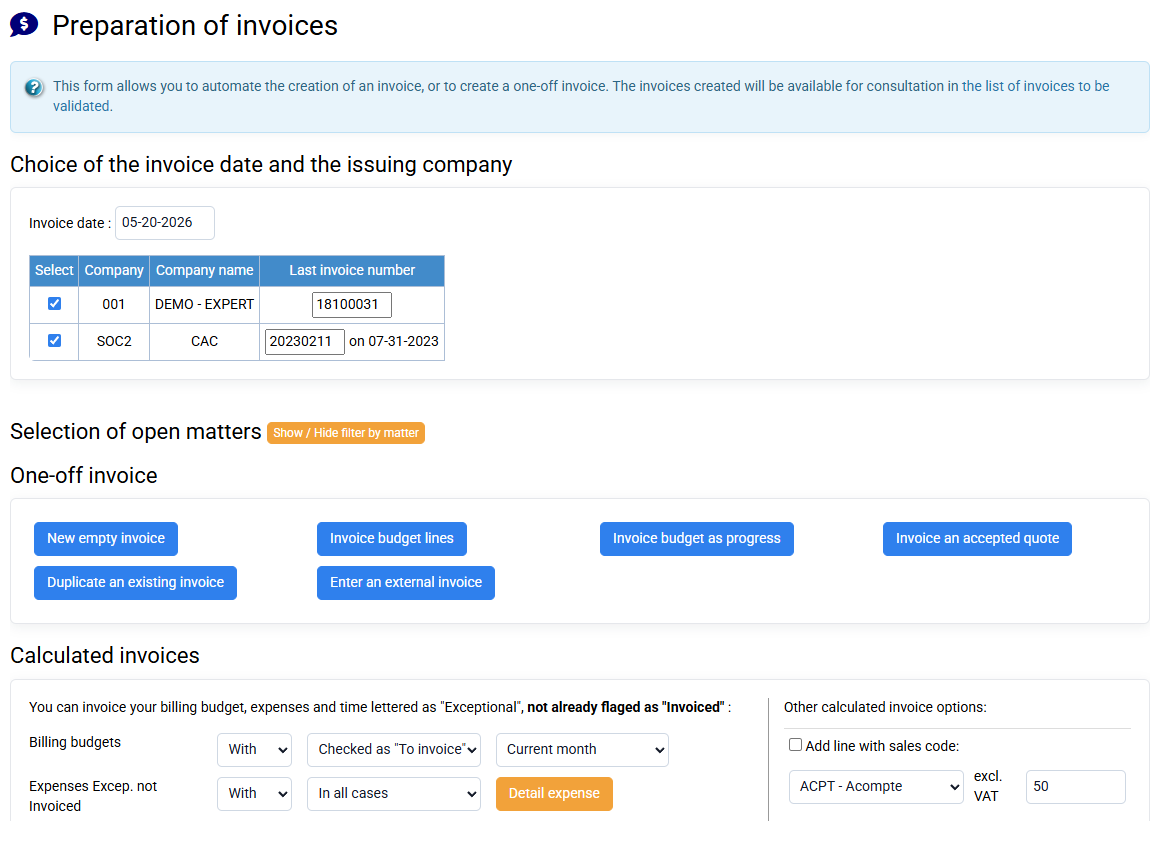
If a time line is not taken during automatic invoice preparation, check the following information in "Time / Expenses > Time spent details":
- - the line is correctly indicated as "Exceptional", and it is not indicated as "Invoiced" or "Do not invoice",
- the date is less than or equal to the invoice preparation date (which becomes the date of the invoice), because we do not invoice time spent after the invoice is issued.