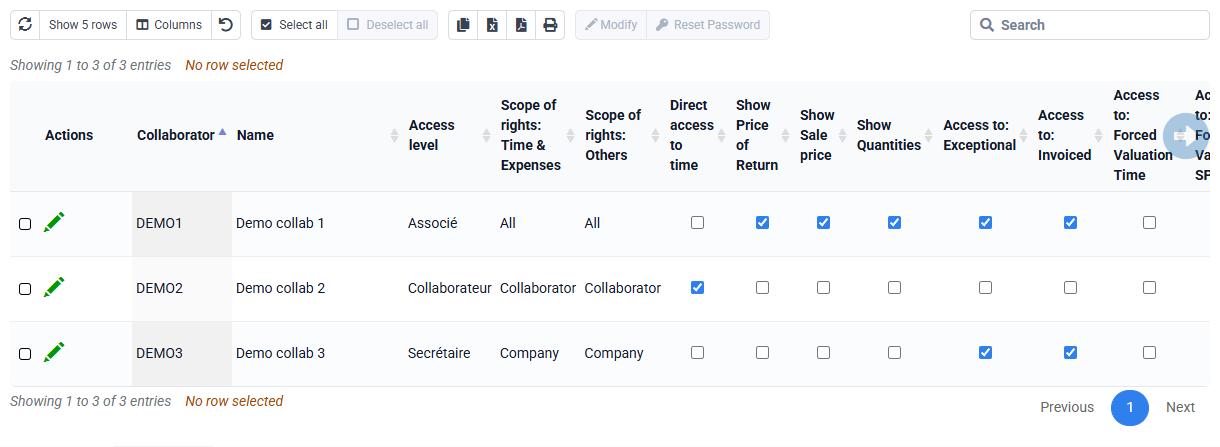
What actions are possible with the Tempolia MCP server, through Tempolia AI or my own AI?
MCP lets you interact with your Tempolia database as if you were logged in as a given employee: the rights, restrictions and business rules applied in the interface also apply through MCP. You must therefore pay attention to the rights of the profile being used.
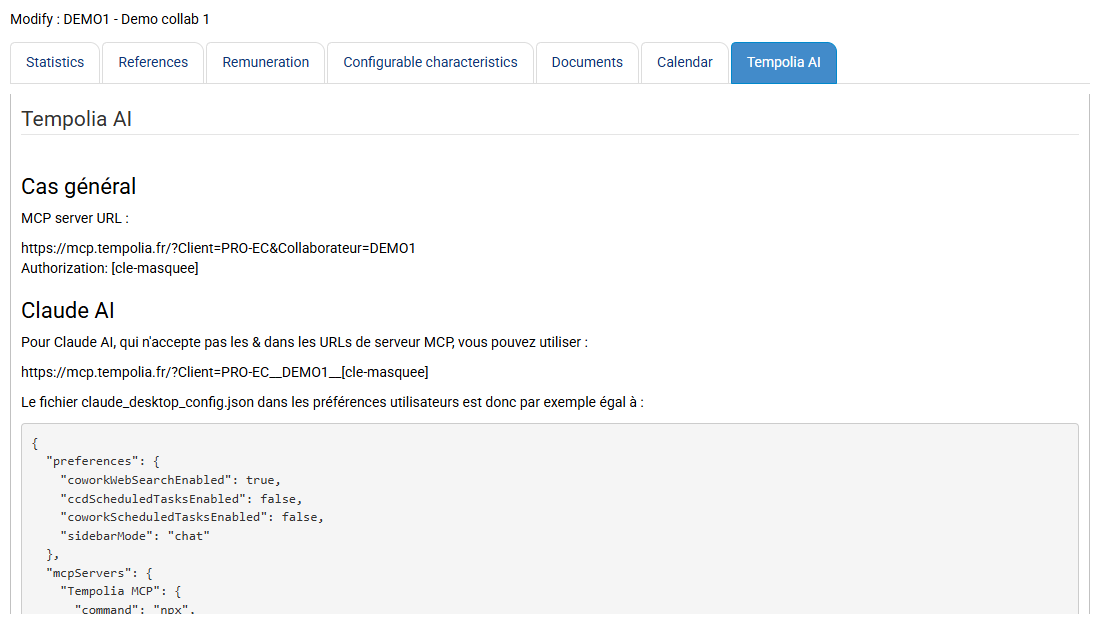
Read actions can be performed directly. Actions that modify the database, creation, modification or deletion, require confirmation before execution when called by Tempolia AI.
If you use the MCP server through your own AI, you must instruct your AI to request your confirmation and limit the operations you want it to perform.
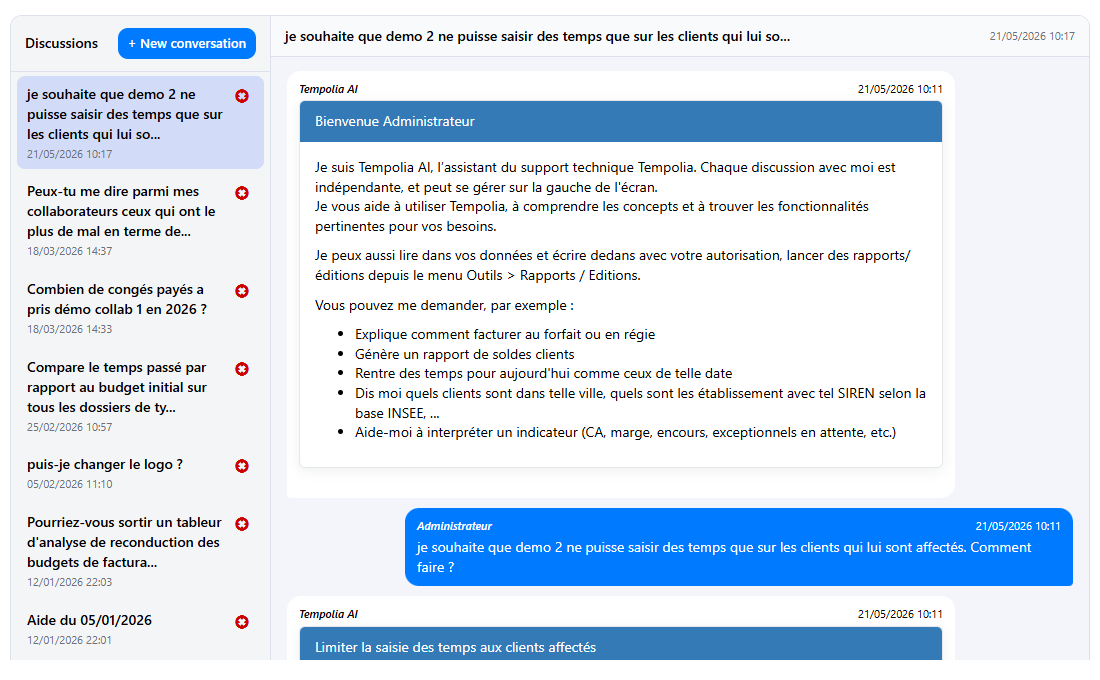
| Domain | Operations possible through MCP | Usage examples |
|---|---|---|
| Companies | Search, read, create, modify, delete | Update an address, IBAN or status |
| Clients | Search, read, create, modify, delete | Correct an address, enter a billing email, modify settings |
| Matters | Search, read, create, modify, delete | Create a matter, change its status or settings |
| Employees | Search, read, create, modify, delete | Update group, function or associated information |
| Reference data | Search, read, create, modify, delete | Manage client families, groups, sectors or activities |
| Codes | Search and read | Find a sales code or a billable or non-billable task |
| Time | Search, read, create, modify, delete | Consult, correct or enter actual or budgeted time |
| Expenses | Search, read, create, modify, delete | Consult or enter incurred or budgeted expenses |
| Billing | Search and read | Consult issued invoices and invoice lines |
| Invoices to validate | Search, read, create, modify, delete | Prepare or modify invoices before validation |
| Quotes | Search, read, create, modify, delete | Consult or manage quotes and quote lines |
| Payments | Read | Consult certain payment-related information |
| Reports | Read | Run printouts such as aged balance, client balances or sales journal |
| SIRET / SIREN search | Read | Retrieve a company name and address |
MCP is the official interface for interacting with Tempolia from an AI. For any request, simply indicate the employee concerned and the desired action.