


How do I have quotes, engagement letters and other commercial documents signed via jesignexpert.com?
Tempolia has a partnership with the electronic signature service jesignexpert.com, intended for accounting firms in France only. If you are eligible, have opened an account with them and use Tempolia Enterprise, you can have PDF documents signed via jesignexpert.com while staying in the Tempolia interface. For setup, send Tempolia support the shortcut and secret for your Jesignexpert API, received after creating your jesignexpert.com account.
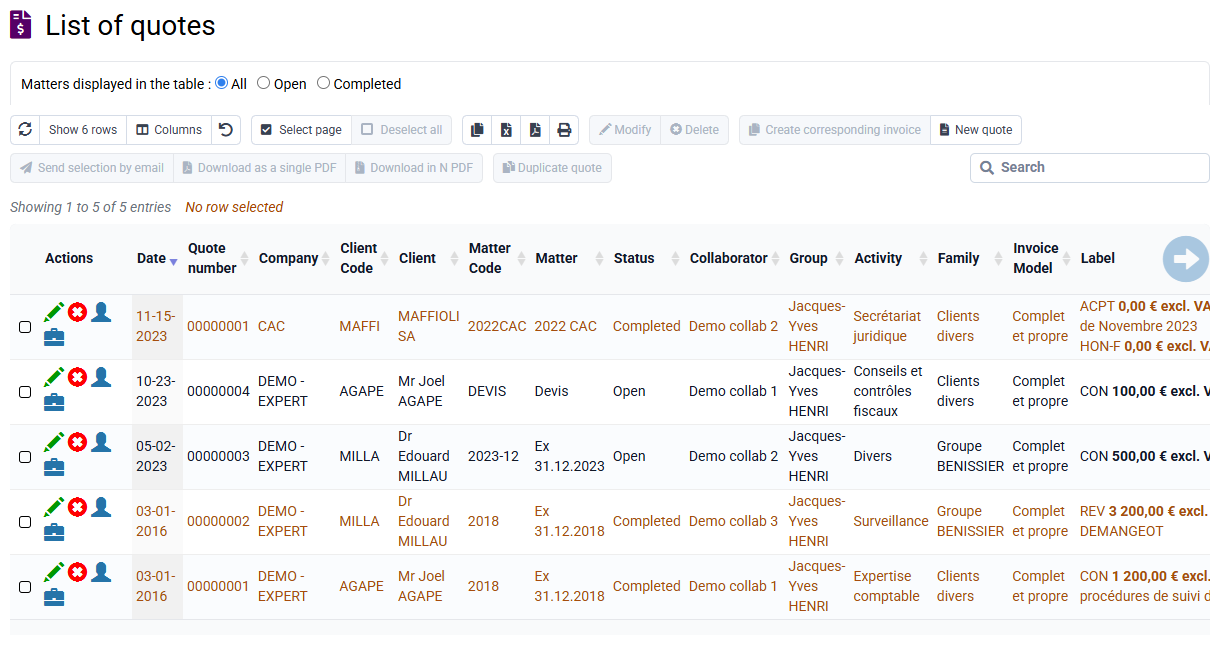
Once the interconnection is activated, go to « Tools > Document signature ». Upload your PDF document, for example a quote, engagement letter or contract, and enter the signer’s information: last name, first name, email address and mobile phone number. You can specify up to five signers, and the mobile phone number is required for each signer because it is used in the signature procedure.
Each signer then receives a notification from jesignexpert.com containing a secure link to access the document, review it and sign it electronically, without creating an account. Once signed, the document is timestamped and certified. You receive an email notification confirming the signature, and the signed document is automatically archived in your space.
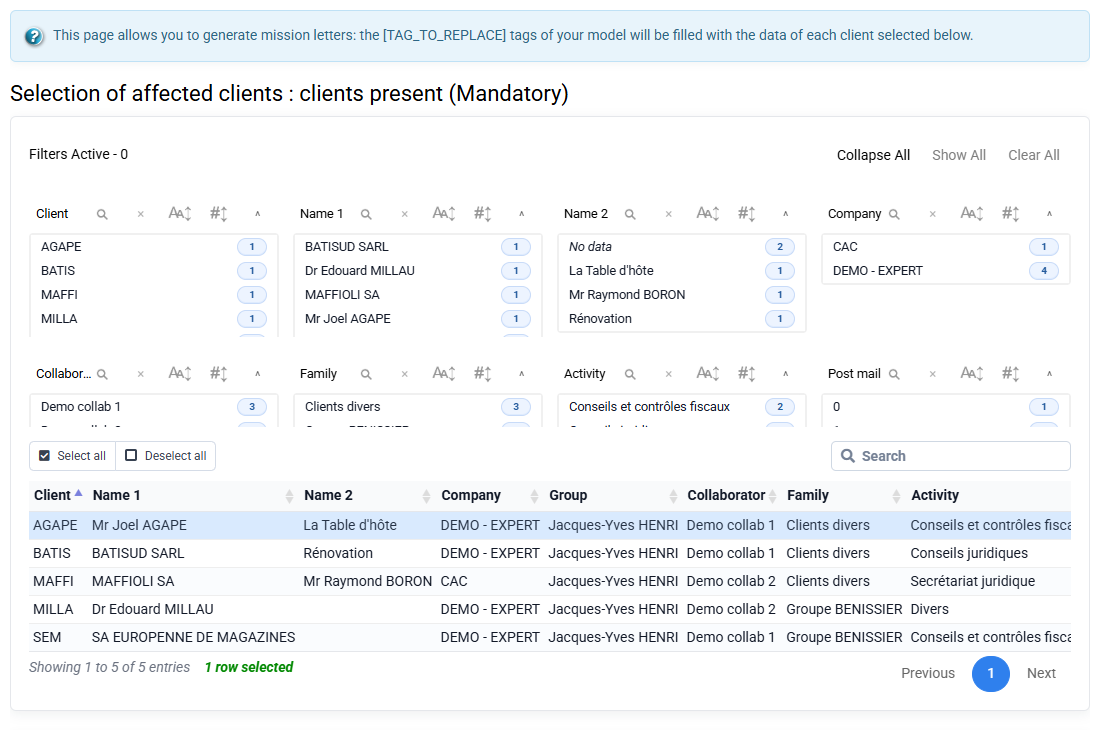
You can also monitor the progress of signature requests at any time from the Tempolia interface, for example to know whether a document is pending, being signed, refused or completed.
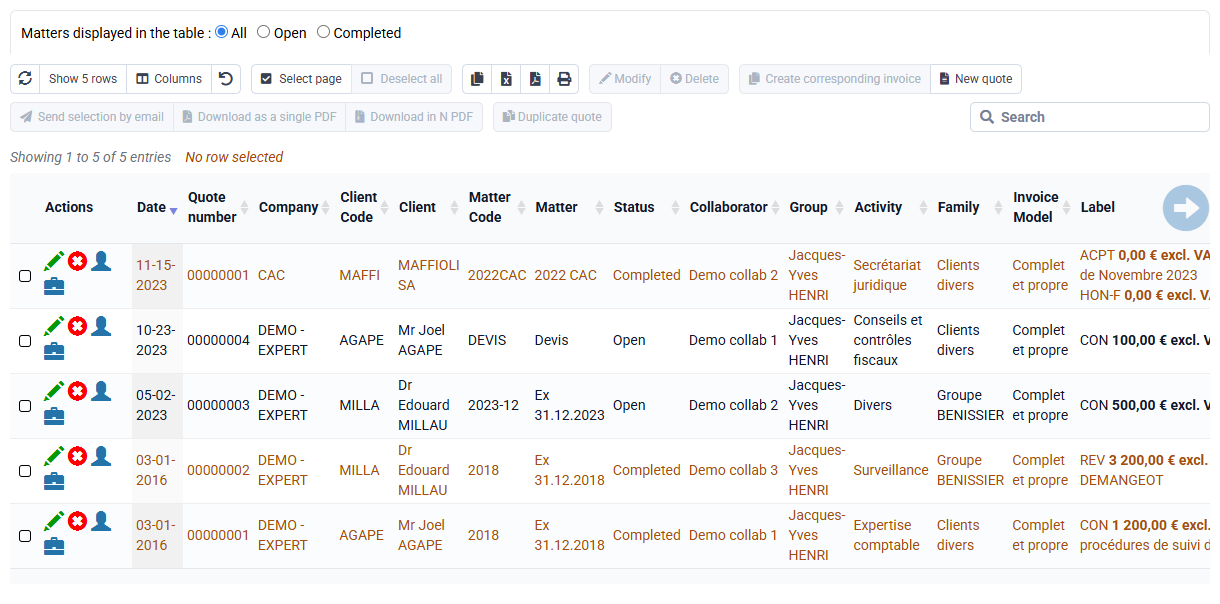
The electronic signature is fully paperless and has recognized legal value. Signatures will be written at the bottom of the last page of the PDF; make sure to keep free space for that text to be applied. What serves as proof is the justification by jesignexpert.com of the signature process, not just the simple addition of signature text on the PDF.