


How do I manage SEPA direct debits and rejects?
When a SEPA file is generated, Tempolia marks payments as transferred to the bank. For PA declaration, Tempolia then considers the direct debit as collected. There is no separate PA status to fill in on the payment. The declared date remains the due date, which must represent the expected bank date for this payment.
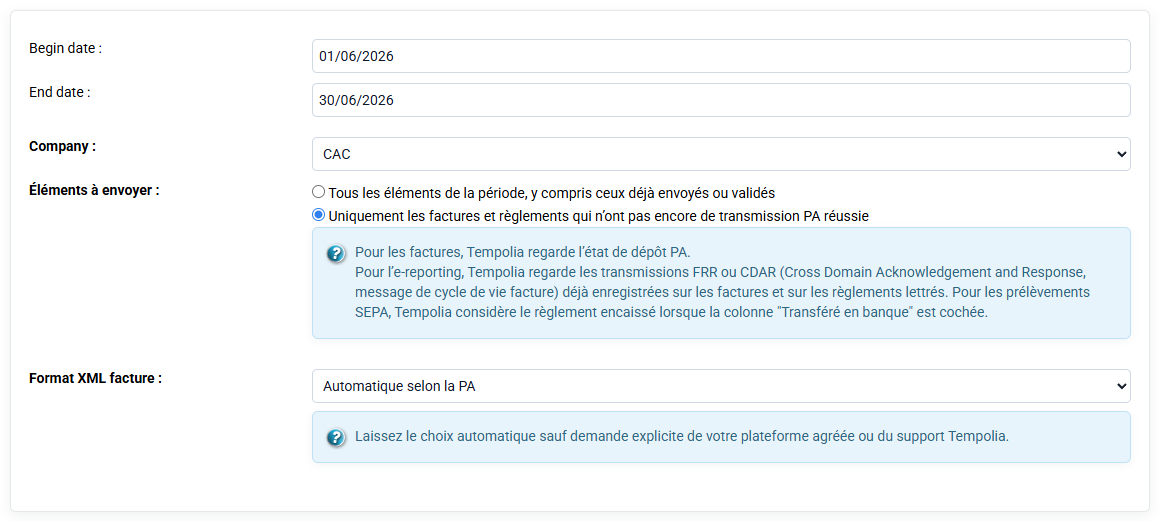
If the direct debit is rejected before PA declaration, the negative reject payment must be created before sending. In Tempolia, the reject is created from the reject action on the payment line. This action creates a new negative payment line whose due date must correspond to the bank date of the reject.
If a collection had already been transmitted and a reject arrives later, Tempolia does not delete the history. The initial payment remains historized as transmitted. The negative reject line becomes the corrective event to transmit for the proper period. The user therefore sees in history the initial collection, then the negative payment correcting the amount.
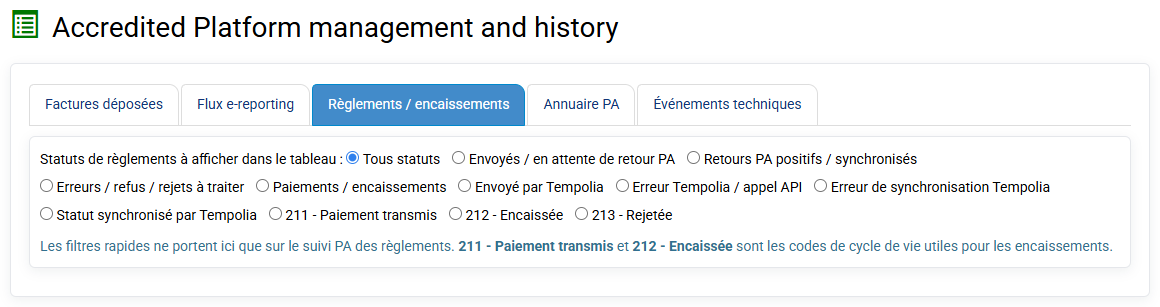
The important point is to keep the full chain: declared collection, bank reject materialized by a negative payment, then new PA transmission if necessary.