


How to comply with electronic invoicing standards?
The electronic invoice covers several aspects:
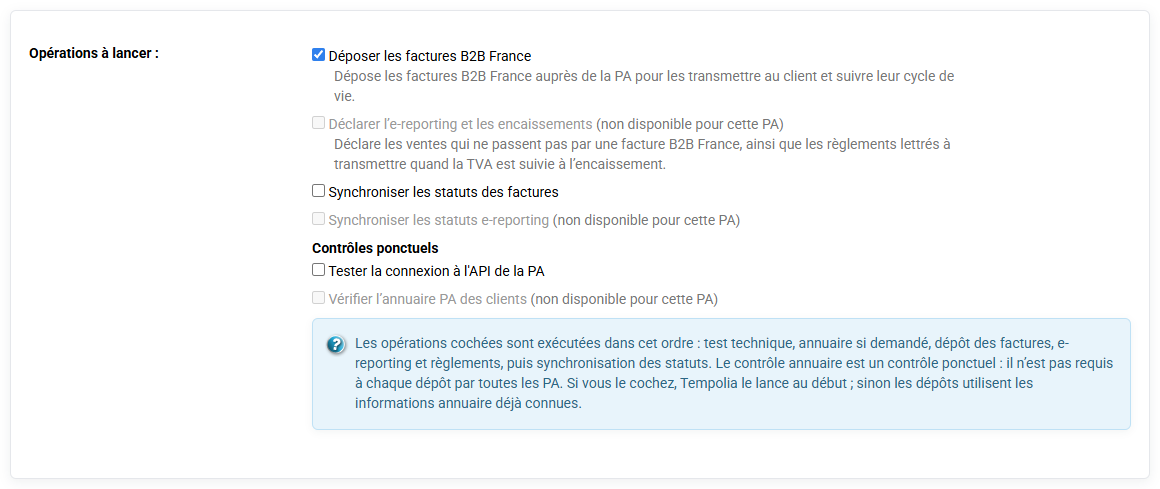
- The generation of PDF document for dematerialized sending, by email or deposit on computer interfaces. You can send your invoices via the "Send by email" button on the « Invoicing > Invoices »
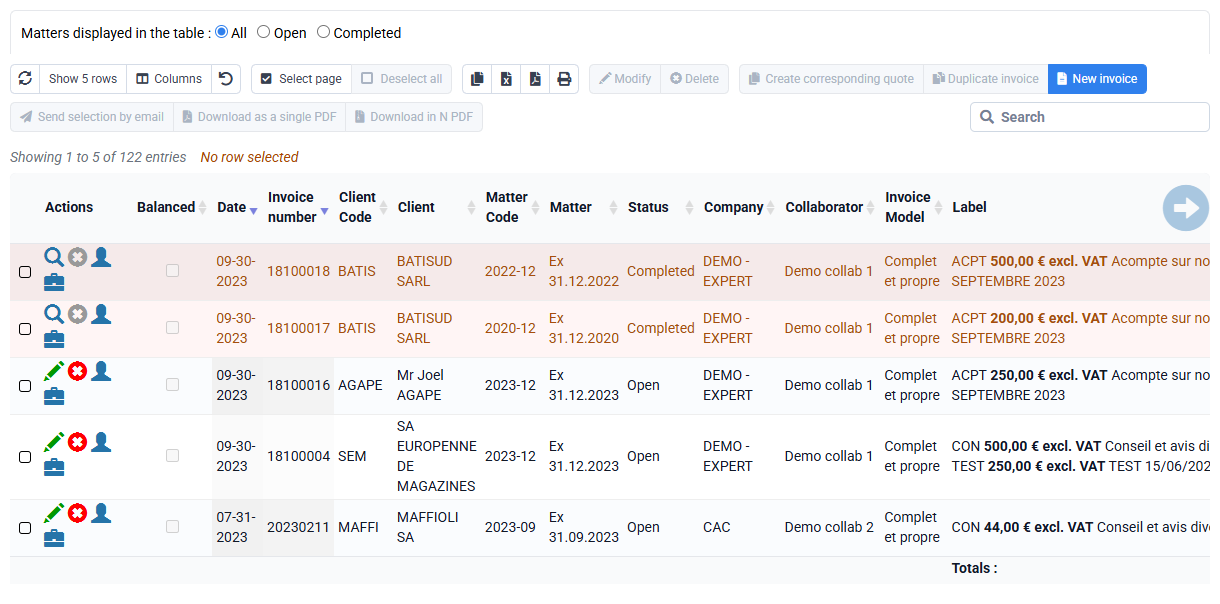
- The electronic signature of the PDF document: it is a mechanism making it possible to guarantee the integrity of an electronic document and to authenticate its author (to ensure that it has not been modified between the moment when the author signed it and when it is viewed).
Tempolia signs all your PDFs with an electronic signature. By default, our signing certificate is applied; you can also send us an SSL signature certificate that you can obtain from a certification body to sign your invoices. Whether it is signed by your certificate or ours is not important for compliance with legal obligations.
The signature that is affixed to PDF documents is not visible on the pages, but Acrobat Reader allows you to view the signature information
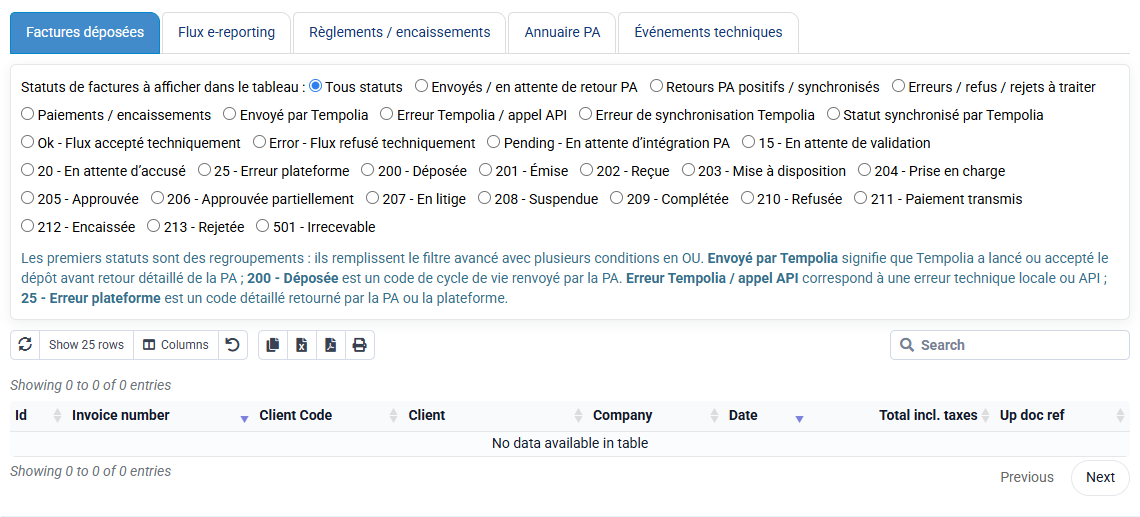
- The fact of including structured information: this is called Factur-X. It is a format that is based on an evolution of the PDF standard, to include a small structured file that contains the invoice information. This information can be processed by your client's accounting software, so no invoice entry is necessary. In your invoice templates, the box checked in the Factur-X column allows you to activate this.