


How do I issue a credit note for a customer?
A credit note (= credit note invoice) in Tempolia is prepared like any invoice, but with a negative total amount.
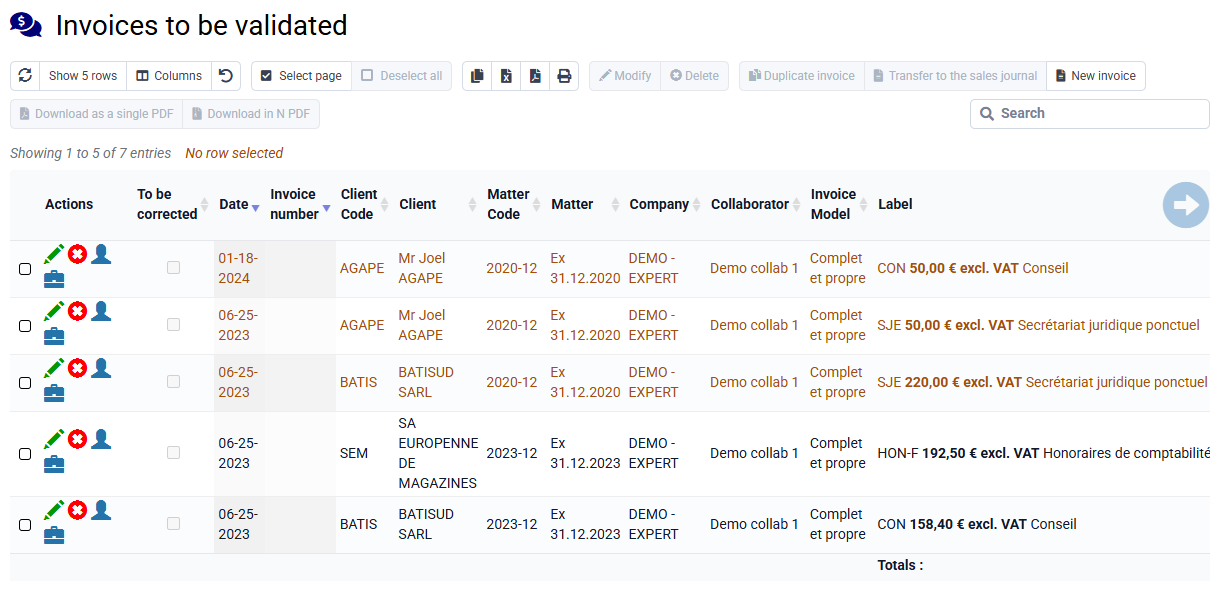
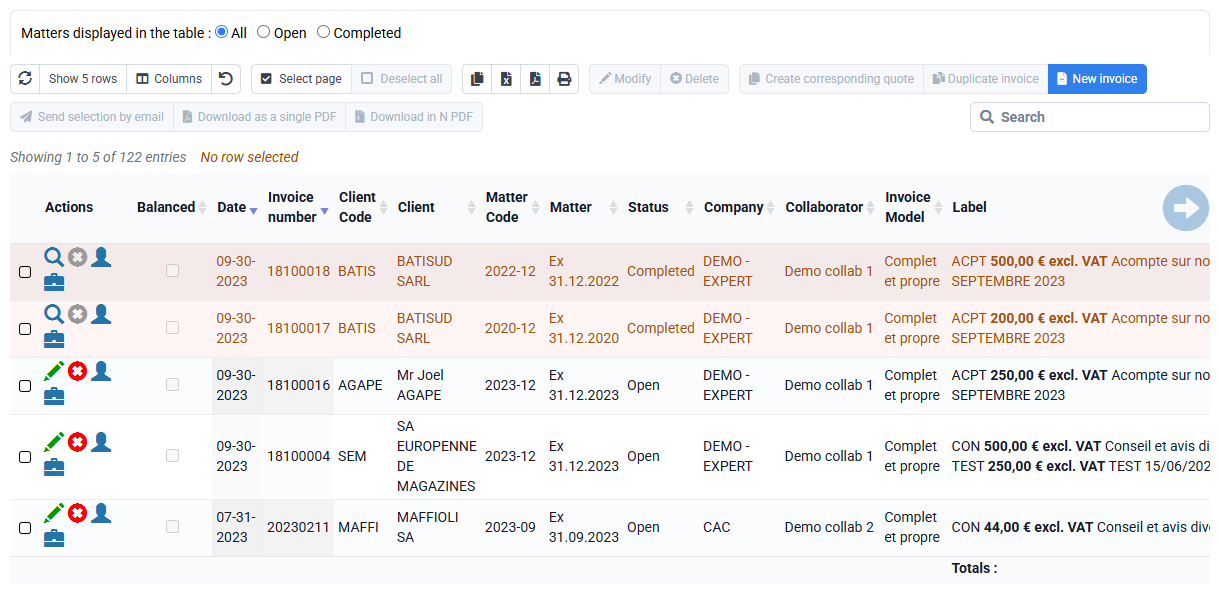
To issue a complete credit note for an existing invoice, open « Invoicing > Invoices » or « Invoicing > Invoices to validate », then use the row action « Create a credit note ». To create several credit notes, select the relevant invoices and use the « Create credit notes » button above the table, next to « Duplicate ». Tempolia asks for confirmation before creating the credit note in the pending invoices section. You can then review it, adjust it if needed, and validate it for issue.
For a partial credit note, create the credit note from the original invoice, then edit the lines in the pending invoice before issuing it.
In « Configuration > Invoice templates », the title displayed when the invoice total is negative is defined in the template; usually "Credit note".