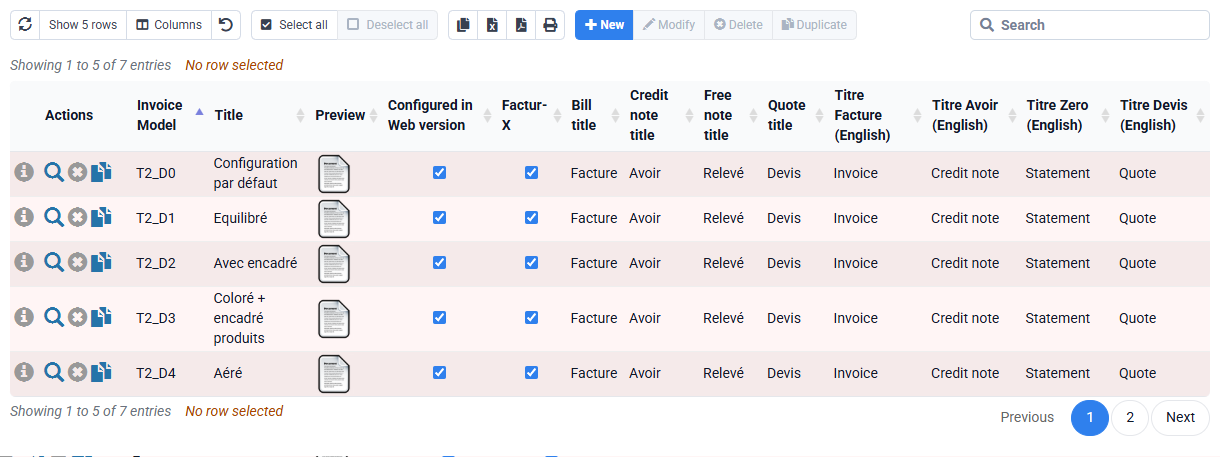
How do I display bank details in my invoices?
In the general context, except for a specific configuration of your invoice template which deactivates the payment information block:
- When an invoice is in "direct debit" payment mode, you must indicate the RUM, IBAN of the customer's account concerned and the mandate date => they are automatically displayed in the invoice, based on the information present in client records. NB: the client does not have to view your IBAN because he must not make a transfer to you, otherwise there will be double payment.
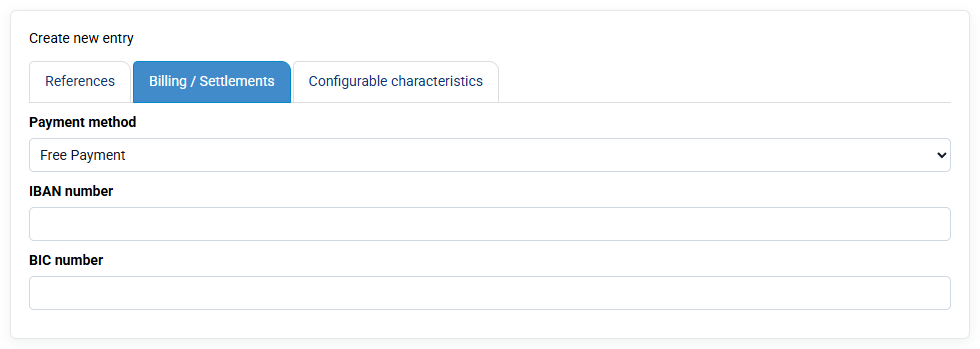
- If the invoice is payable by bank transfer, the IBAN of your bank account linked to this invoice appears. This bank account is inherited from the client file (which is attached to one of your bank accounts) when preparing the invoice. The choice of this bank account can be modified by editing the invoice.
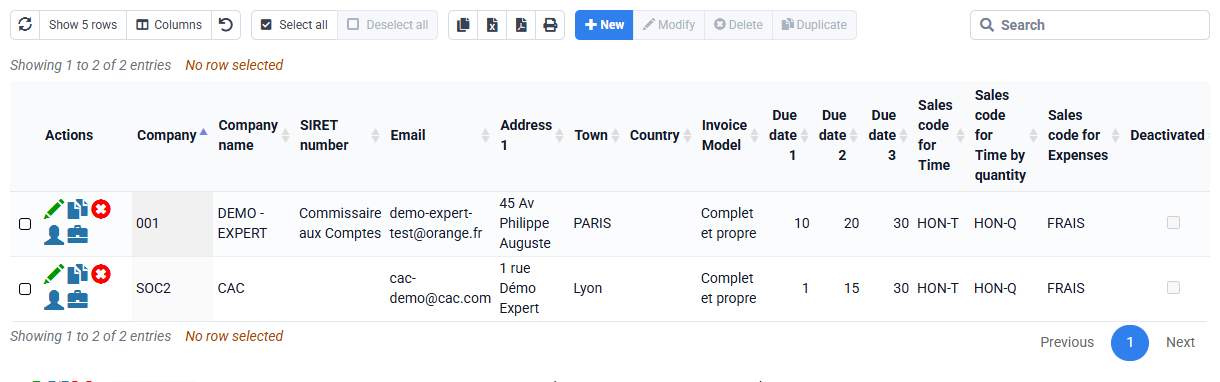
On the Billing > Invoices page, you can add the column "Payment method" which is not indicated by default.