How to properly manage your collections and reduce your customer outstandings?
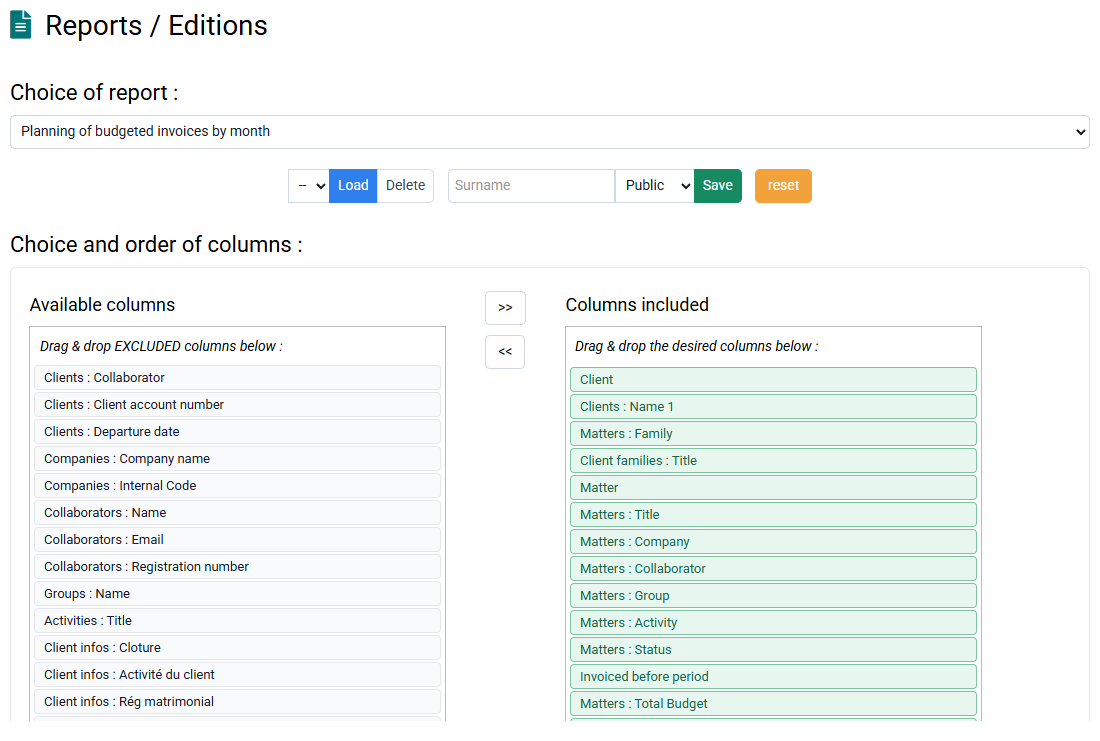
To keep track of your receipts, you can use the Aging balance report, available in « Tools > Reports and Editions > Aged balance ». A help text will be present to explain how to use it. An aging balance is an accounting tool for listing invoices to be collected, showing the number of days past due.
For the aging balance to take into account the invoices already paid, you must first enter your payments and proceed to a lettering.
Lettering consists of making an association between invoices and payments, and possibly with regularization entries called Miscellaneous Operations.
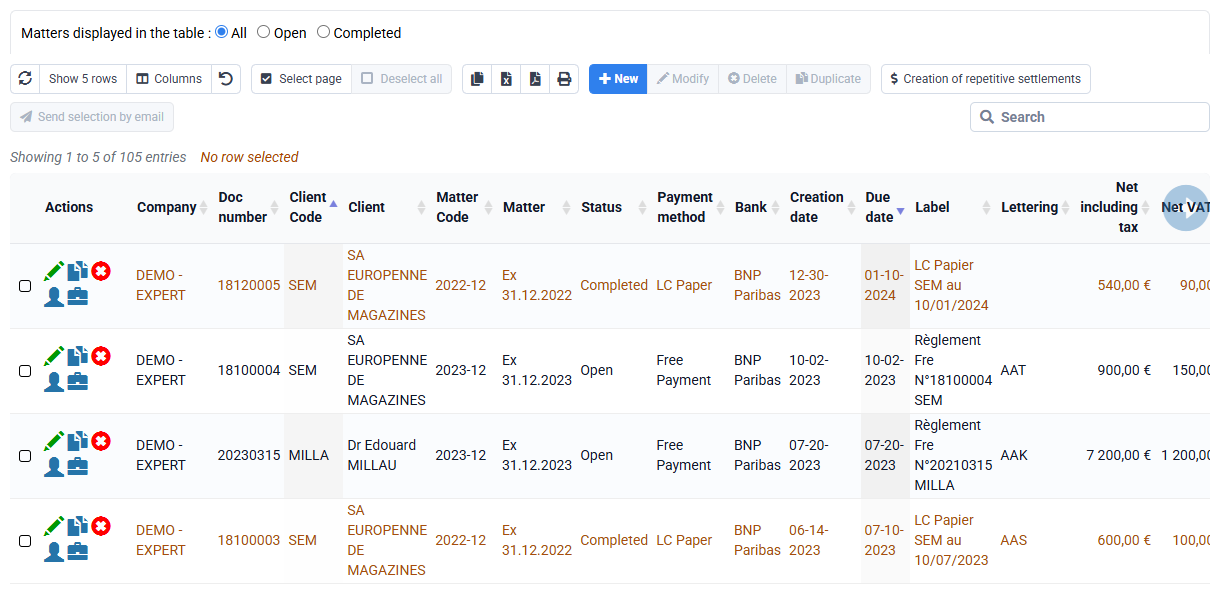
Lettering is done on the « Billing > Customer movements » with the "Automatic lettering" button or after manual selection of certain lines with the "Letter/Unletter" button.
To know how to enter payments, you can consult the following answer: What are the various ways to enter payments?
To follow up with your clients about unpaid invoices, you can:
- use the function of sending invoices by email, in « Billing > Invoices » by selecting lines then clicking on the button “Send the selection by email"
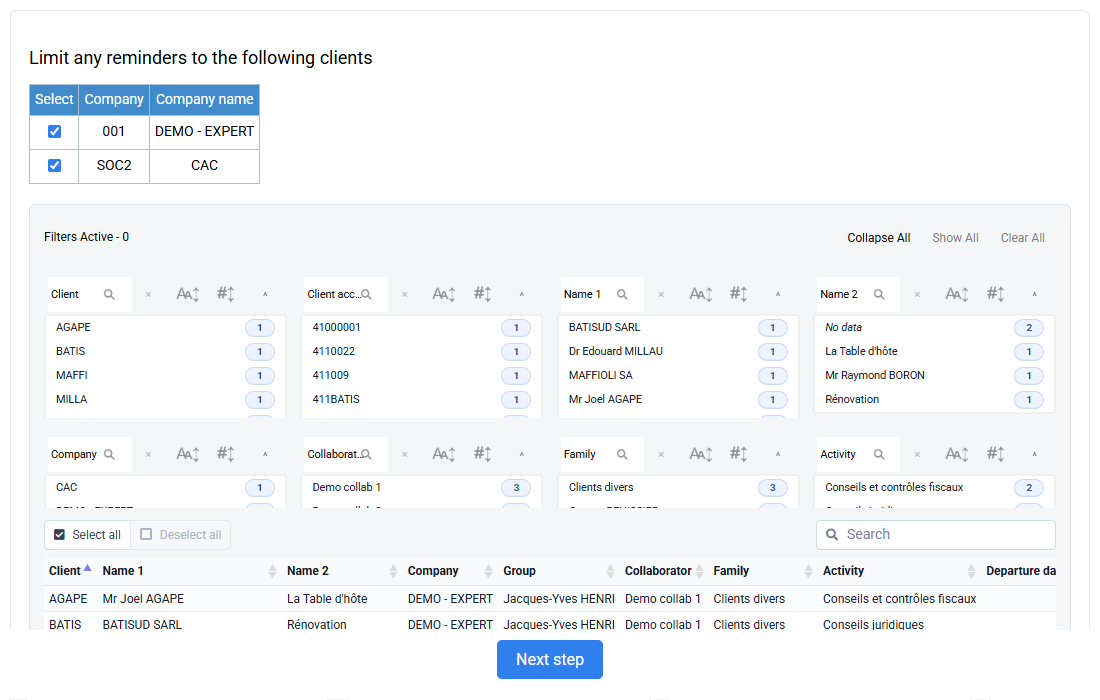
- or use the « Billing > Overdue payment reminders » on your entire customer portfolio or just certain customers, in order to generate PDFs or emails to follow up with your customers who have a non-zero balance on such date.