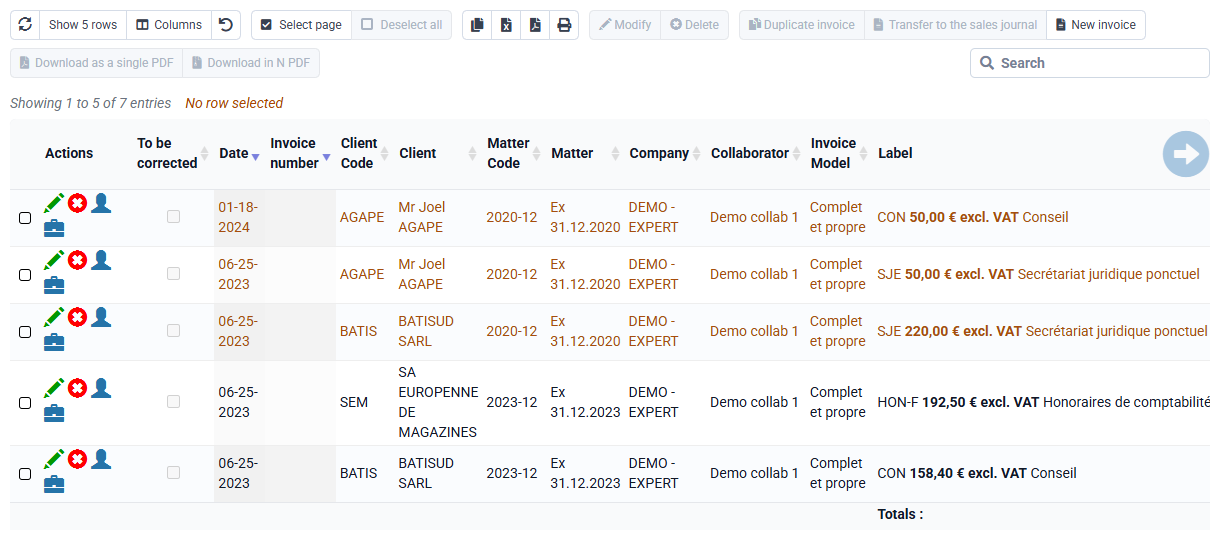
What must be configured before being able to issue an invoice?
The issuance of invoices requires prior configuration:
- Invoice template: the invoice template(s) must be configured, contact our support for implementation.
The default model associated with each of your issuing companies can be specified for a particular matter or modified for a particular individual invoice.
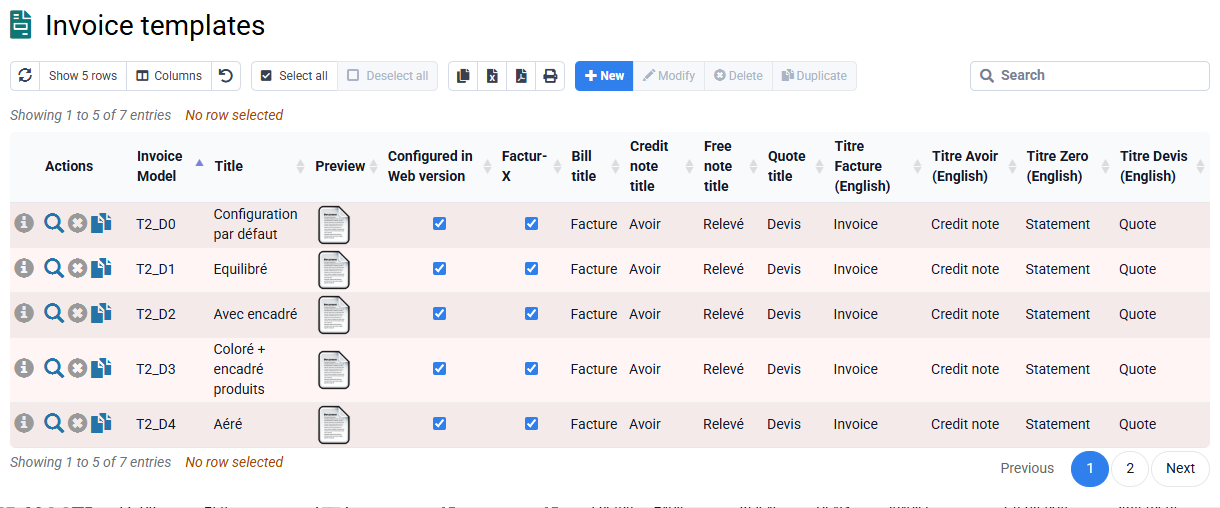
- Company: contact details and default invoice template for the company
- VAT: codes, rates, account numbers and comments
- Sales codes, with their account number, VAT code, billing label and possibly, associated standard price and calculation formula.
The billing labels for standard sales codes and by case may in particular include coded formulas to automatically obtain the month, quarter or number of the deposit during the actual preparation of invoices.
The lines of the same invoice are classified in the order of their entry or in the alphabetical order of the sales codes according to the option selected in the entry configuration. We can therefore have codified the sales codes to force the classification of invoice lines according to the type of service.
- Clients: enter the billing address, payment terms.
Unless otherwise configured, the invoice models offered by Tempolia provide that invoices are sent to the invoicing address of the case. This normally corresponds to that of the client.
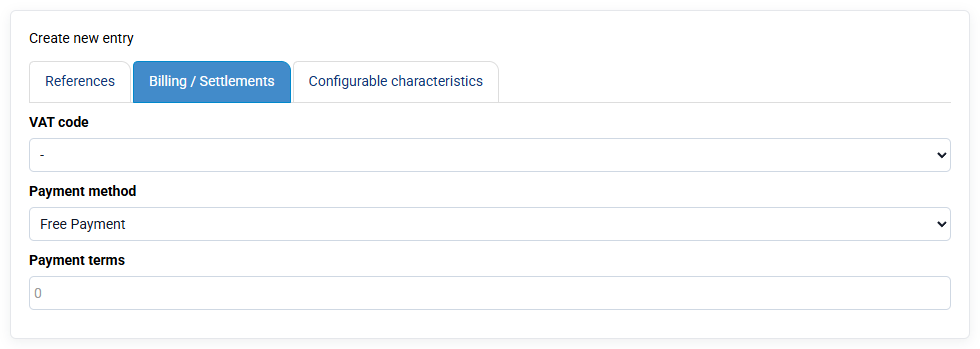
It is possible to enter in the client's file a billing address distinct from his main address. A billing address can also be specified at the level of the client's relevant matter.
The client also determines the account assignment customer account.
- Matters: entry of sales codes for automatic re-invoicing of times and unallocated costs, of a possible specific invoicing address, of the invoice model and of the invoicing unit of the time spent by default of the case.
- and possibly account numbers (clients, sales and VAT) to allow the transfer of the invoices to your accounting software.