How to manage employees' compensatory time off?
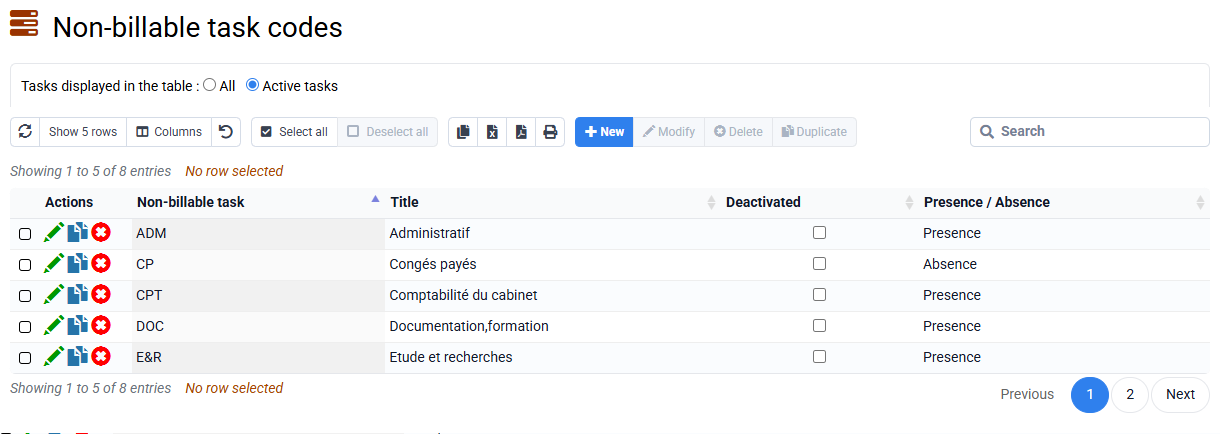
Preamble: you must first create a non-billable “Compensation Rest” task in « Configuration > Non-billable Tasks ».
There are several types of compensatory rest, with rules that may be specific to each agreement and each company. The calculation methods and events triggering compensatory rest must therefore be managed internally within the company, based on time entries made by employees.
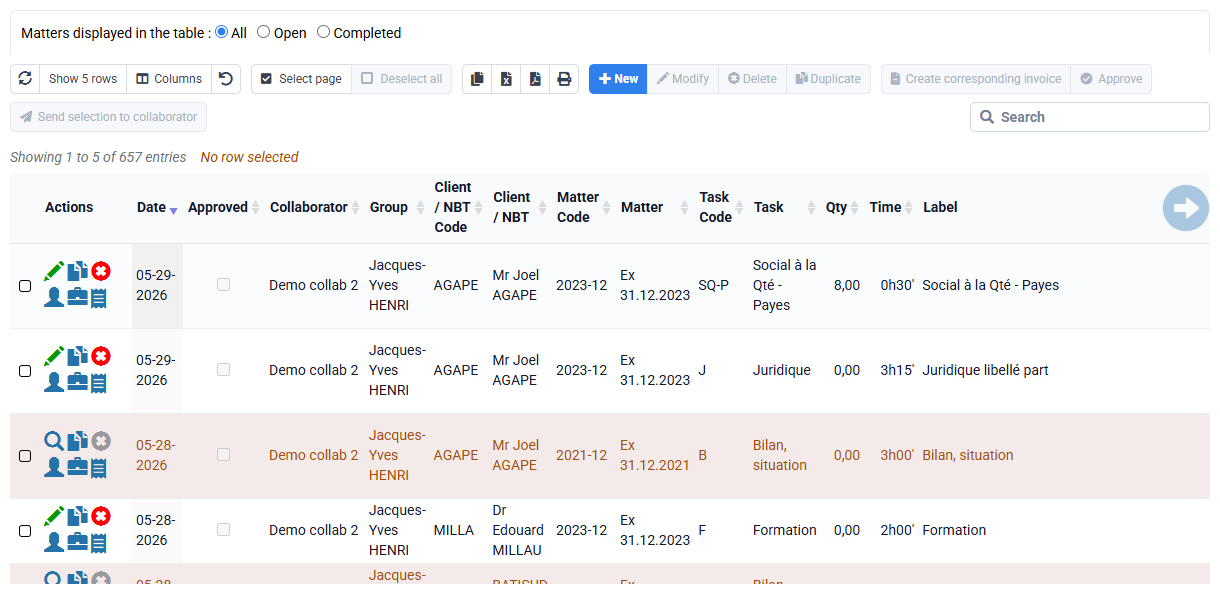
Once compensatory rest has been calculated, you can enter time associated with the non-billable "Compensatory Rest" task in past times:
- negatively: the hours worked during the day, week or month, which will be subject to compensatory rest,
- positively (like usual leave) on this same non-billable task: absences linked to the recovery of these hours of compensatory rest.
If you then look at the time statistics associated with this non-billable task, via reports or the specialized « Employees > Absences » page, by looking at the balance of time linked to this task you will know if compensatory rest remains to be taken or not for the employee.