I forgot my password. How can I reset it?
For optimal security, you cannot request a password reset with a "forgotten password" button. A person with rights on your account must give you a new password.
If you have lost your employee password, ask the person who manages access within your company. If you are Administrator and have lost your password, you must ask support to reset it.
If you are logged in, you can change passwords as follows:
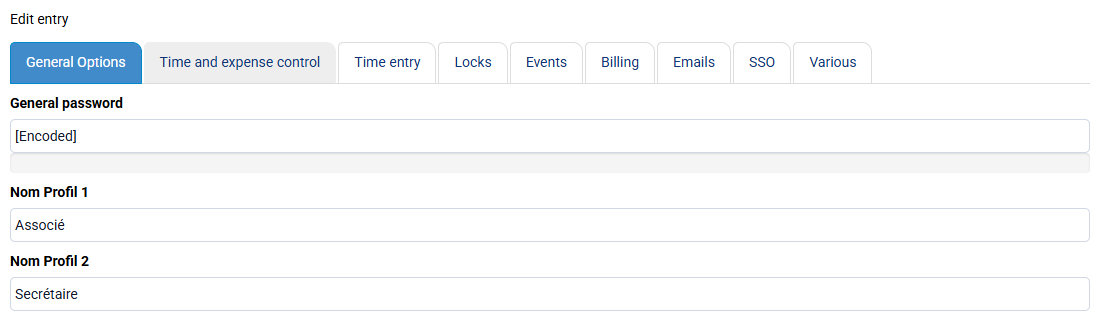
- For the Administrator password, go to « Configuration > General options » and change the "General password".
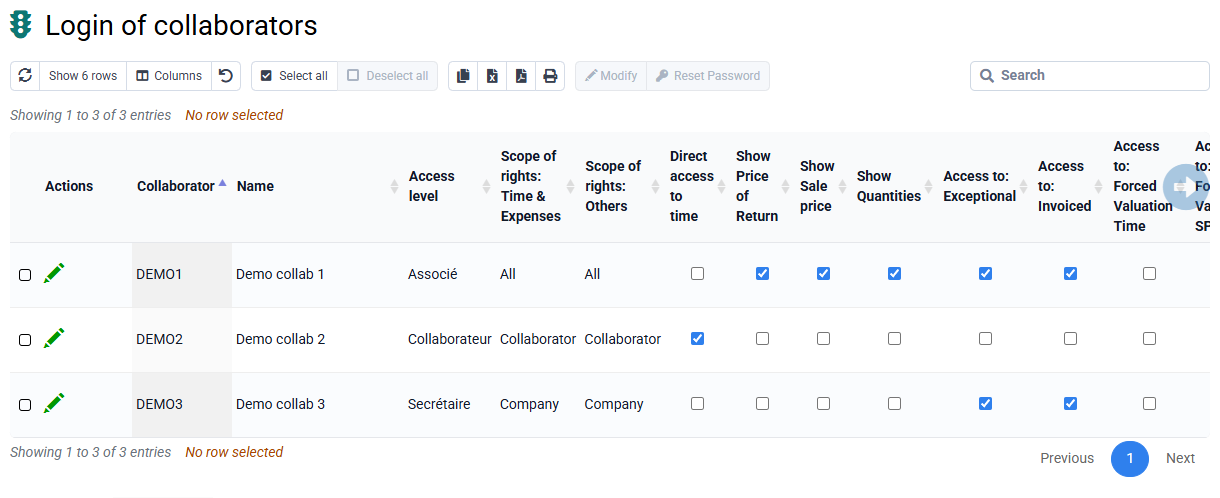
- For an employee password, first make sure the employee has been created. Then, on the « Employees > Employee logins and rights » page, you have two options: enter a password directly and send it yourself to the employee, or select one or more rows and click "Renew password" to automatically send an email starting the password-definition procedure for the employee.