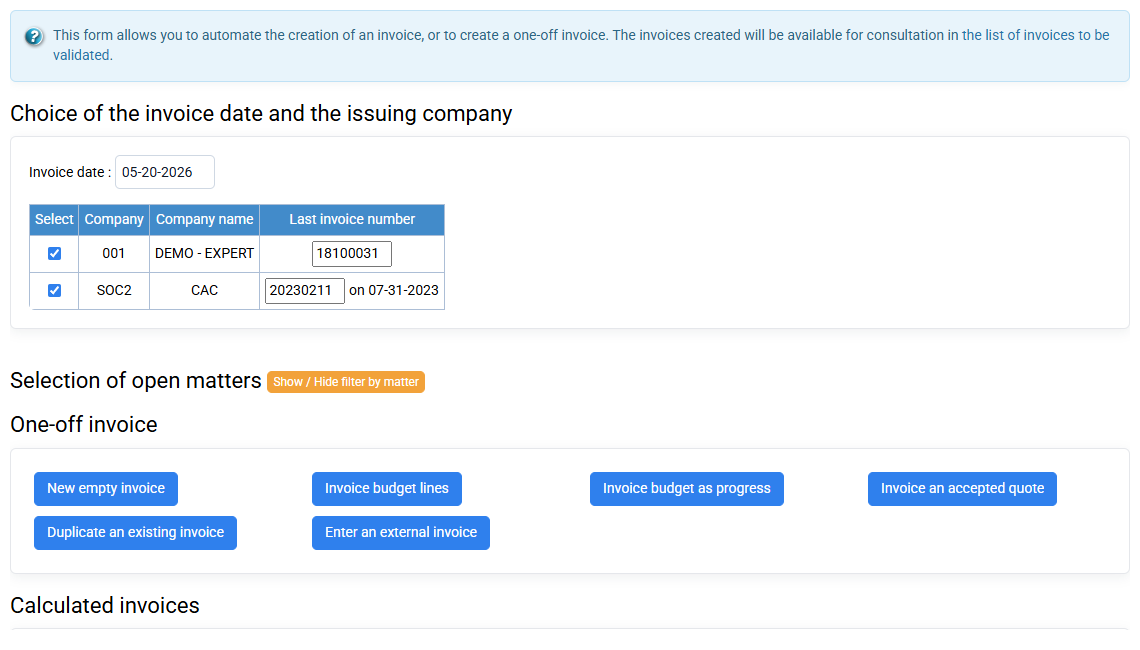
What are the various ways to enter payments?
There are several ways to create payments:
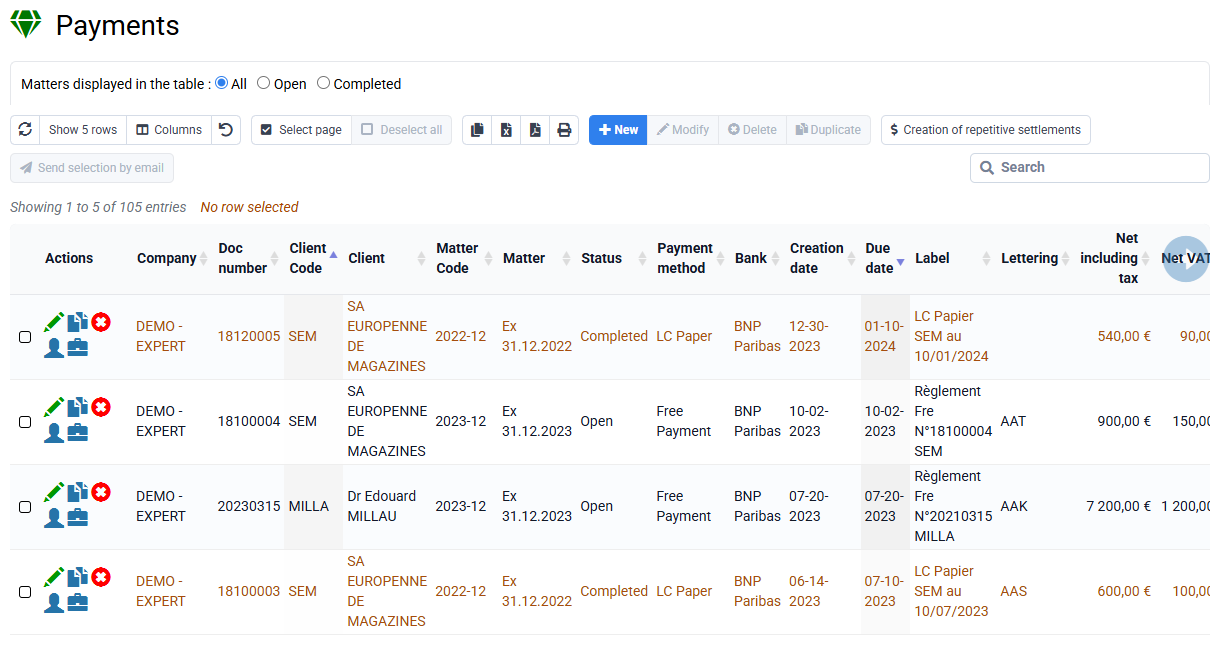
- Payments can be created automatically when preparing invoices, using the option (active by default) at the bottom left of the form "Create payments automatically" with the option "Managed: direct debits, drafts" .
The direct debits corresponding to the invoices are prepared in accordance with the payment method configured for customers, and are actually created when the prepared invoices are transferred to the sales journal. It is in fact the transfer to the sales journal which makes the invoices final and creates the corresponding payments. Subsequently, the planned withdrawals are independent of the invoices and can be modified at your convenience. - On the « Billing > Customer movements », by checking lines and clicking on the "Create payments corresponding to selected invoices" button: checks or transfers received corresponding exactly to one or more invoices.
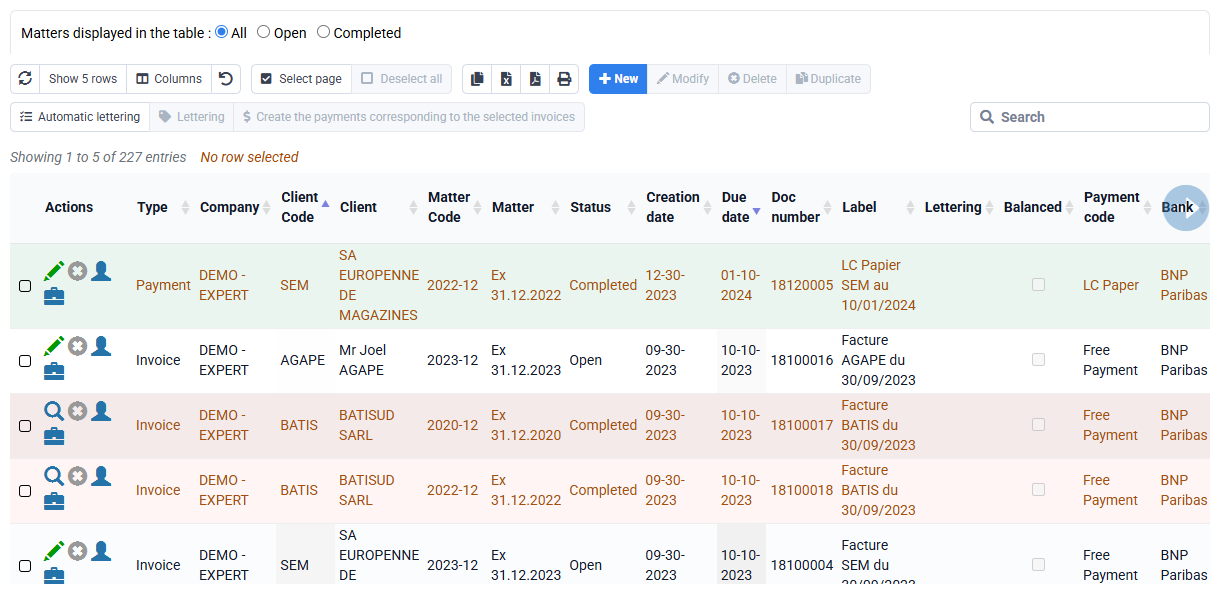
- On the « Billing > Payments », with the "New" and "Repetitive creation" buttons: direct debits to be made later, or checks or transfers received which are entered upon receipt and whose amount does not necessarily correspond to a precise invoice.