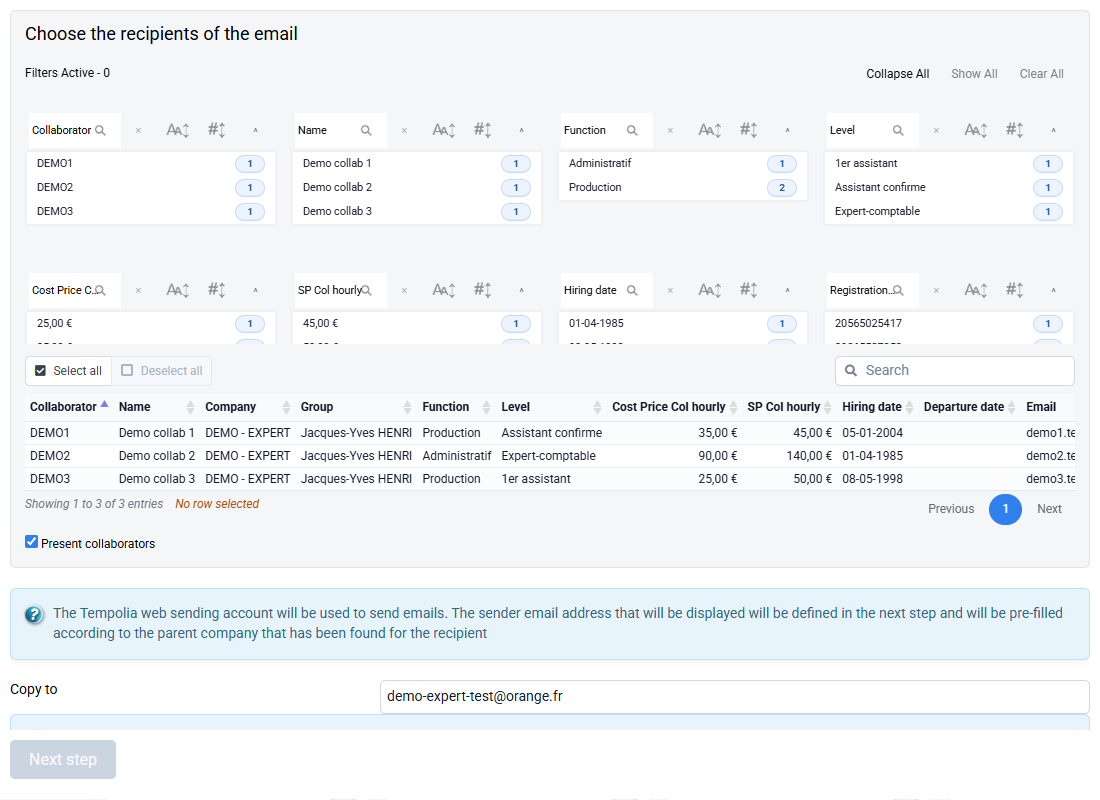
What should I do if I get an error message when sending emails from Tempolia?
To send emails from Tempolia, configuring your SMTP server is mandatory.
Thus, Tempolia will transmit to your mail server the content of your emails to be sent, and the emails actually go from your email server to your correspondent. These settings are managed in "Configuration > General options", Emails tab.
When Tempolia displays an error message related to sending, it is because this message was sent by your mail server. You must read carefully to understand the message and resolve the problem with the person who manages your email server.

For example, if this message indicates in particular "user password has expired" this means that the password of the email account used for sending has expired:
- you must modify it on your mail server.
- and you must update the "SMTP password" field in Tempolia, in "Configuration > General options", Emails tab; see How to configure the sending of emails?