How to import times to quantity from Excel?
As a preamble: to correctly value your time by quantity according to rates specific to certain clients, you can define rates by quantity on the « Configuration > Sales price of tasks per project » page.
This then allows Tempolia to value your pay slips with the correct unit rate.
When you create new matters with bulk matter creation, you can keep the same rates or make increases.
And you can also modify these prices occasionally by modifying them directly.
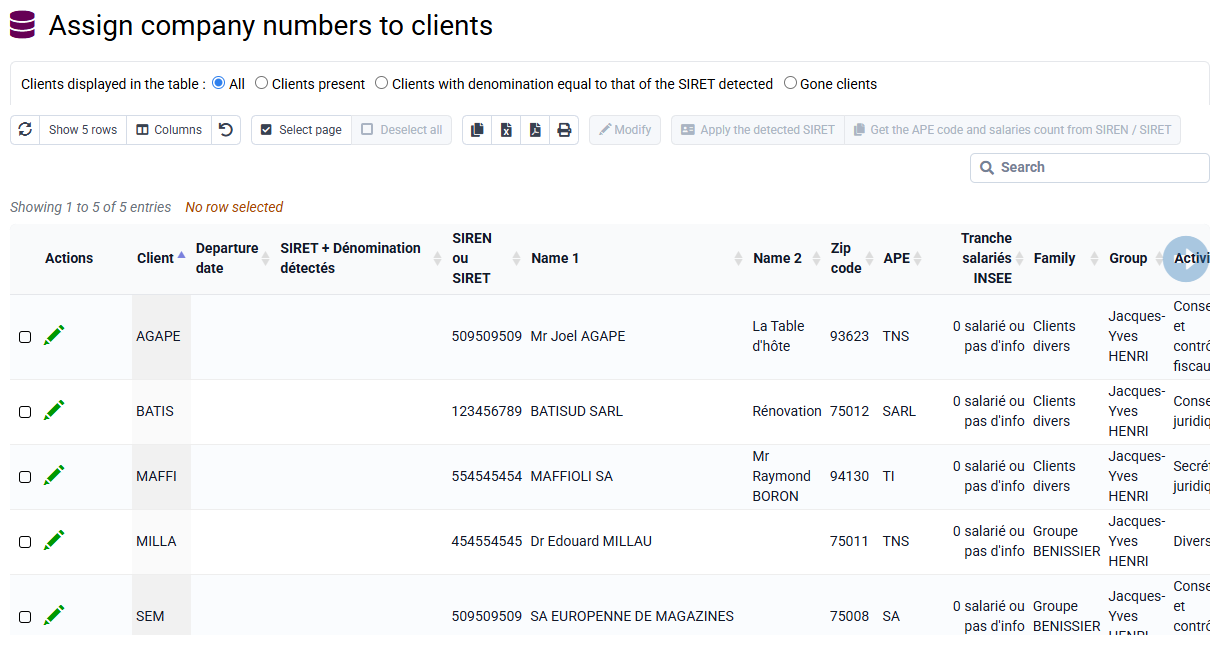
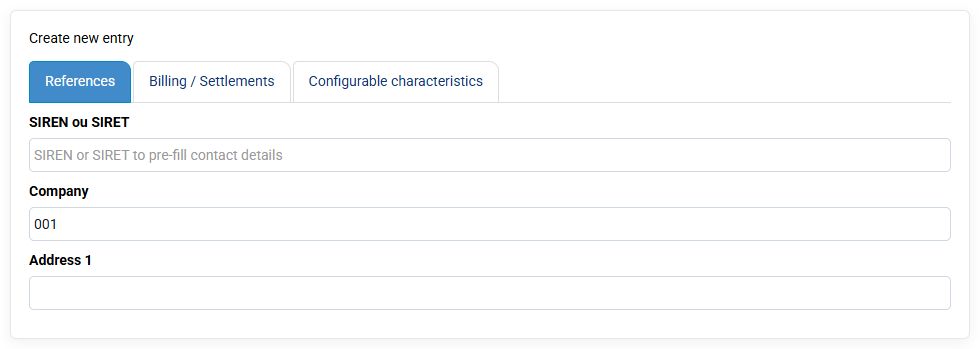
In Tools > Import, you can import "past times" by downloading a CSV file (you will have previously saved your Excel file in CSV or txt format).
By selecting "past times" as the import type, you will have to drag your column names which will have appeared on the left to our boxes in the database on the right.
The boxes in blue are mandatory: client, case, collaborator, date, task code, and quantity.
Once the match is made, you save your configuration (green button) which will allow you to reload these matches in the future, and you launch the import with the blue button at the bottom of the form: first there will be a verification anomalies, and then an import.