


How are the concepts of deadlines and events linked?
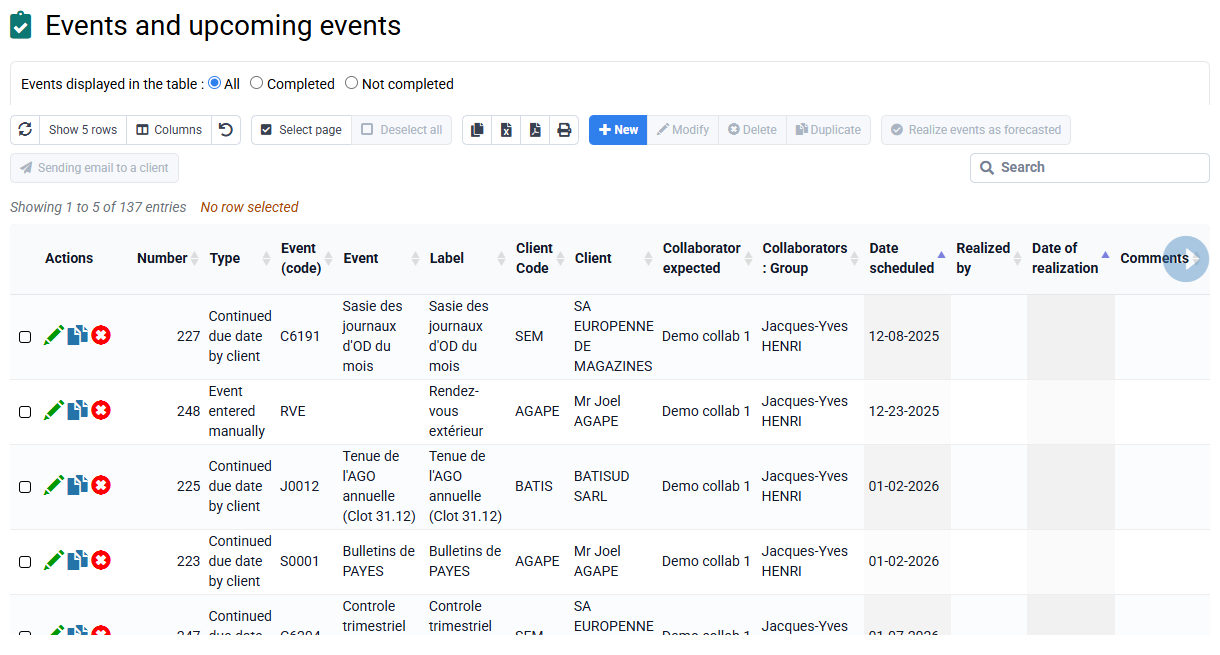
Events can have different origins:
- be scheduled punctually => use event codes,
- be generated automatically from permanent deadlines per client, X months before a deadline (see « Configuration > General options »),
- be generated automatically from one-off deadlines per case.
Once an event is generated from a permanent deadline, it can evolve without needing to modify the permanent deadline, whether for the scheduled employee, comments, etc.
In "Configuration > General options > Events tab", you have the configuration that defines how the generation of events from permanent deadlines works.
You can activate the option "Create customer events based on permanent deadlines" in the menu and define the months concerned, so that Tempolia automatically creates the missing events based on the scheduled deadlines at each user connection. Indicate how many months before and after you want to process. If the previous months are > 0, then it creates the events related to the deadlines for the recent past (for example, in April you set a deadline in March because you had forgotten it, the idea is to make it decline into an event).
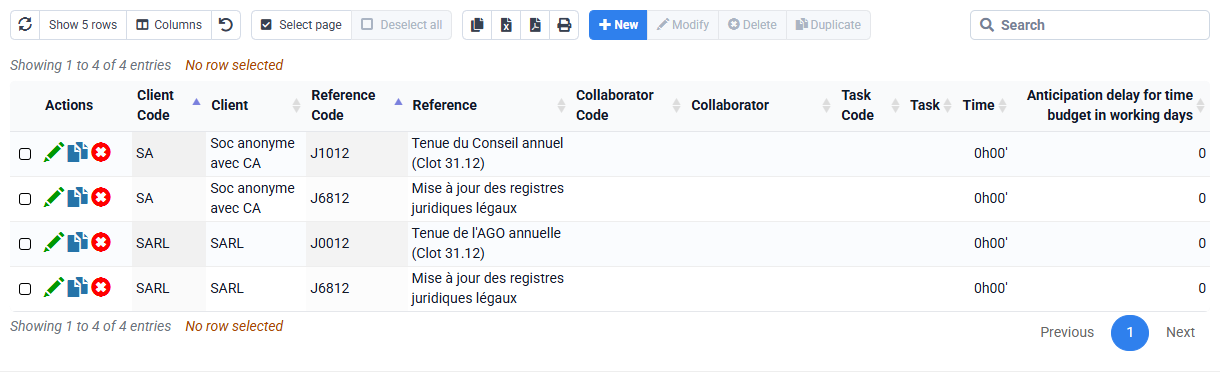
The events created automatically are assigned to a particular employee. By default, the events are attached to the employee attached to a case (the mission manager). It is possible to specify in « Events > Permanent deadlines attached to a client » the employee attached to such and such deadline, and then it will be used to automatically assign events to him instead of the mission manager.

Then, each employee has a list of events that tells him what to do for such and such a date.
The manager can monitor the events of all employees in his group (see setting to be made in « « Employees > Login and employee rights » > Scope of rights: Others ») or of the company.