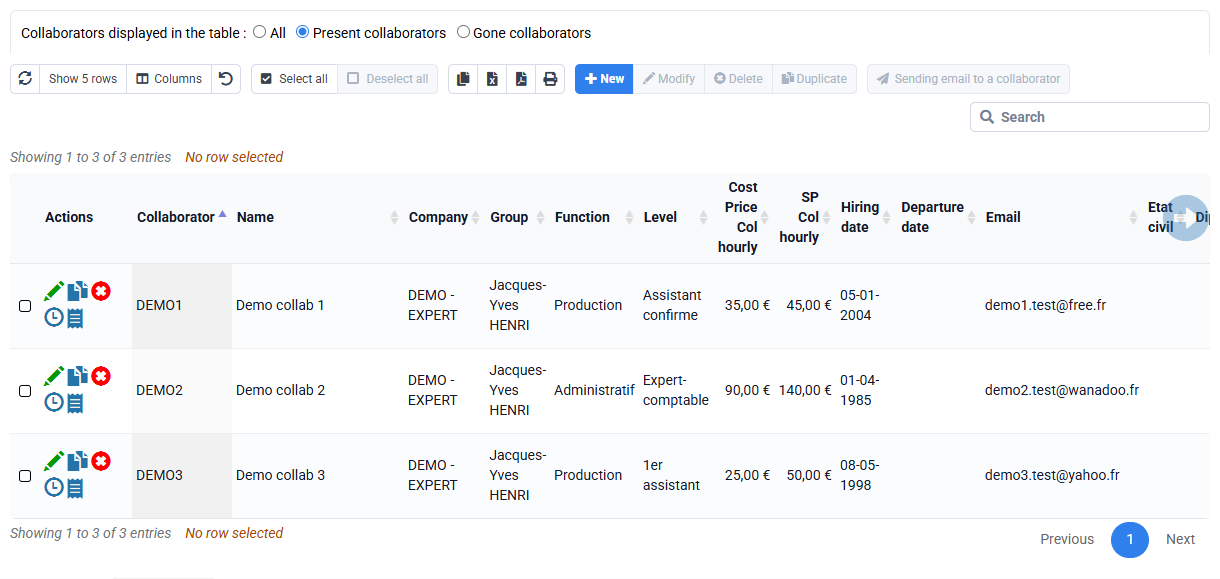
How to define the employee to whom events automatically generated from deadlines by customer will be assigned?
When you go to « Events > Permanent deadlines attached to a client », you can search for the deadlines that interest you and modify the collaborator in charge of the deadline.
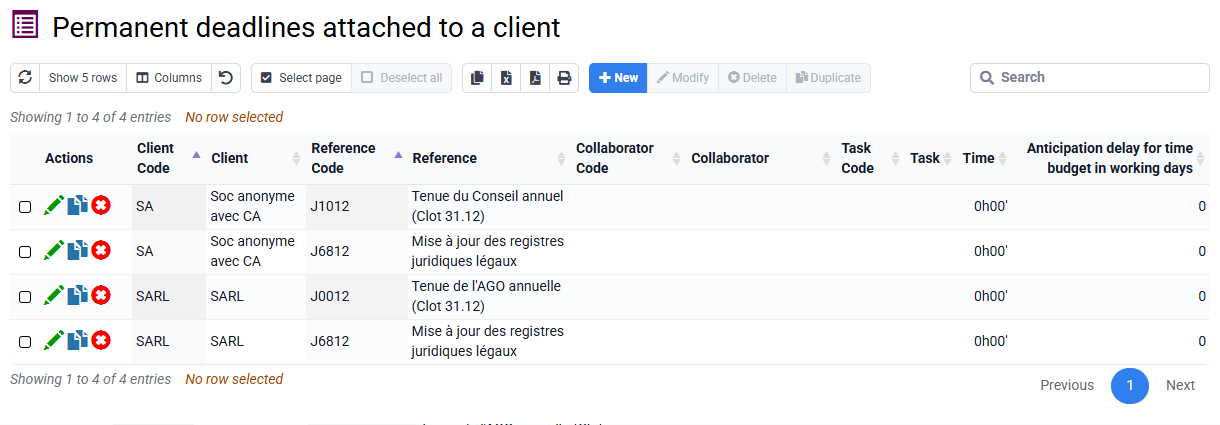
This collaborator is the person to whom the deadline is associated, and it is therefore to them that the event that will be created will be associated, in the "Planned Collaborator" field of the event.
When X months remain before the deadline, an event will be automatically created and will be associated with this collaborator. This collaborator will therefore have this event to complete, it will appear in their calendar, and they will have a popup if it is late.
When copying a deadline with the "Copy to clients" button, in the form on the following page there are options to manage how the collaborator will be modified when copying. There is in particular an option to take the collaborator in charge of the client
When manually creating the association, with the "New" button which opens a form with 3 fields: client, deadline, and collaborator. If the collaborator is not filled in, it will be filled in with the collaborator in charge of the file.