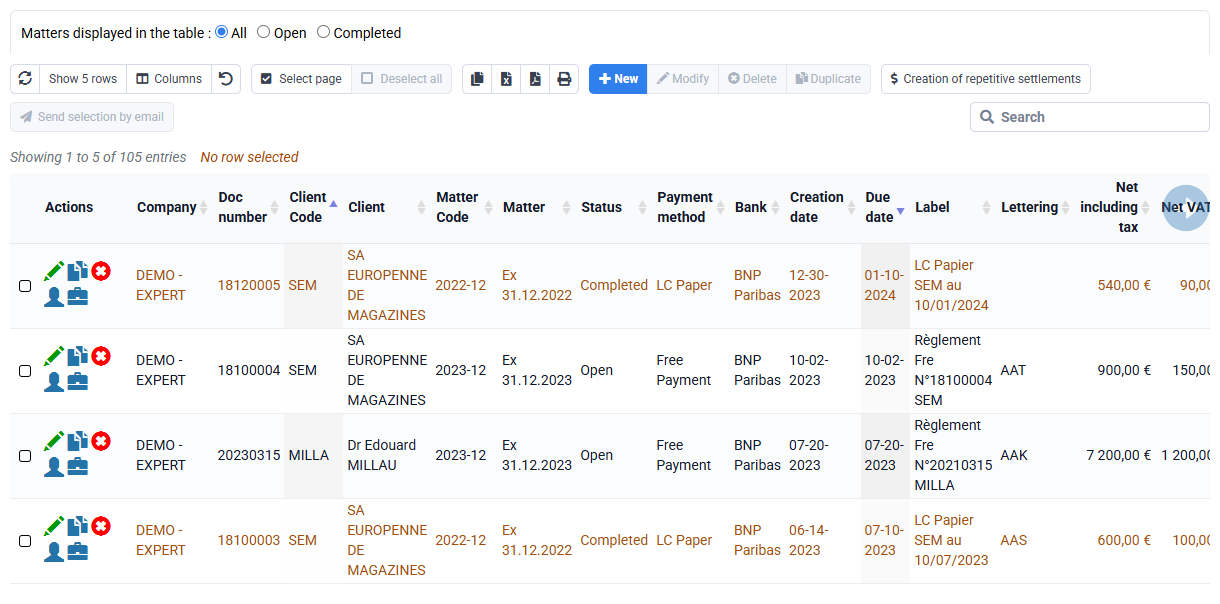
How can we group multiple debits for the same client into a single debit?
First, to group debits, ensure on the « Billing > Payments » page that the due date is identical for the debits you want to group. If necessary, modify this due date by editing the planned debit lines.
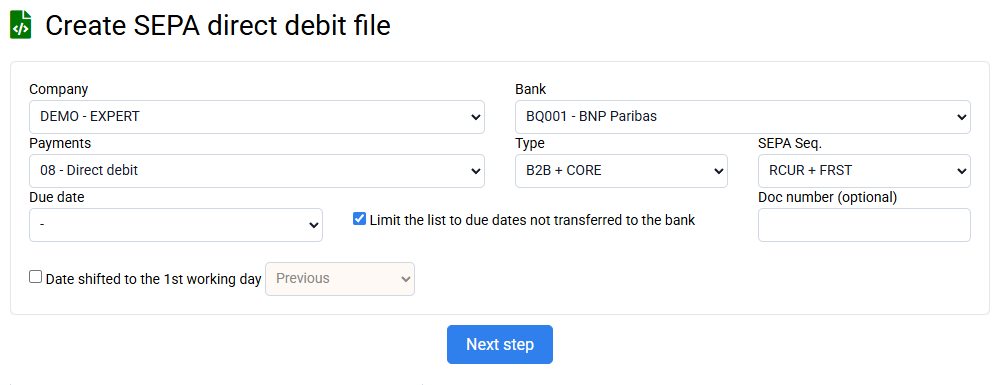
You can group debits for the same client by selecting the option "Group with other debits for the same client." This will create a single debit for the total amount, specifying the sum in the debit description. Grouping debits helps reduce bank fees, which are proportional to the number of debits processed. If only one payment exists for a given date and client, selecting the group option will have no effect. Therefore, you can safely select this option for all debits without distinction.