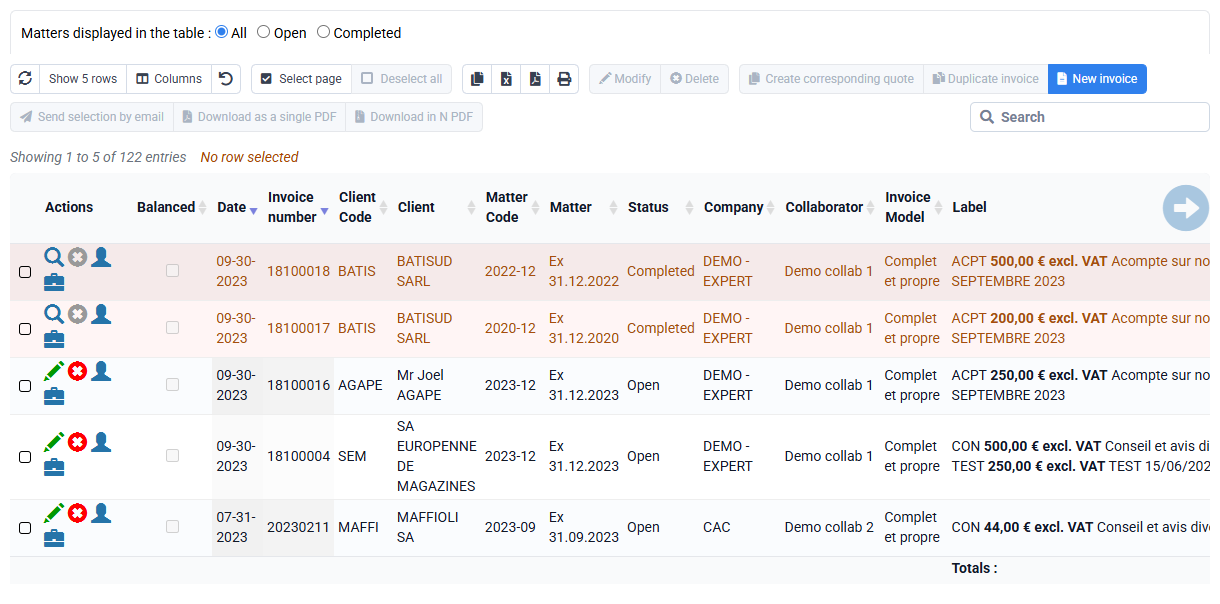
How do I manage several companies in Tempolia?
You can manage several companies at the same time with the same Tempolia account, with no impact on billing for our software. Companies configured in Tempolia can be distinct legal entities, but also establishments of the same company. By default, each company has its own invoice numbering sequence. Several companies can also share the same numbering sequence: this setting can be configured by Tempolia support, which will enter in the relevant company the code of the company whose sequence must be reused. Each company can have its own invoice template or use a shared template in which the company details and logo are automatically adjusted.
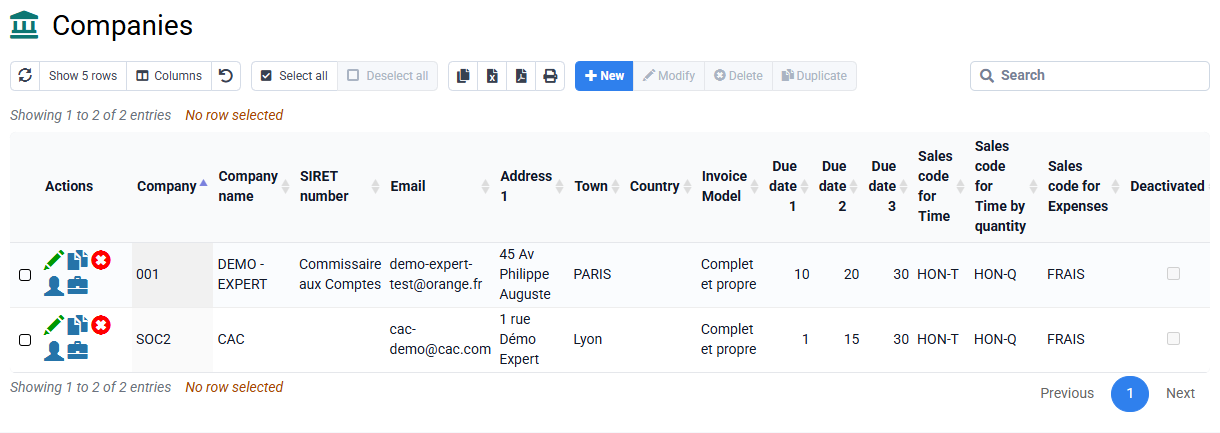
Clients can be shared between several companies. In that case, at least one matter per company must be created to group the services of each company.
Access rights, reports and printouts can easily be limited to one or more companies. Internal services, meaning time or expenses incurred by employees of one company for matters of another company, are covered by a specific report.