How do I invoice foreign clients in English or Spanish?
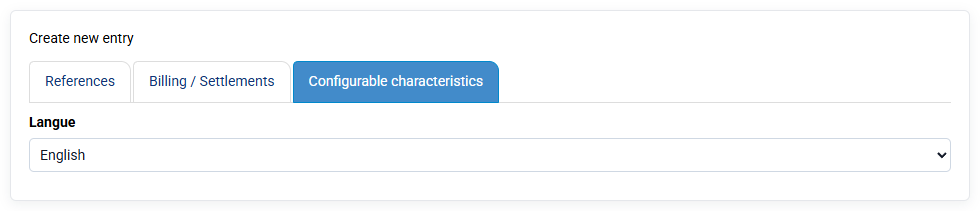
You can indicate the language spoken by your clients in the Client records, under the "Customizable characteristics" tab. This information is then used to determine the language in which invoice PDFs are generated for that client. If your invoice template contains direct text, for example terms shown at the bottom of the invoice, that text must be translated: either duplicate the template to create a template in another language, which is the simple solution, or duplicate configuration variables to specify English values, which is more flexible and more technical.
The content of your invoices that comes from labels must be entered by you in the correct language; it is not translated automatically when the PDF is generated. However, the overall structure of the invoice is generated in the requested language.