How do I import Silae payroll production?
You can automatically retrieve payroll production from the Silae payroll software as part of the Enterprise offer.
Regarding the Silae API, you can subscribe to their REST API for firms. You must contact Silae to obtain your API login credentials and send them to us so we can integrate them into our system. Note: access to their API may be billed by Silae separately, but according to our information the firm API is not billed for our use, namely level 1 according to their codification. For information, Silae API documentation is available at https://silae-api.document360.io/docs
On our side, we call their API features to retrieve the production of your payroll department, in order to know what you want to invoice, typically payslips issued, entries and exits. Then we match this with the tasks you have defined in Tempolia and for which you have configured your sales rates.
During import, matching Silae files with Tempolia clients is done:
- automatically if the client code in Tempolia is identical to the file code in Silae
- through the "SILAE Code" field. This field is filled in the "Customizable characteristics" tab of Tempolia client records to indicate a specific file code in Silae. It can be filled manually or by importing a two-column CSV file: client code in Tempolia and file code in Silae.
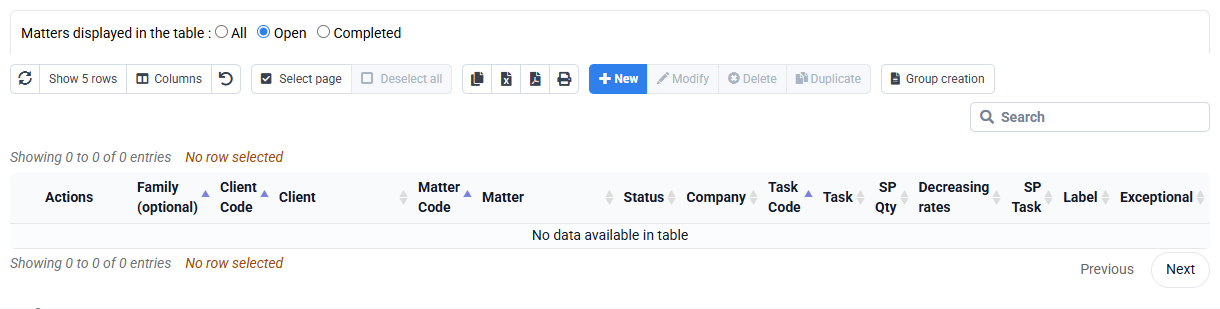
To perform the import:
Go to « Tools > Import Silae payroll production » and enter the date range for which you want to retrieve Silae production, as well as an employee to whom the created lines will be fictitiously attached.