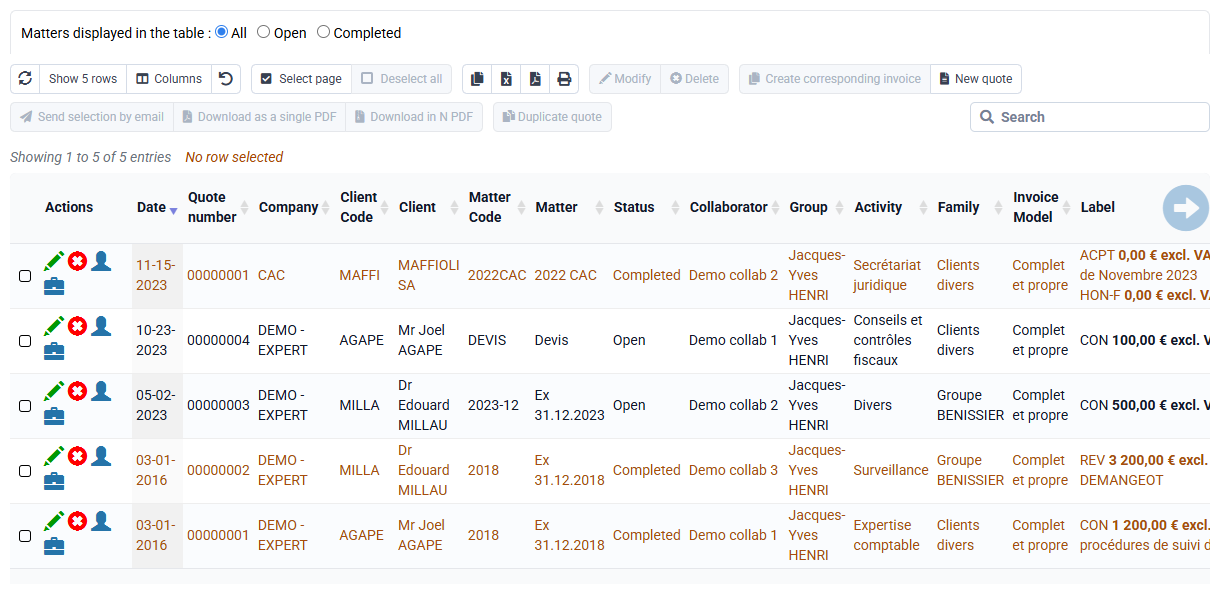
In invoices and quotes, how do I add a free-text line without a price, and how do I add a subtotal?
Some specific sales codes are provided to trigger special display behavior in quote and invoice PDFs:
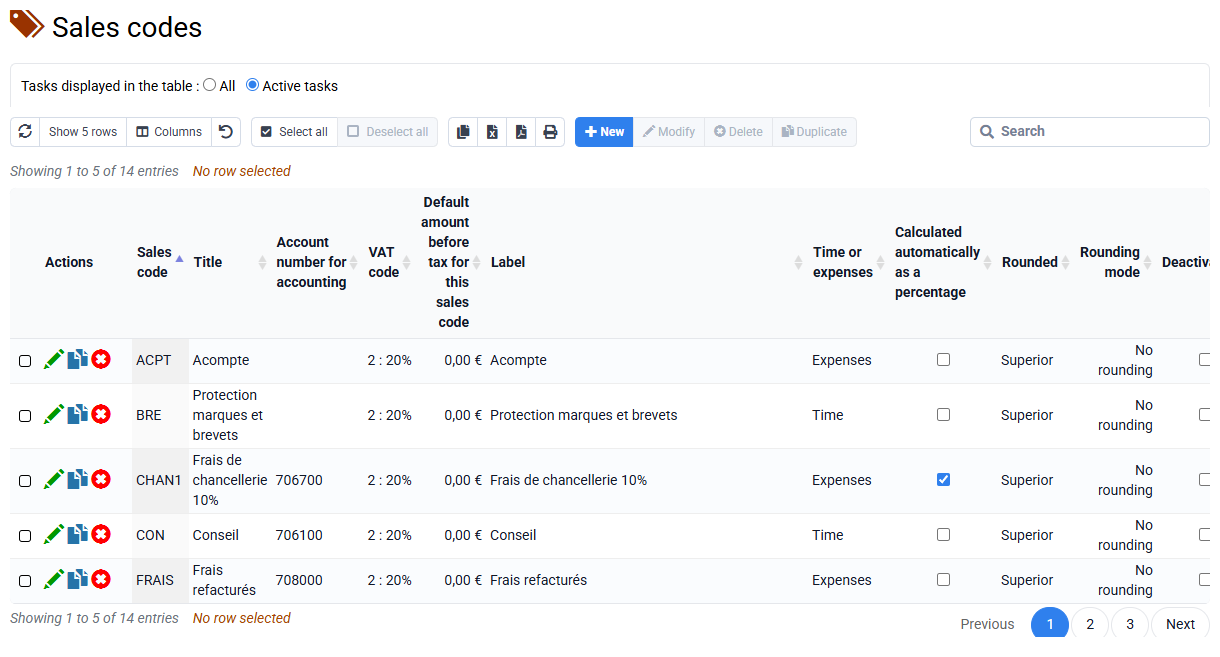
- The sales code "TOTAL" is a specific sales code that automatically displays a subtotal corresponding to the lines above it in a quote or invoice. It lets you structure your documents by grouping several service lines, giving your client a clear and professional presentation.
You can create a "TOTAL" sales code with the label of your choice, for example: Subtotal Phase 1, Total Lot 1, Services of this type, and so on. If you modify previous lines, prices, quantities, additions or deletions, the subtotal updates automatically. - If you want to display a line without an amount in the excluding-tax column, you can use a sales code of type LIBEL or TEXTx, with the last character of the code chosen by you, and an amount of EUR 0. These sales codes have special behavior: the line text is displayed, but no amount appears. This makes it easy to insert a heading, comment or presentation text into the document without impacting the total. LIBEL and TEXTx sales codes work the same way on this point.