How does multi-currency management work in Tempolia?
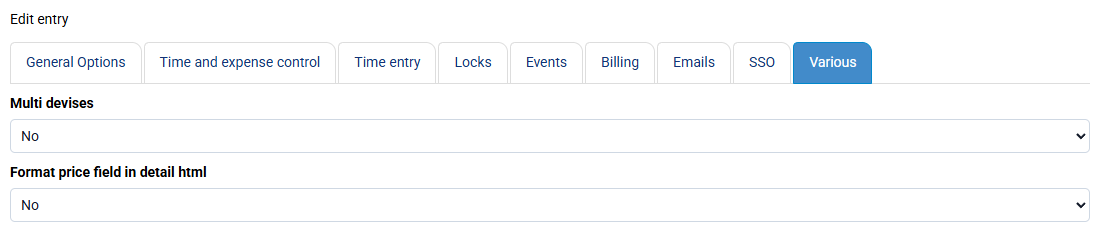
Multi-currency management can be activated from « Configuration > General options », “Miscellaneous” tab, in the section: "Enable multi-currency management in billing. The database will remain in your main currency, as will your statistics and accounting exports. Invoices will allow currency selection and a field to enter the exchange rate. This changes invoice presentation, while all other amounts remain in your main currency for invoice amount lists, payments, etc."
Once this option is activated, Tempolia adds fields to specify a currency and exchange rate, especially on invoices and expenses. This feature makes it possible to present certain documents in a different currency, but it does not change the main storage currency of the database.
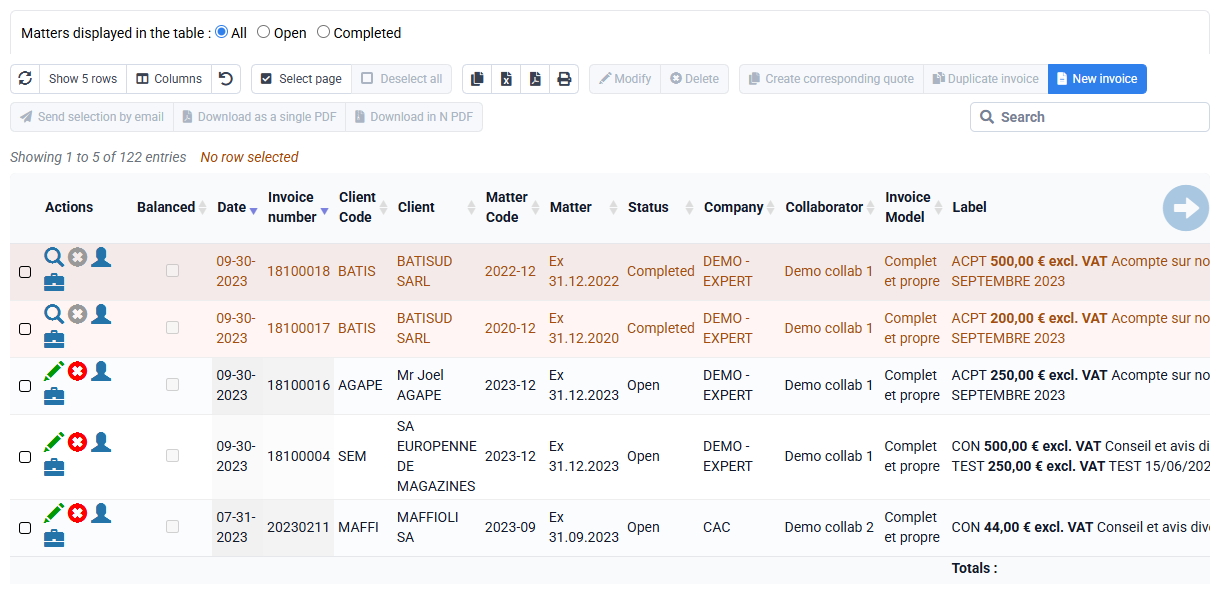
By default, Tempolia’s reference currency is the euro. All financial data, statistics, amount lists, payments, accounting exports and internal calculations therefore remain expressed in this reference currency.
You can contact support to change the main currency across your database.
It is important to understand that amounts must be entered in your main currency. The exchange rate is then used to establish the correspondence with the currency displayed on the relevant document. For example, if your reference currency is the euro and an invoice must be presented in a foreign currency, amounts are entered in euros, then Tempolia uses the indicated exchange rate to display equivalents in the selected currency.
Note: it is technically possible to enter expenses corresponding to a foreign currency without correctly entering the exchange rate, but this is not recommended. In that case, features that add, compare or use amounts may produce inconsistent results, because Tempolia will consider those amounts as if they were expressed in the reference currency.