


How can I automatically invoice time entries or budgets to another customer or matter?
Redirect the invoice to another customer
Automatically prepared invoice lines can be billed to a different customer or matter from the source time, expenses or budget. For example, source matter S2024-12 belongs to customer X.
In customer X’s custom characteristics, Fact. autre Client identifies the customer to invoice. Enter Y to bill customer Y using the same matter code, or Y/AFFY to specify both destination customer Y and destination matter AFFY. The text after the slash is a matter code, not an accounting account number. The destination matter must exist for the destination customer.
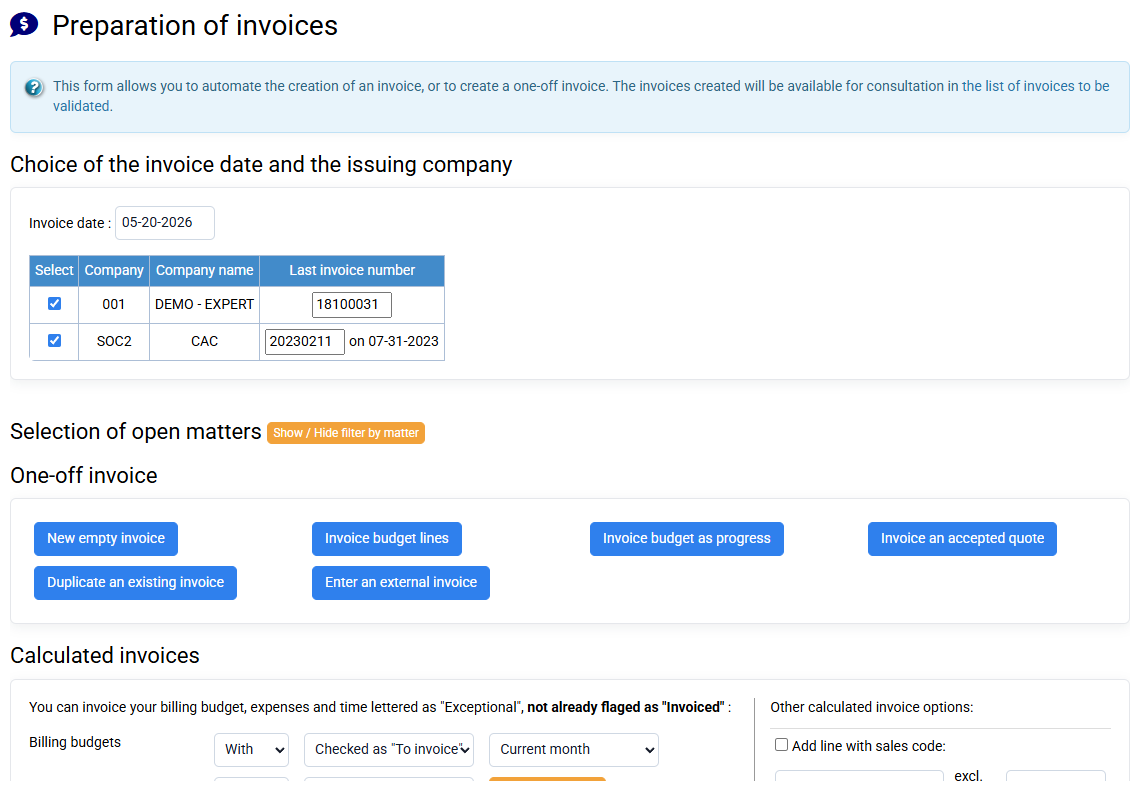
Choose a destination matter for the source matter
In source matter S2024-12’s custom characteristics, Fact. autre Affaire can specify a different destination matter, for example 2024-12. This matter-level choice takes priority over a matter included in the customer’s redirect setting. Check the customer/matter pair on the prepared invoice.
Group accounting and payroll services
If 2024-12 holds accounting work and S2024-12 holds payroll work, redirect the payroll matter to 2024-12 to invoice both together. Payroll lines can be identified by their subtitle. The invoice header uses the destination matter, while invoice lines retain the original assignments used in profitability analysis.
Invoice a reseller for several end customers
For end customers CLIENT1, CLIENT2 and so on, set their customer redirect to RESELLER/FACT_ALL when the reseller should receive the invoice on its matter FACT_ALL. Use the actual destination codes configured in your database. Review the resulting grouping, invoice recipient and source allocations before issue.