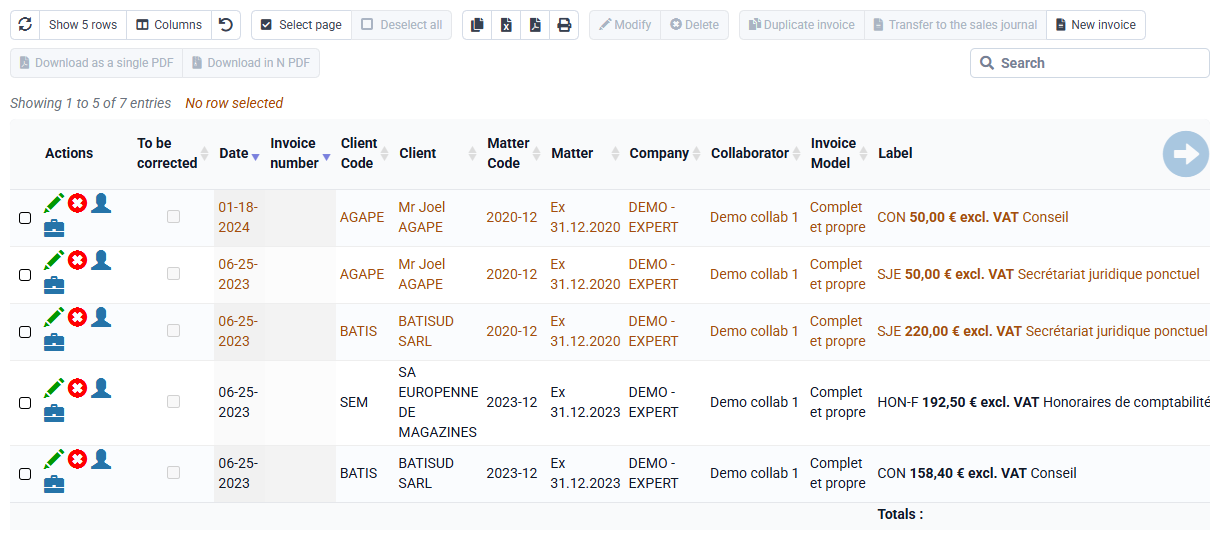
How can I automate my invoicing?
On the “Billing > Preparationof Invoices”, you have a calculated invoices section, which allows you to automatically invoice:
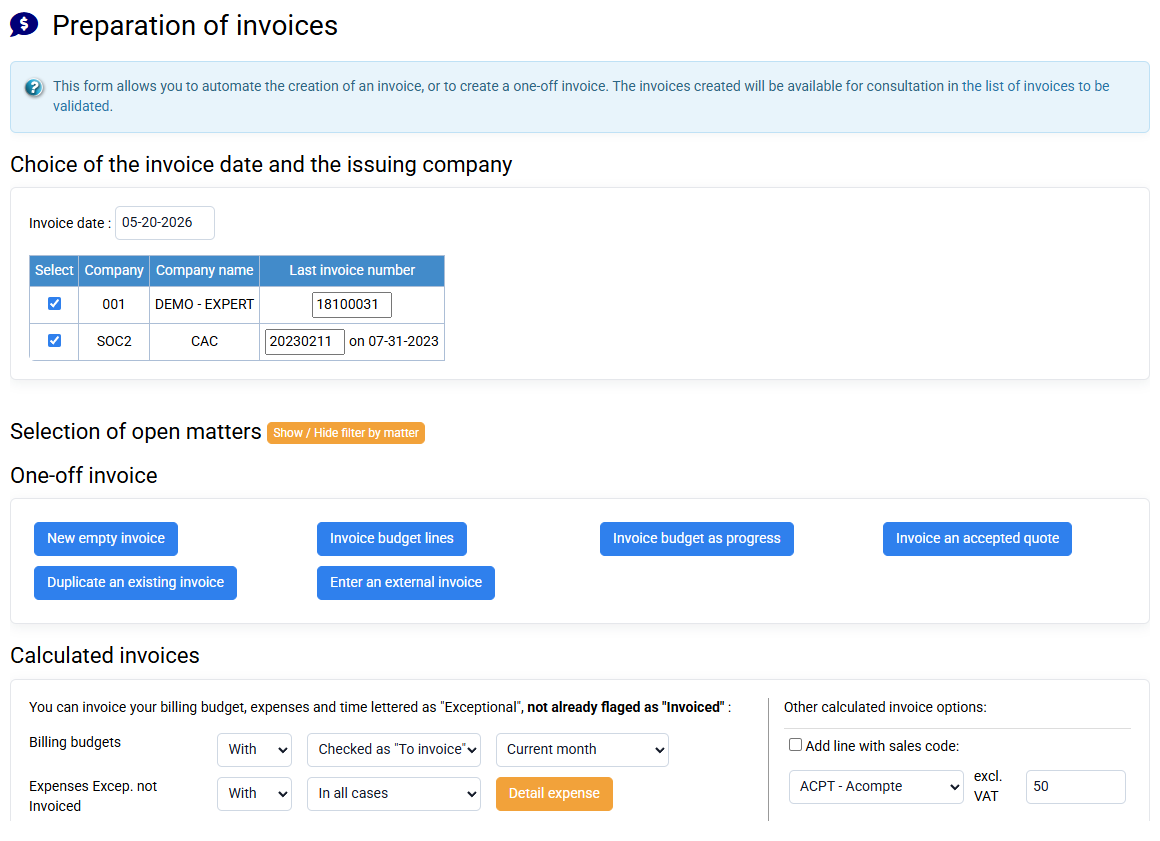
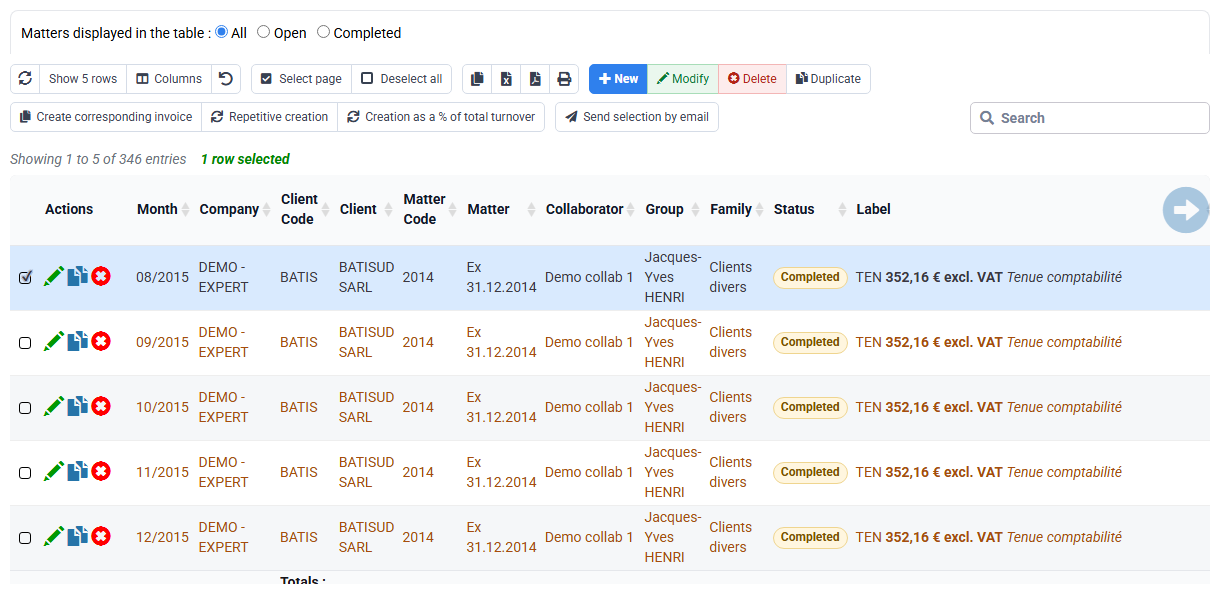
- Flat-rate services thanks to invoicing budgets. You can program your budgets by indicating them as "To be invoiced" so that they are retrieved as "automatic" budgets. In addition, when you retrieve your budget to invoice it by indicating "With", you select your budgets relating to the current month corresponding to the invoicing date chosen at the top left of the form, i.e. on the current and previous months.
- Exceptional times to time spent, Exceptional times to quantity, and Exceptional expenses.
There is a different level of abstraction between time and expenses on the one hand, and invoice lines on the other hand, so that the detail does not constitute the structure of the invoice, but simple additional information.
To aggregate them on 3 distinct sales codes, which will constitute the lines of the invoice, and we generate or not the detail of the lines of time or costs re-invoiced, which will be able to be presented under the labels of the sales codes or in an appendix.
The definition of these 3 sales codes is done in the matter, Invoicing tab. When creating a matter, these codes are pre-filled with the 3 sales codes indicated in the company sheet.