How do I send a payment schedule to a customer?
Tempolia implements two payment schedule concepts:
- The schedule linked to an invoice: An invoice can be planned with payment in several installments. The payment terms are pre-filled using information from the Billing tab of the customer file, and it is possible to modify these terms in each prepared invoice.
If an invoice is payable in several installments, then an annex is automatically added to the invoice to indicate the dates and amounts that will be paid, whether by direct debit, or if they are transfers or checks expected from the customer.< /p>
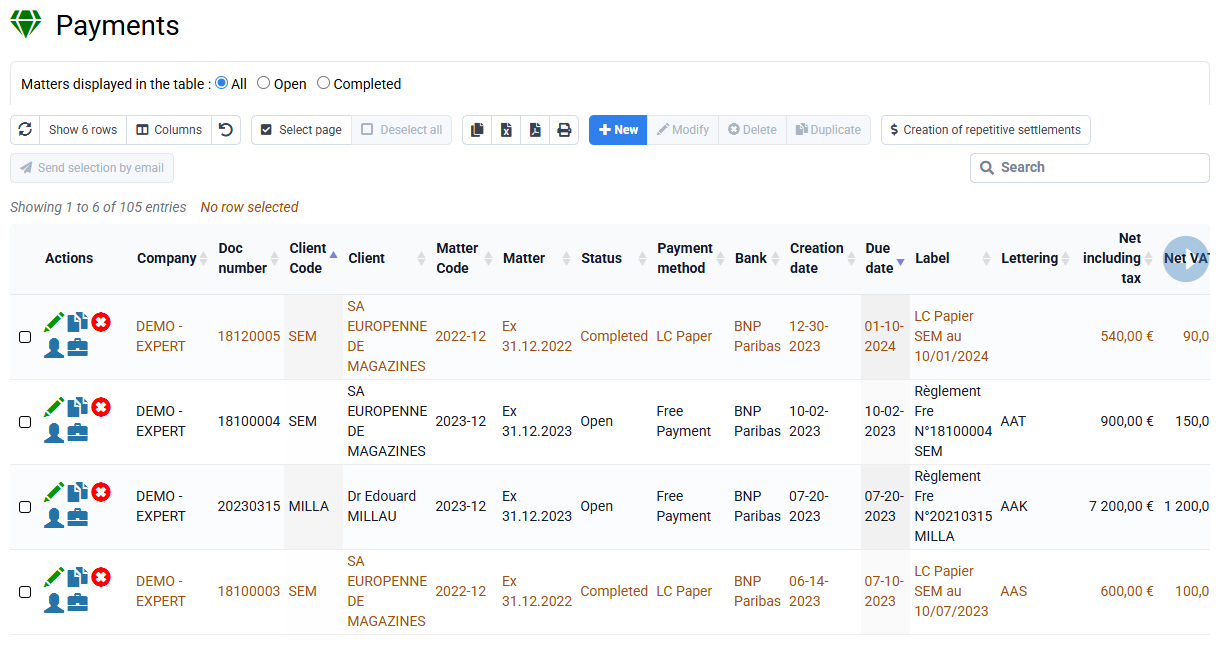
- The schedule for future direct debits: The direct debits which are provided for in the list of payments can be created or modified after issuance of the invoice, and be the subject of a sending of email summarizing the new collection methods. When a customer has cash flow problems and you agree on a schedule with them, you can create new suitable direct debits.
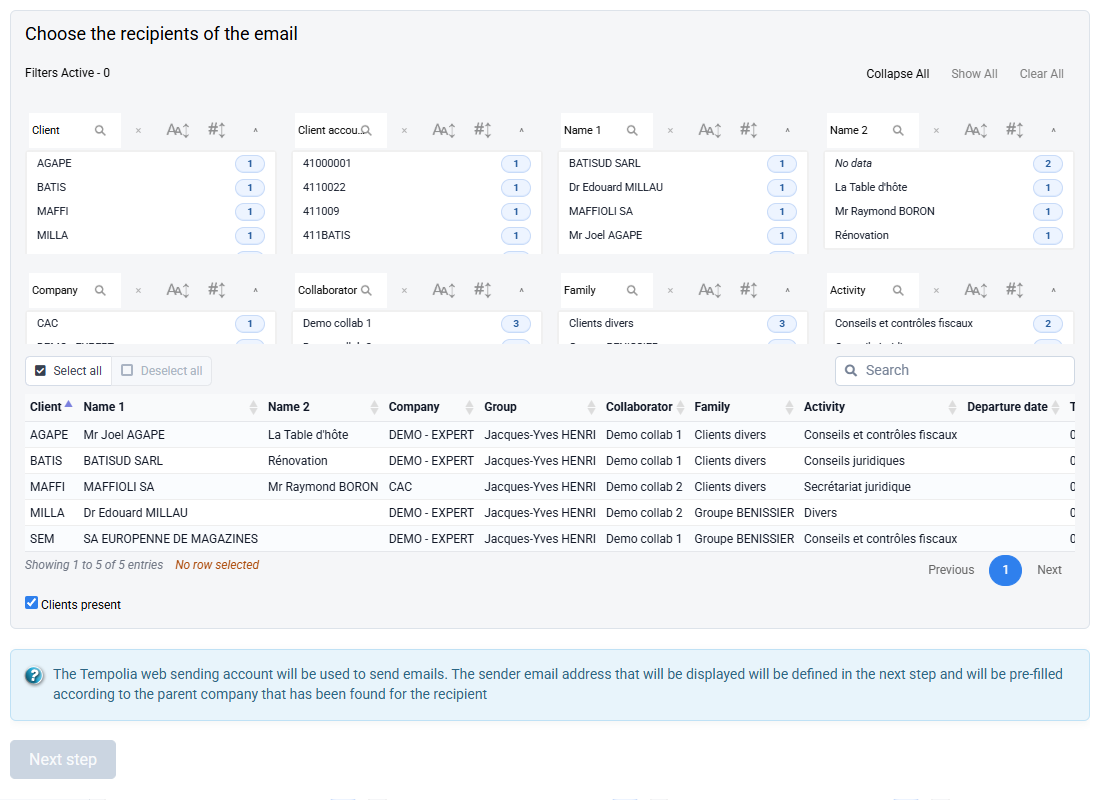
To send your direct debit schedule: go to the “Invoicing > Payments" menu, select the lines that correspond to this that you want to send to your client (after applying filters or searching if necessary), and click on the "Send selection by email" button. Then in the email template, select "Payment schedule", and modify it to your liking.