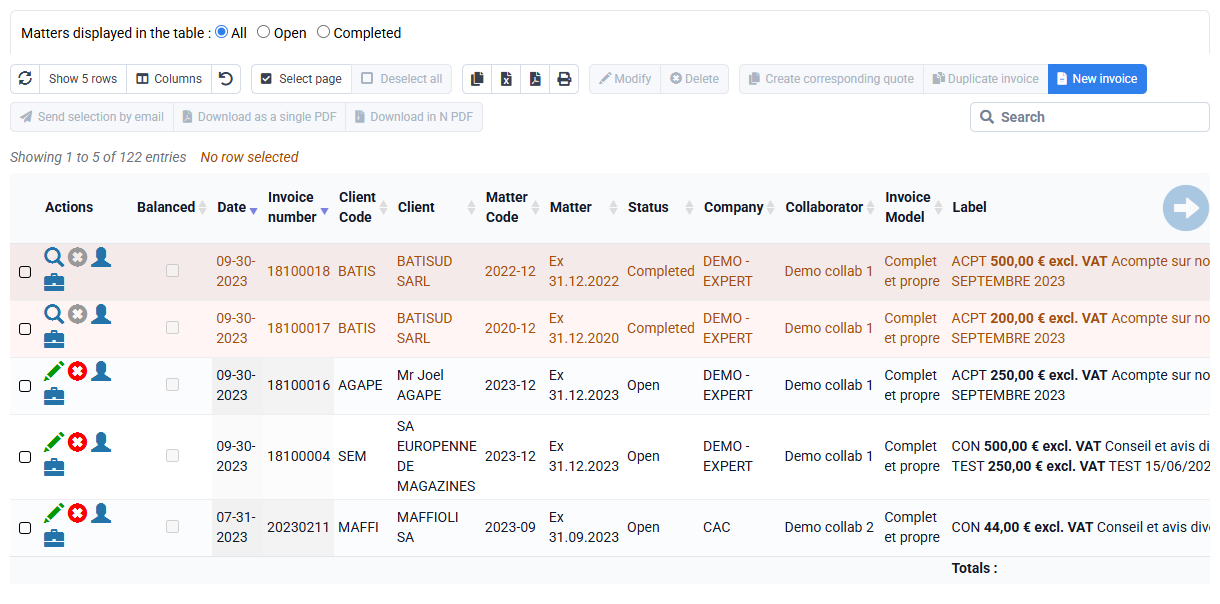
How can I automatically define a due date in my invoices taking into account the payment deadline that I wish to apply to my customer?
The due date of an invoice is automatically pre-filled when creating an invoice, using the payment terms specified in the invoiced customer file.
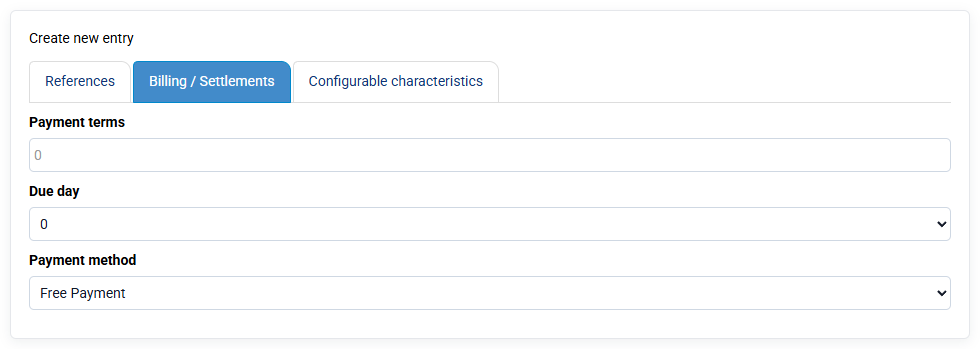
These payment terms specified in the Billing tab of the customer file mention:
- A payment deadline in days (for example 30 days, or 0 days)
- A desired due date. It is possible to select 3 due days, which are configurable per company in « Configuration > Companies ».
And to these 3 days is automatically added the 0 which means: no alignment on a day of the month.
Furthermore, 30 means: end of month, and automatically adjusts according to the length of a month: 28, 29, 30 or 31.
You can modify the due date of an invoice after its preparation, either in the invoice edit form, or via a bulk modification of several invoice lines at the same time.