


How to manage deposits or provisions?
The terms of deposit and provision cover several concepts:
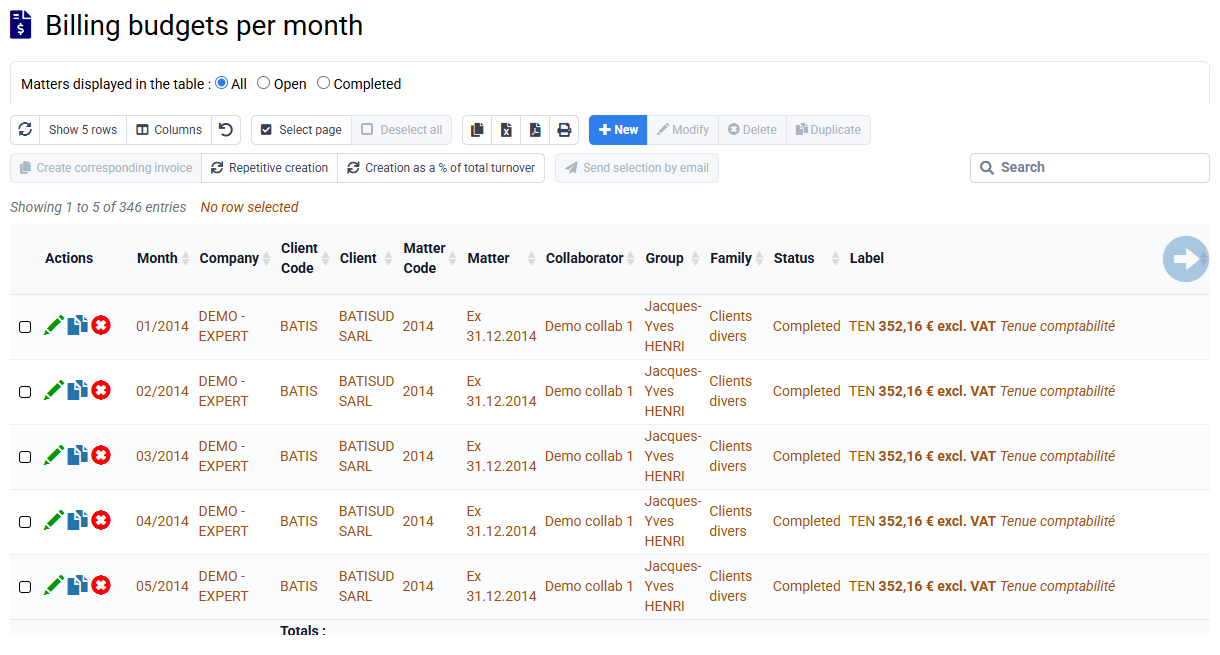
- A notion of intermediate invoice, in which we speak of a deposit or provision: it is an invoice like any invoice, which impacts the overall calculation of the company's turnover, with VAT management and an amount to be paid by the customer
- Collect a provision or deposit, without having issued an invoice at this stage:
In Tempolia, you can create a payment associated with the customer in « Billing > Payments » to take this payment into account in the customer balance.
Then when we subsequently make an invoice, we can indicate in the field "Deposit including tax to be deducted from the net to be paid (amount already collected, no relation with a deposit invoicing):" the amount already collected, and the Net to pay of the invoice will be reduced by this amount. This field will have an impact on the presentation of the invoice, and no other impact otherwise.
NB: the invoice must be issued quickly after receipt of the provision or deposit for a correct VAT declaration.
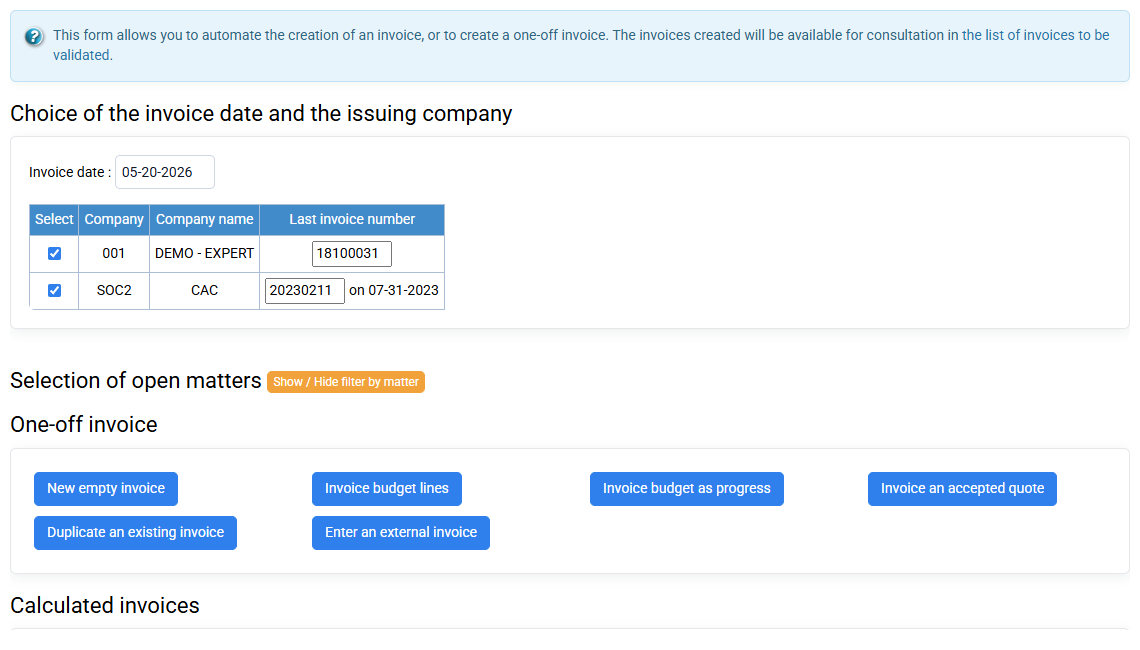
When you want to issue a balance invoice after issuing advance payments (i.e. interim invoices), you can issue a balance invoice with a final billing complement line, or you can issue a balance invoice invoice with two lines: a deposit recovery line which provides a credit on the deposits issued, and a line for the total amount of the service.
To make a deposit reversal, you can manually enter a negative amount corresponding to the sum of the invoiced deposits, or use a "Deposit reversal" sales code which will be calculated automatically with a configuration in "Calculated sales codes" for a value of -100% of all deposit sales codes from -36 months for example until now (this is explained on the calculated sales codes configuration page).
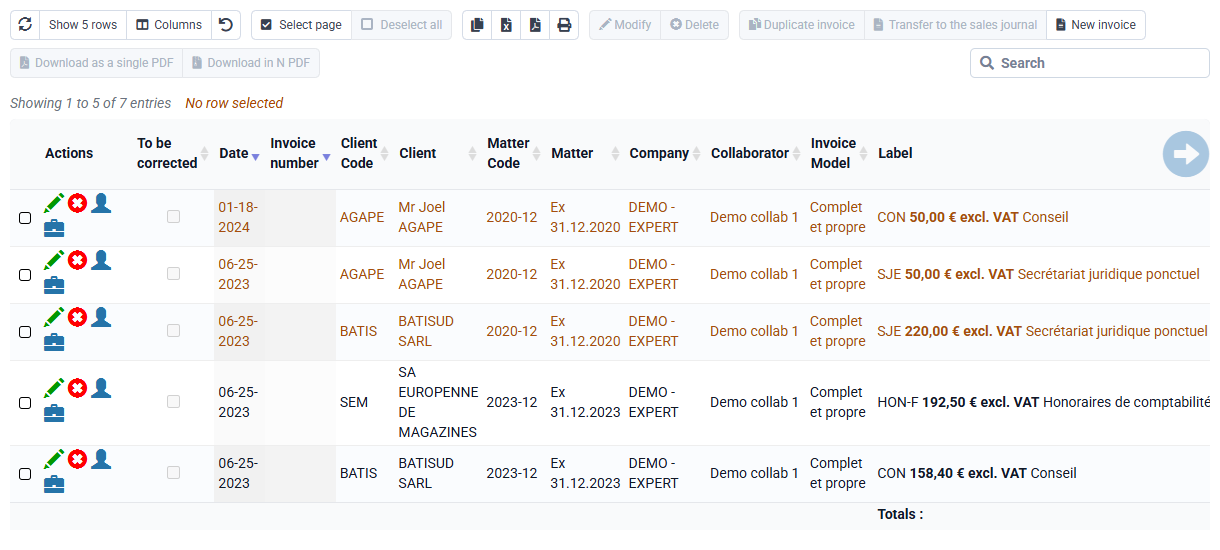
Additional note: in the European sense, there is a notion of a deposit invoice which is not an invoice, but a document which allows VAT to be declared upon collection. This accounting document is not an invoice, and as it is a source of confusion and complexity for everyone, it is usual not to use this concept but to make real invoices, with a line indicating "deposit" or “provision” or “interim invoice”.