

How does invoice numbering work?
Invoice numbering can be managed in two ways :
- Automatic numbering, recommended and enabled by default, which avoids renumbering and guarantees a consistent sequence without errors.
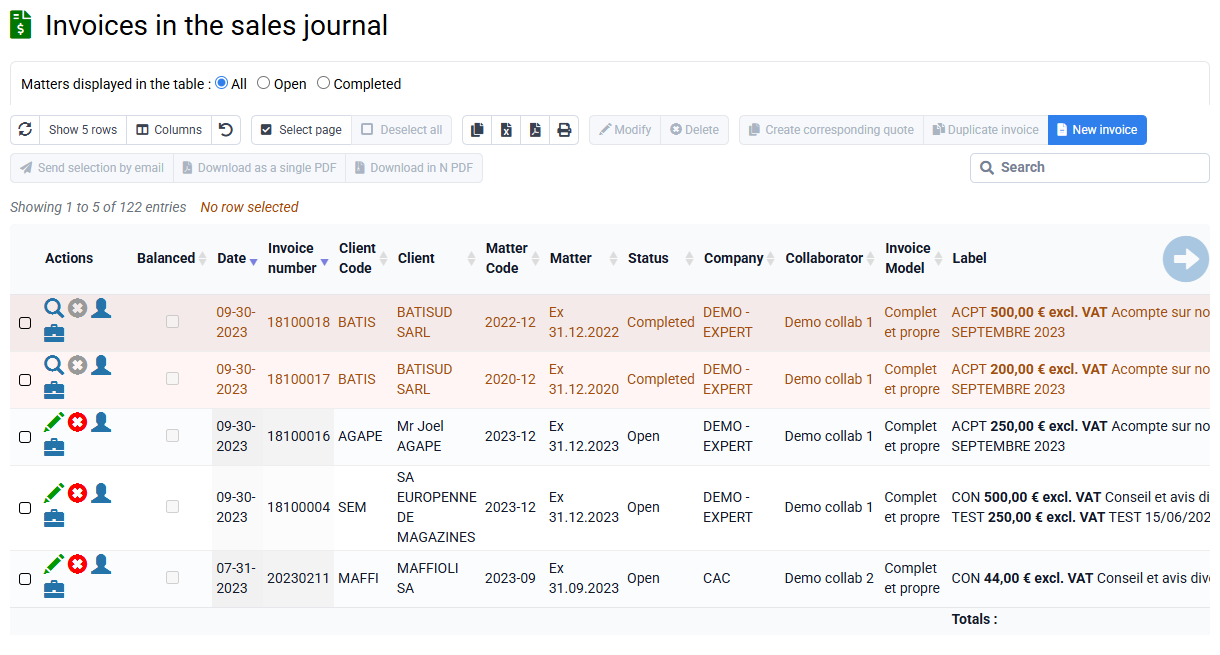
Invoices to be validated remain without a number and carry a "draft" watermark. The final number is assigned automatically when the invoice is transferred to the sales journal.
To enable this mode: go to "Configuration > General options > Billing" and check the option "Number invoices when updating the sales journal". Log out and log back in to apply the change.
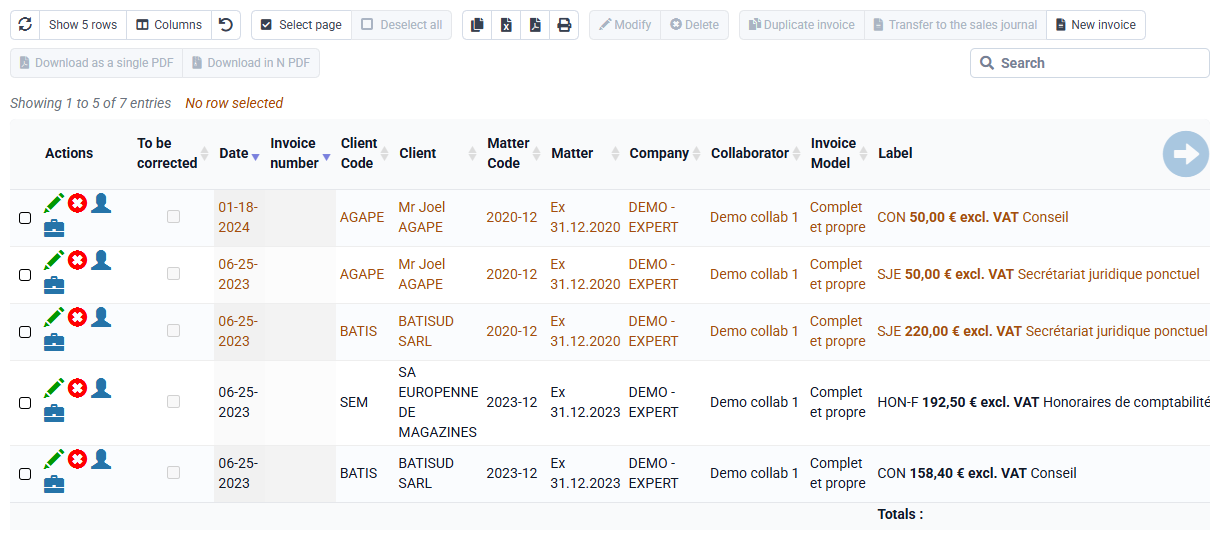
- Manual numbering: each invoice to be validated receives a provisional number. In case of deletion or modification, renumbering is necessary. A "Renumber" button is available on the invoices-to-validate page: it updates the selected invoices and all following invoices.
The invoices-to-validate page has a "Duplicate" column that identifies invoices whose number is already used. If an invoice to be validated has "Duplicate" checked, you must renumber it using the "Renumber" button.
To avoid numbering issues, a check is performed during invoice validation to identify duplicates or gaps in billing.
In both modes, proposed numbering can comply with a custom format, such as yymm0000 for a two-character year and month followed by a number reset every year or every month, or yynnnnnn for a two-character year followed by a number that never resets. You can contact support to set this up.
Numbers of validated invoices are final and can no longer be modified. In case of a billing error, you can issue a credit note and create a new invoice.
Invoices must respect chronological order: you cannot validate an invoice whose date is earlier than that of an invoice already validated and issued by the same company. However, you can prepare invoices with any date; you will simply need to correct invoice dates before validation.
The performance date identifies the date of sale, delivery, or actual completion of the billed service. It does not replace the invoice issue date, which remains the official date on which the document is created and validated, but it indicates when the billed operation actually took place.
This performance date is therefore separate from the invoice issue date: if it is different, it will appear on the invoice to indicate the sale or service performance date.