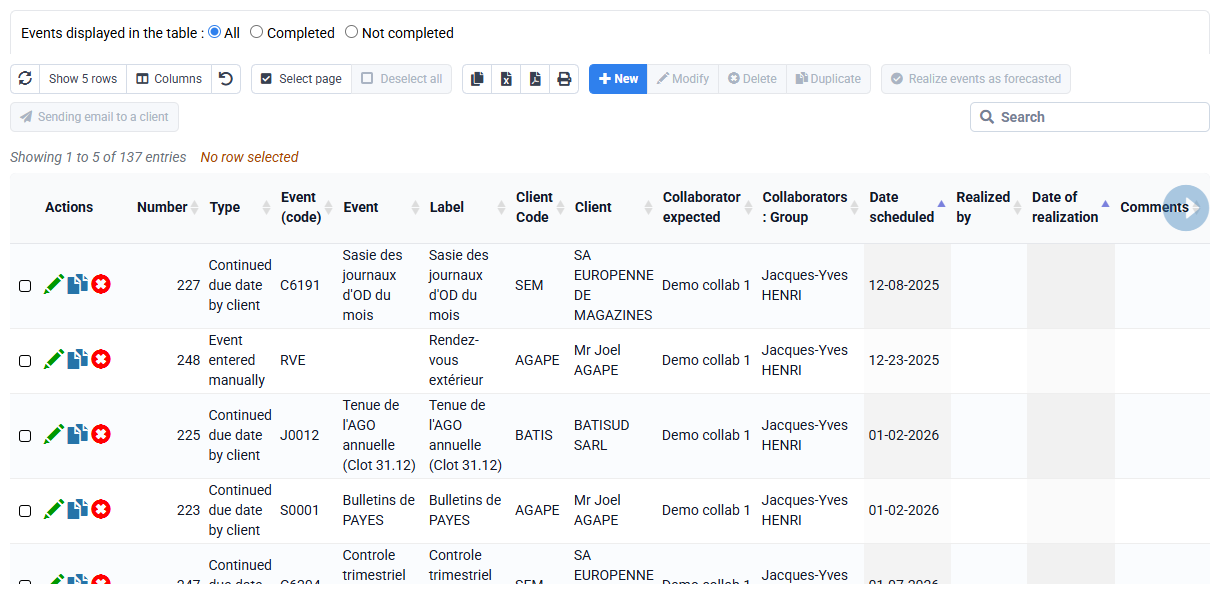
What process to follow for the departure of an employee?
If an employee is no longer part of the company, you can give them a departure date and then modify your web subscription.
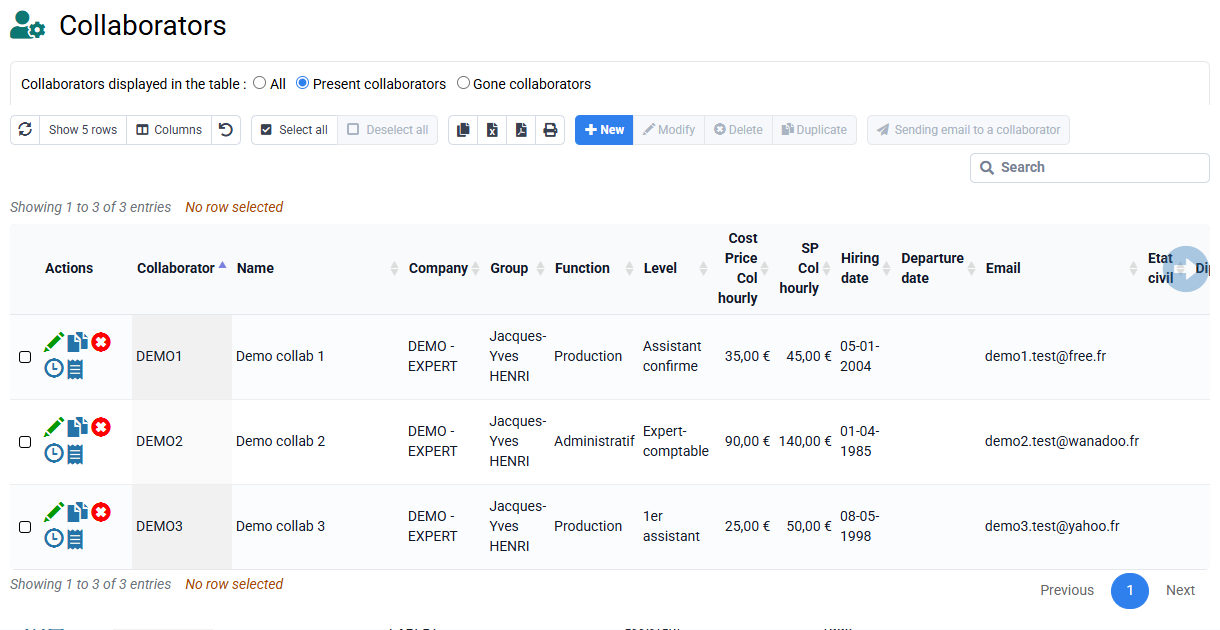
To remove an employee, there must no longer be any associated elements (matters, clients, events except past time).
To assign clients, cases, deadlines, events and budgets to one or more other collaborator (s), you can go to « Collaborators > Change of collaborators ». On this page you can change collaborator for the assignments of your choice:
- You just have to choose the collaborator to replace in the "Origin" field, and the new collaborator in the "Destination" field.
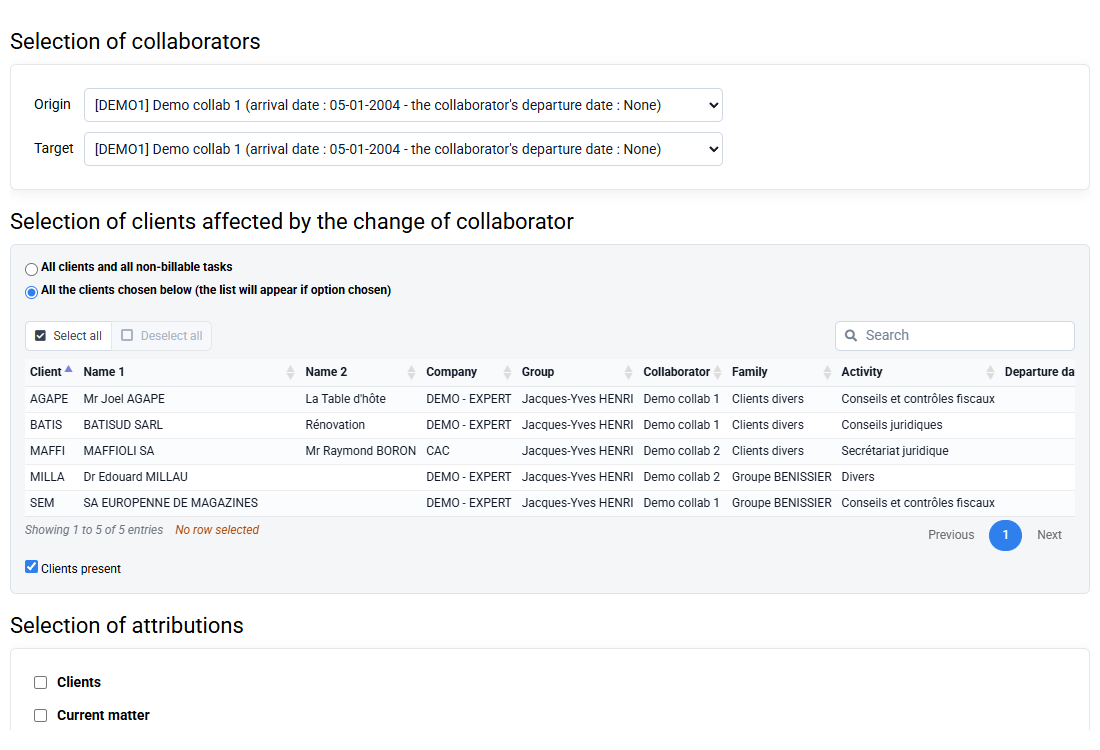
- You can then choose all non-billable clients and tasks or choose specific clients from the list.
- Then choose an assignment or several assignments in the area where the change of employee must be made, then enter the date from which the change (s) must / must apply.
- Once these changes have been made, you can add the departure date in the employee's file> "departure date".
- You can finally adjust your Web subscription on the page provided for this purpose in the collaborator menu.