


How do I generate reports to analyze my activity, for example by client, matter or employee?
Tempolia’s « Tools > Reports and printouts » feature is a powerful module for producing clear and detailed analyses, essential for managing the activity. Its main purpose is to generate structured and complete documents for in-depth analysis, much more detailed than a simple page printout.
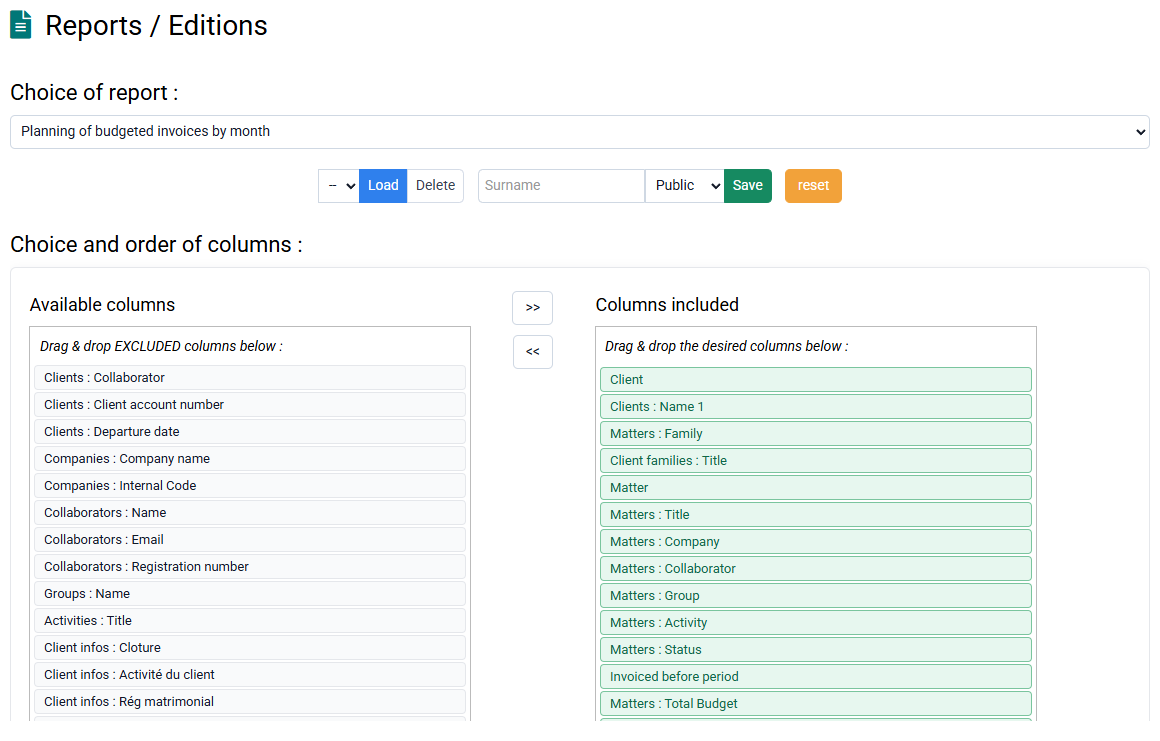
A wide range of reports is available from a drop-down list at the top of the page, such as the "Aged balance" for monitoring client receivables, the "Sales journal", or "Employee activity control" reports to compare time spent with allocated budgets. The most commonly used report is "Summary of actual work by matter", used to calculate margins and bonus/loss by matter.
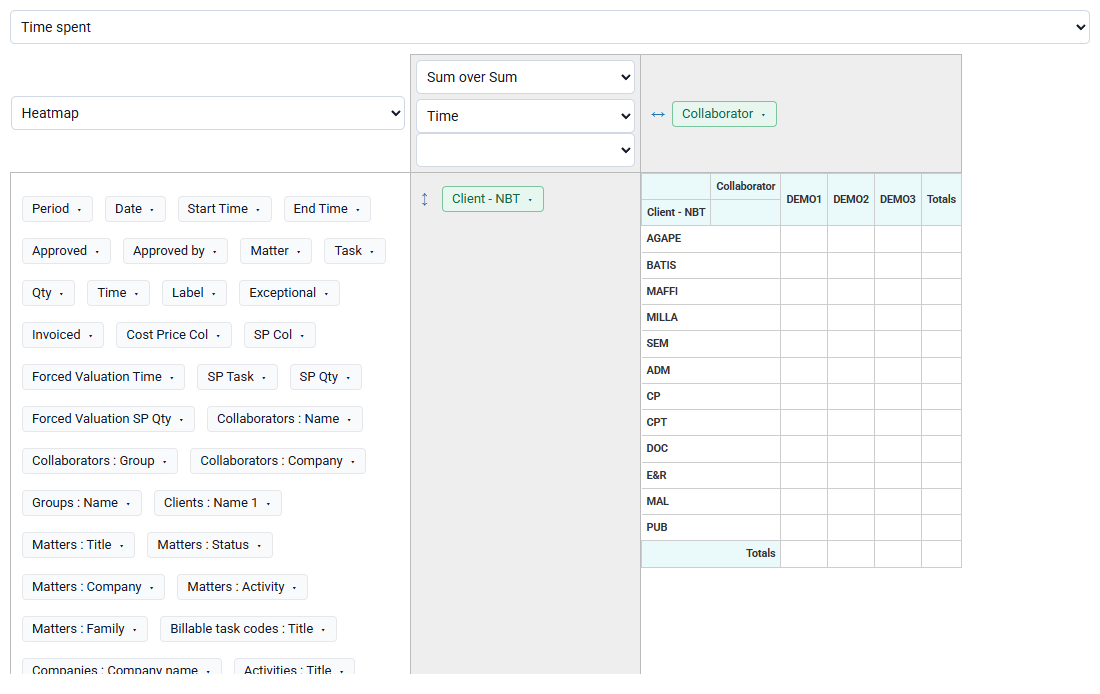
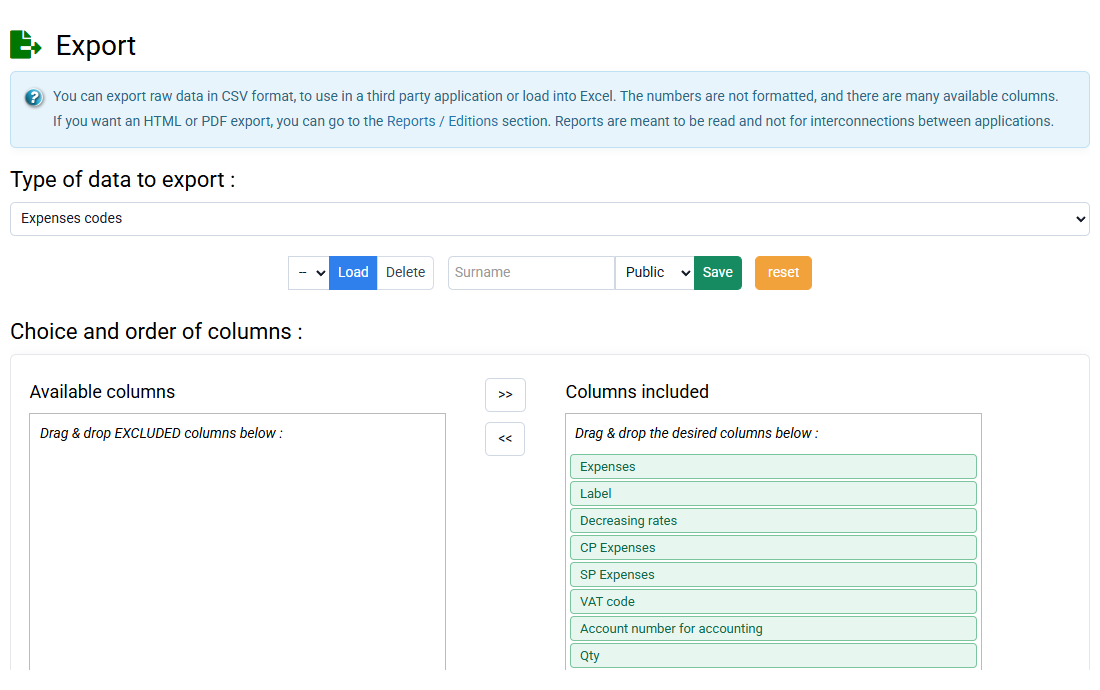
You can precisely select the columns to include in your report by dragging them from the left side, available columns, to the right side, selected columns, or by double-clicking a column name. Advanced filters let you target data, and quick filters in the form of value tables let you restrict a report to specific clients, matters or employees.
You can create groupings and subtotals, for example by client, to improve readability, sort rows in the desired order and limit the analysis to precise dates.
Once you have created a report configuration that suits you, you can save it with a name and indicate whether it is private, available only through your account, or public, available to all accounts with access rights to this type of report.
By clicking the link at the top of the page to change format, you can generate reports in HTML format, ideal for printing or PDF conversion, or in CSV format to open in Excel.