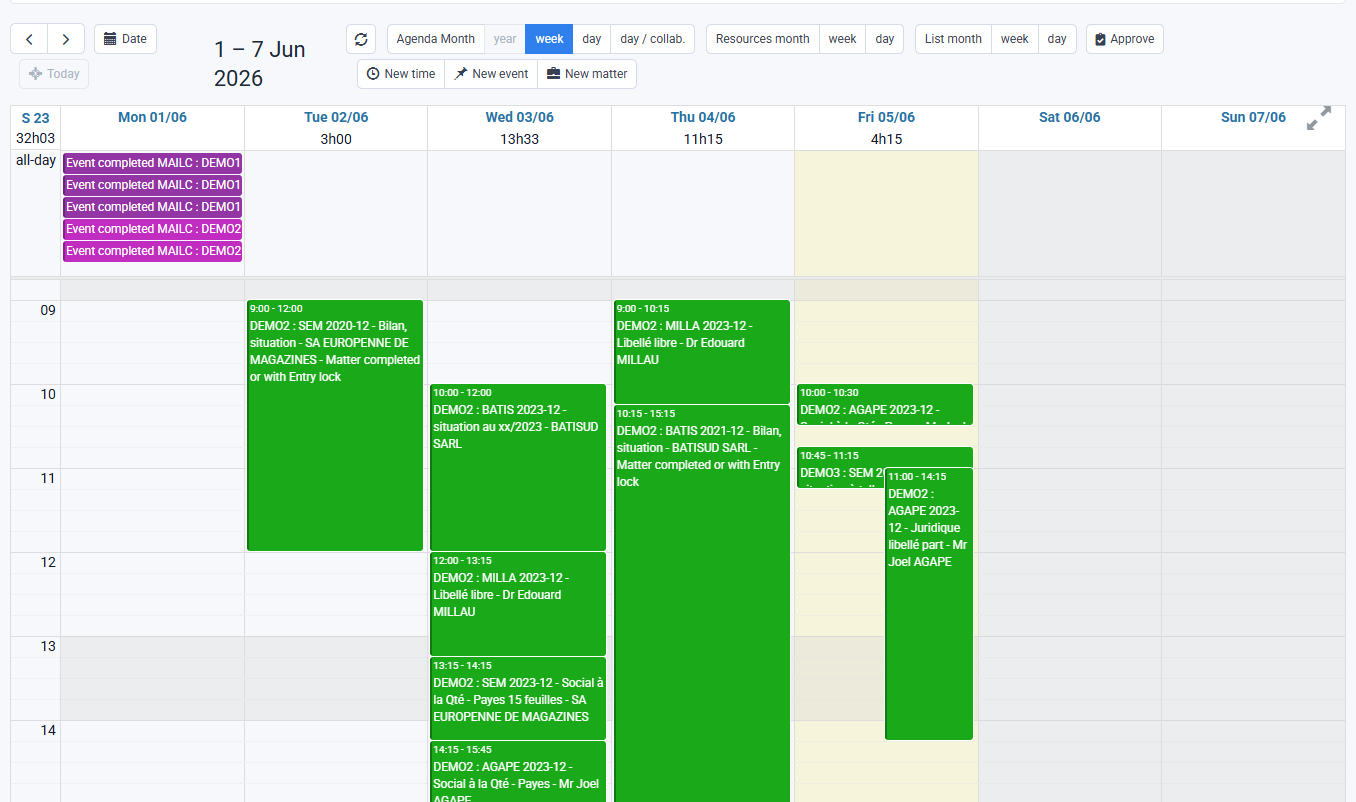
How can I view an employee’s calendar in Office 365 or Google Calendar?
Tempolia exposes an employee’s actual or budgeted time through a read-only ICS calendar sharing link. The ICS format, also called iCal and governed by RFC 5545, is an international format that lets calendars exchange information; it should not be confused with ICS, the SEPA Creditor Identifier, which identifies a company issuing direct debits.
To retrieve the ICS URL and add it to your calendar: go to « Employees > Employees », edit an employee and open the "Calendar" tab. You will find two links: "ICS calendar of actual time" and "ICS calendar of budgeted time". You can copy these links and use them in Office 365 or Google Calendar with features typically called "Subscribe from web" or "Other calendars > From URL".
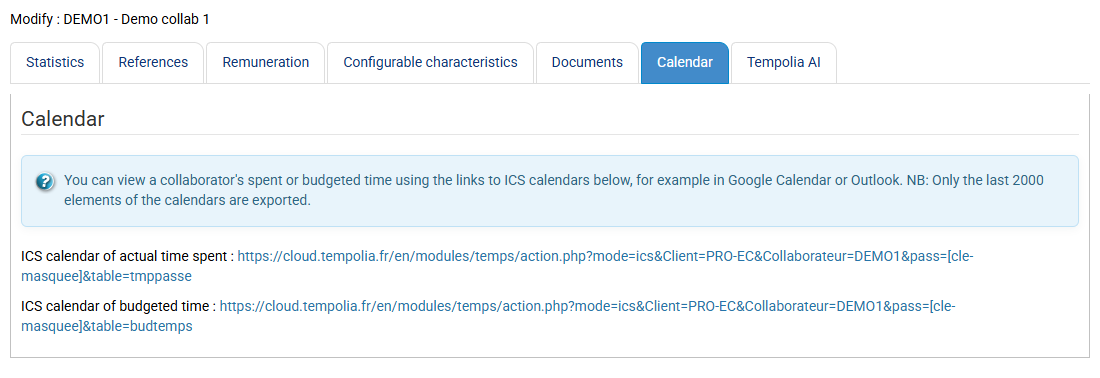
The feed is read-only: changes must be made in Tempolia only. Refresh frequency depends on Outlook / Google and is not instantaneous.
Note: the reverse is not possible, meaning viewing Office 365 or Google Calendar data in Tempolia, because those calendars do not have all the fields needed to populate the data expected in Tempolia.