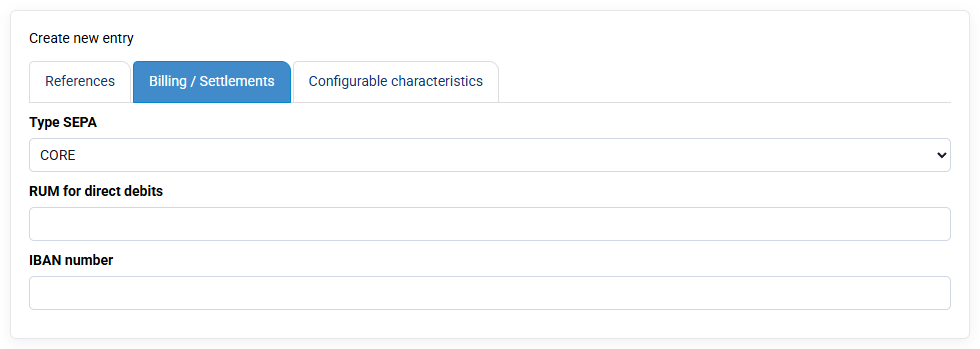
Some direct debits are rejected by my bank with codes such as MD01 or AM04. How can I avoid these rejects?
Reject codes are defined by the SEPA standard and are the same for all banks. The main reject reasons are:
- AM04 – Insufficient funds: the debtor’s account does not have the necessary funds.
- MD01 – Invalid mandate: the SEPA mandate is invalid, missing or not recognized by the bank.
- MD06 – Transaction disputed by the debtor.
- AC01 – Incorrect account number: the IBAN is incorrect, wrongly entered or non-compliant.
- AC04 – Closed account: the debtor’s account is closed.
- AC06 – Account blocked for direct debit: the account is blocked or direct debits are prohibited.
- ED01 – Creditor not recognized: the debtor declares that they do not recognize the creditor.
- RC01 – Incorrect bank identifier: the BIC or bank identifier is invalid or cannot be found.
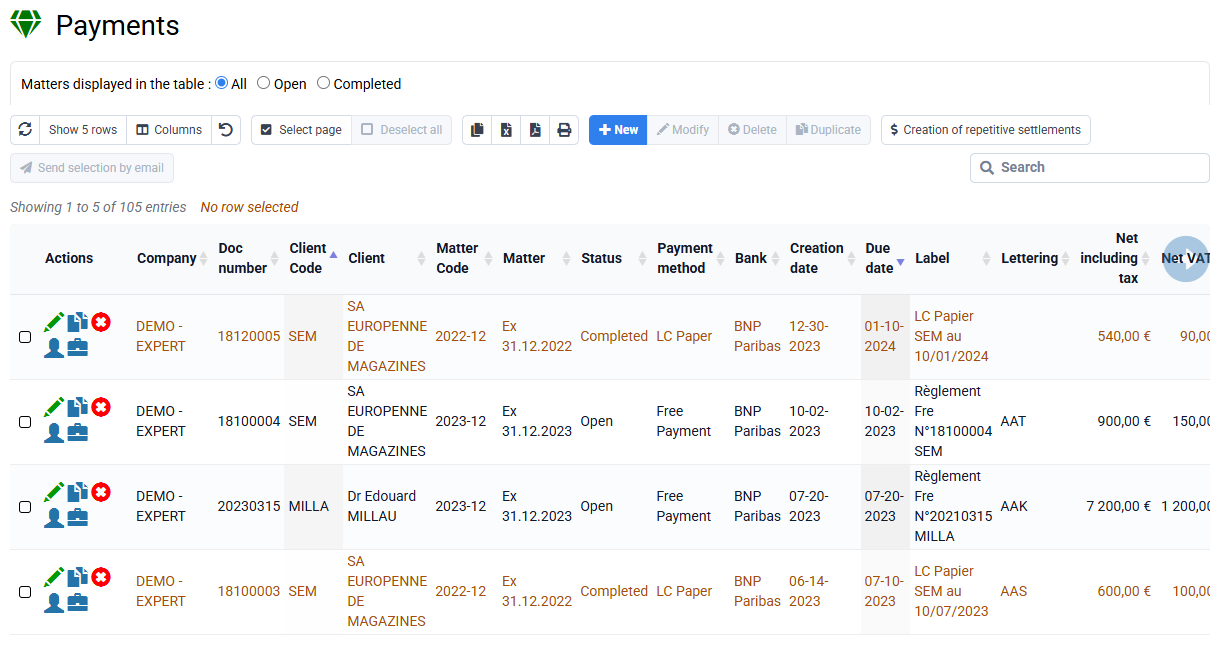
To avoid AM04 rejects for insufficient funds:
Agreeing the debit date clearly with your clients can help. You can also leave enough time between sending the invoice and the debit date so that the client can make the necessary arrangements.
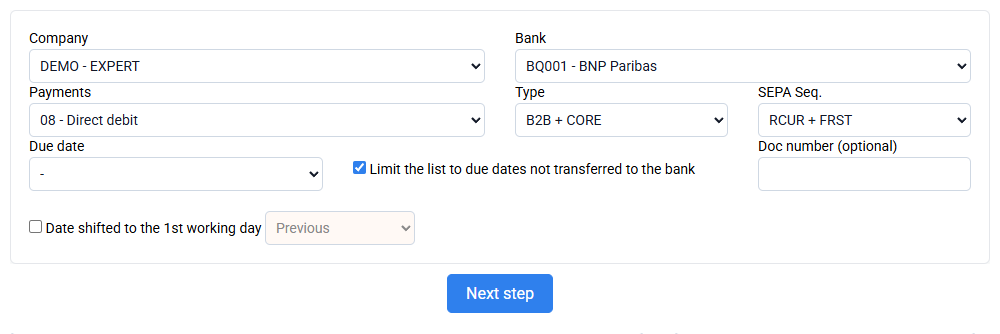
When you have a SEPA MD01 reject for a missing, inconsistent or invalid mandate:
Only your bank can provide the exact reason, but it is often a problem in the data present in the client record, such as a modified mandate date.
This may be due to a manual client change or a client data import that replaced existing data.
To correct this data, you can look at a SEPA XML file that did not generate a reject, check which mandate date was present and compare it with the mandate date currently in the client record.
If necessary, you can always generate a new UMR and have a new SEPA mandate signed.